Wi-Fi QR code generator: Guests join the Wi-Fi without asking
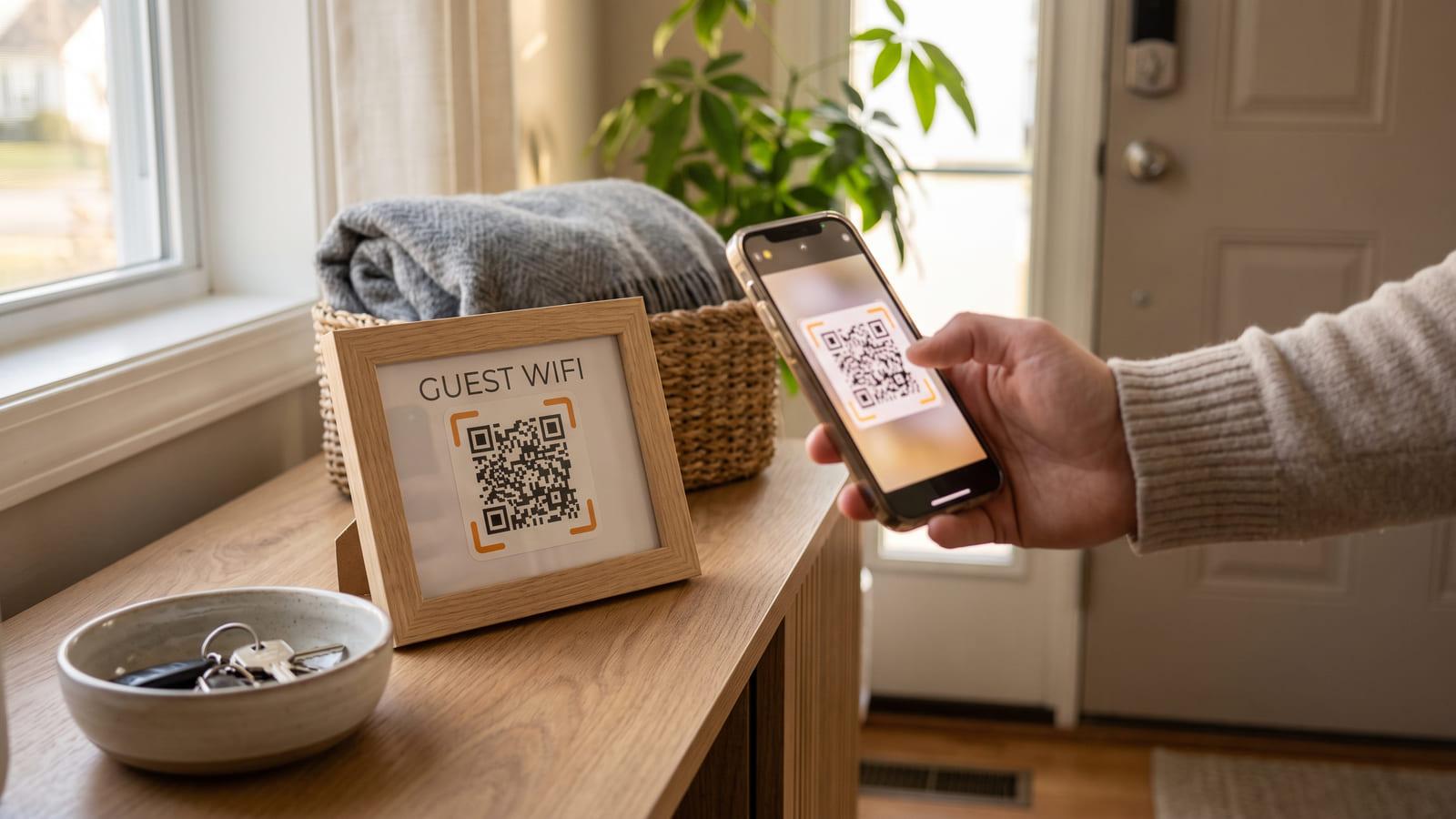
Two free codes: one joins the Wi-Fi straight away, one shows the password to copy. Tape both by the door.
How to make a QR code for Wi-Fi
Enter your network and password to get two free Wi-Fi QR codes.
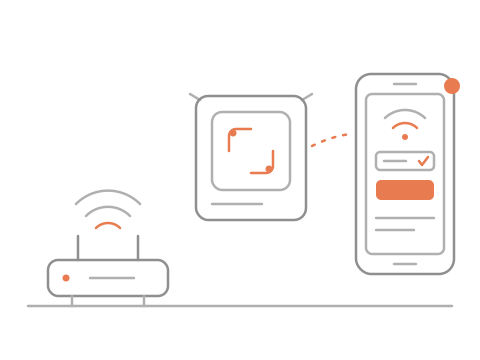
A guest points the phone camera at either code.
Phones join straight away; the other code shows the password for laptops.
Who it is for
- Homes
- Airbnb hosts
- Cafés and bars
- Offices and studios
What you get, free
- Free, instant download
- Two codes, one poster
- Scan stats by day
- Prints on any printer
Questions about Wi-Fi QR codes
How do I make a Wi-Fi QR code?
Type your network name and password, and pick the security type if it isn't WPA. You get two codes: Scan to Connect, which phones join from, and Scan to View Wi-Fi Details, which shows the password to copy. Download them, or print the poster or a table tent. Hidden networks work too.
Is the Wi-Fi QR code free?
Yes. Make and download both codes without an account. Scan to Connect keeps working for good. Scan to View Wi-Fi Details is a 48-hour preview until you sign in, which is free and keeps it, scan stats included. One Wi-Fi network per account is free.
Do guests have to type the password?
Not on a phone: Scan to Connect joins your Wi-Fi straight away. For a laptop or another device, Scan to View Wi-Fi Details shows the network name and password large, with a Copy button, so nobody spells anything out across a room.
Can I change the Wi-Fi password later?
Yes, in your dashboard. Scan to View Wi-Fi Details points to your page, so it shows the new details straight away. Scan to Connect holds the password itself, so print it again after a change; the dashboard reminds you until you do.
Does it work on iPhone and Android?
Both. Any phone camera that reads QR codes joins from Scan to Connect, even without mobile data, or opens the details page, with no app to install. The page is tiny, so it loads quickly even on a weak signal.
Is a Wi-Fi password QR code safe to put up?
Point it at your guest network rather than the one your laptops and cameras sit on. Most routers run a second network in a few taps. Anyone close enough to scan the card is already standing in your place.