QR code landing page: Your business on one screen, no website
Scan the code and they get your hours, your address and a button that calls you.
How it works
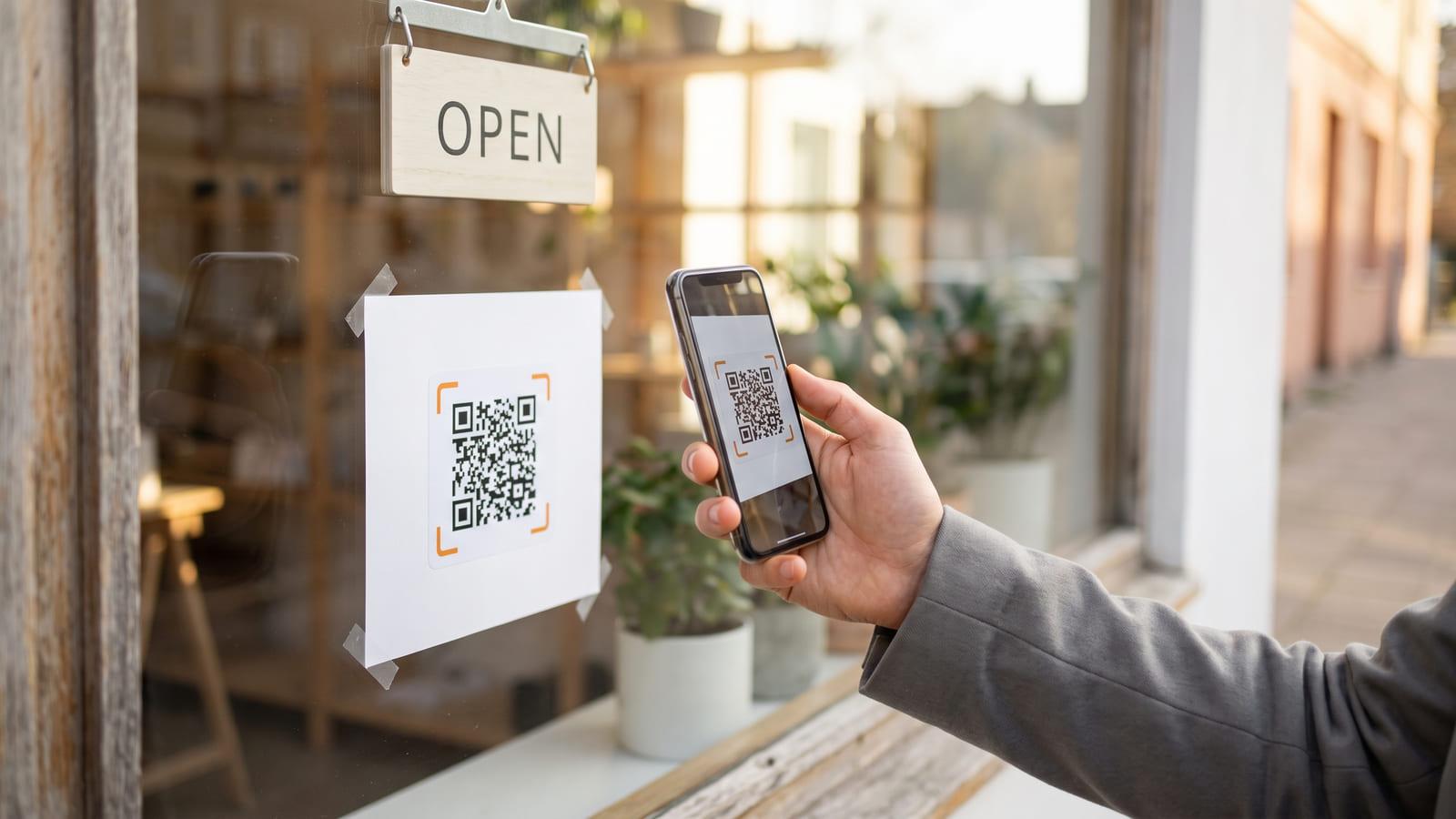
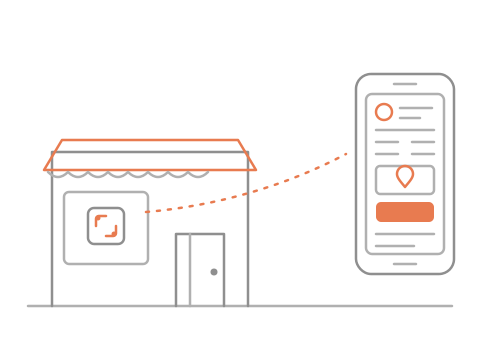
Put the code on your door, window, flyer or card.
They scan it with the phone camera, no app needed.
They land on your page, tap to call or get directions.
QR codes for small businesses without a site
- Small businesses
- Trades and services
- Market vendors
- Pop-ups and stalls
- Home businesses
What you get, free
- Changes without a reprint
- Scan and tap counts
- Call, text and map buttons
- A sign and stickers to print
Questions about QR code landing pages
Do I need a website first?
No. That is the point of a QR code without a website: the code on your door opens one page with your name, what you do, your hours and buttons that call you or open a map.
Can I change the page after the sticker is printed?
Yes. The code stays the same; what it opens is editable, so new hours, a new number or a seasonal notice go up without a reprint.
What fits on a one-screen page?
Your name and a short line, a cover photo and your logo, up to six buttons (call, text, WhatsApp, email, directions, your website or any other link), opening hours that say whether you are open right now, your address with a map link, a few words about you, and an Add to contacts button.
Do I have to design anything?
No. There is no QR code website builder to learn: you fill in one form, pick a style and a colour, and the page lays itself out for the phone in someone’s hand. Every style and colour is checked to be easy to read.
Is this the same as a microsite?
Close. Some call it a microsite QR code; here it is one screen you fill in rather than a site you build, and it reads fine on a laptop too.
Is it free?
Yes, one landing page is free, with scan and tap counts. You can try it without an account: the code works for 48 hours, and signing in keeps it for good.