An asset tag QR code at work
- 1Tag it once
- 2Scan, tap Check out
- 3See who has what
- 4Scan it back in
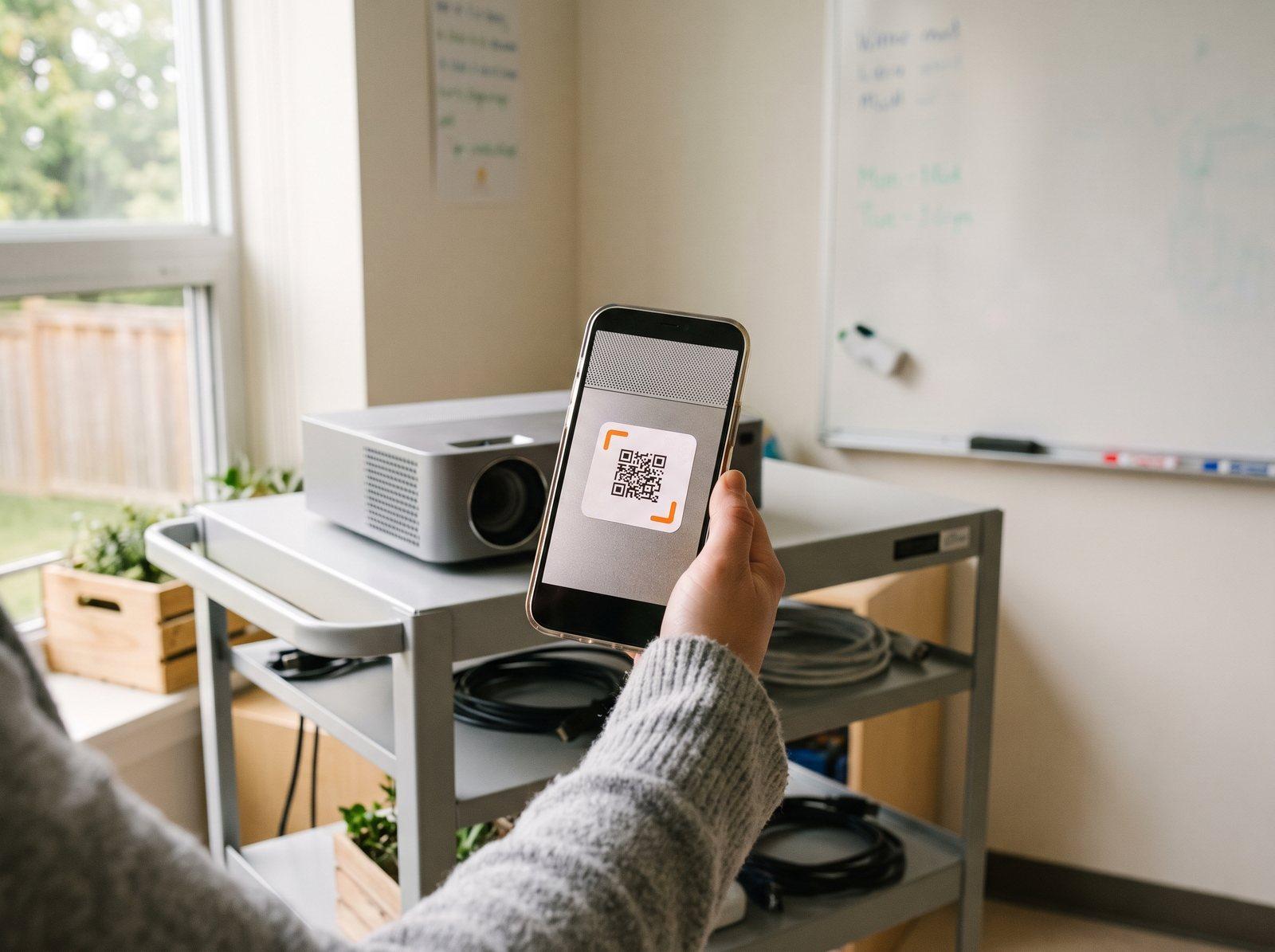 On the projector cart
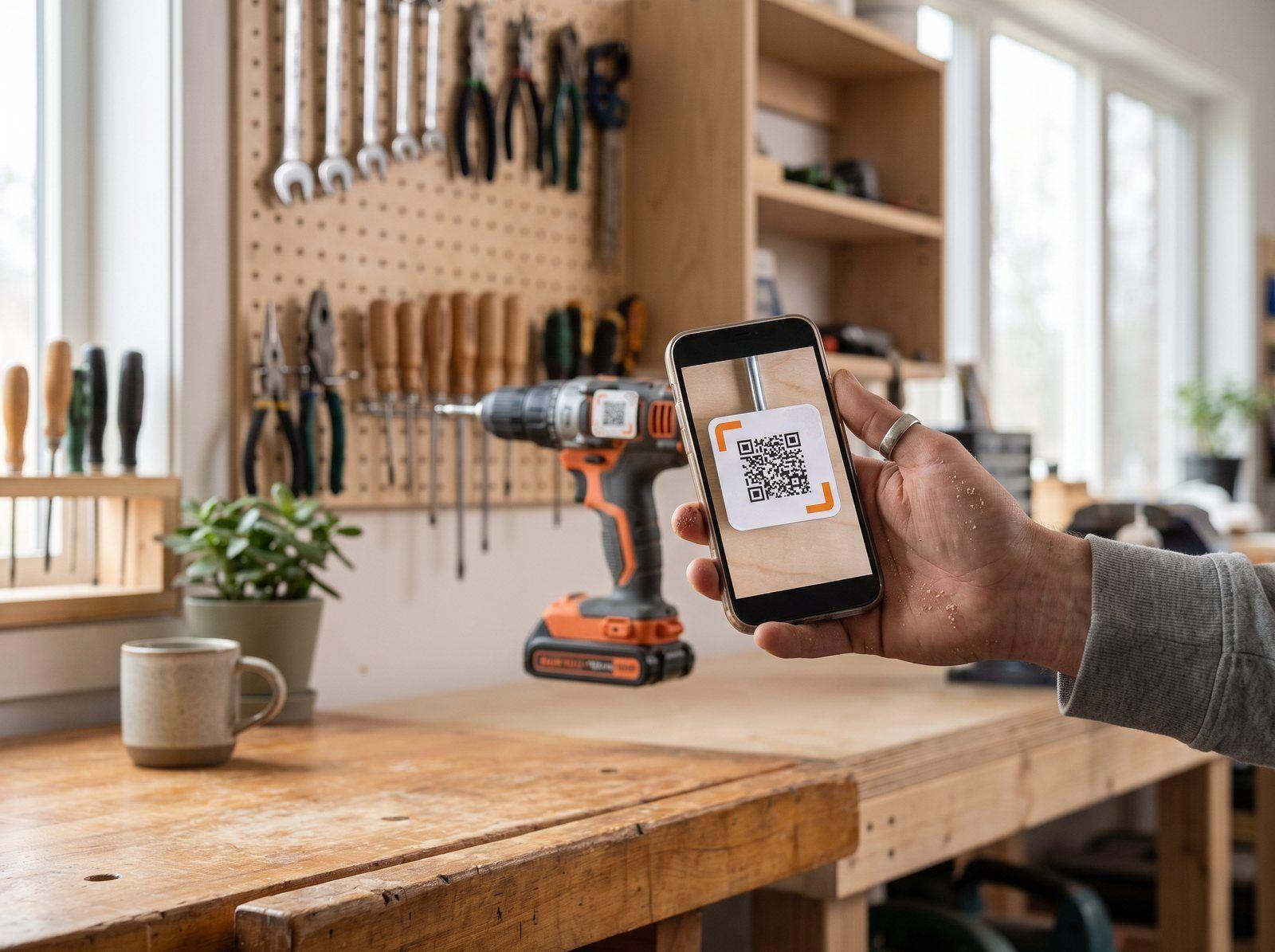 On the tool wall
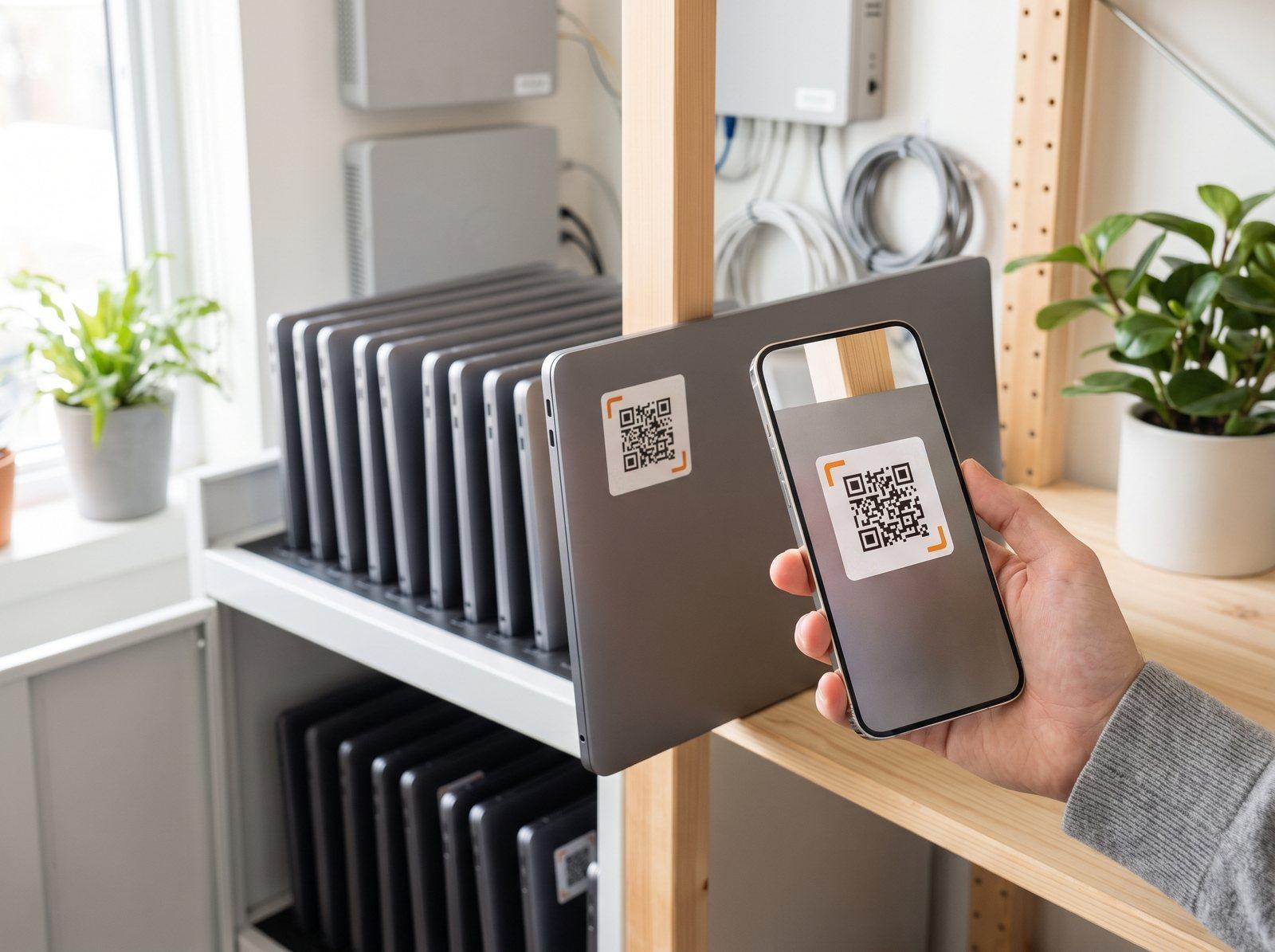 On every laptop
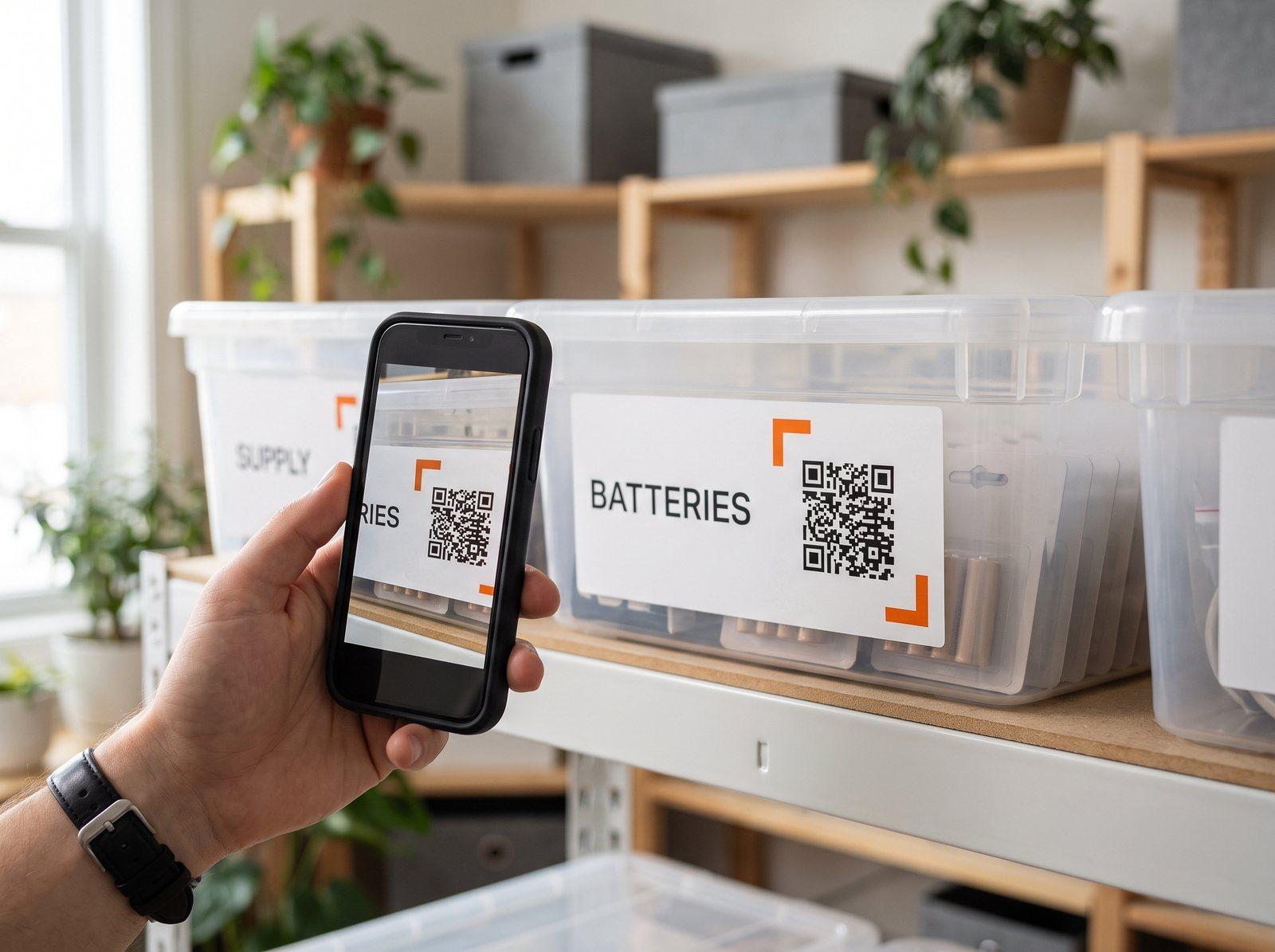 On the supply bin
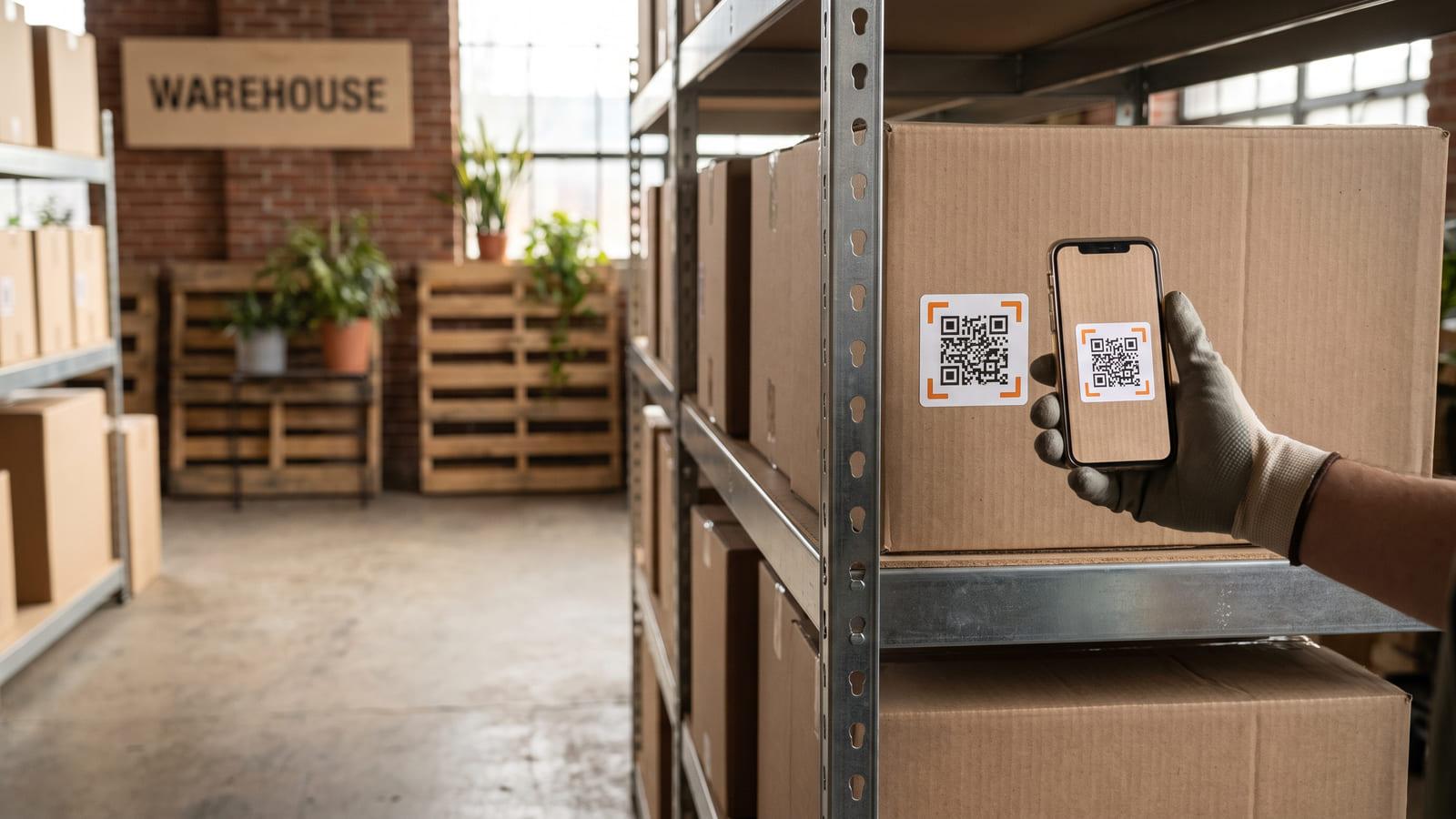
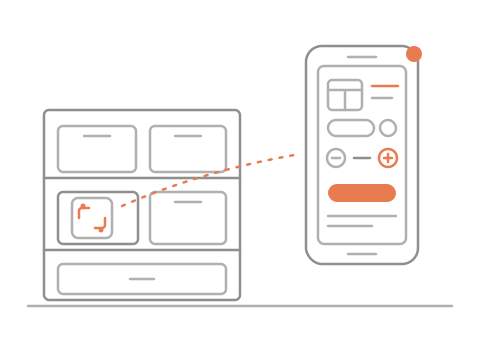
Scan a tag: what it is, where it lives, who has it.
No sign-up needed · Free
On the projector cartOn the tool wallOn every laptopOn the supply binLincoln School · AV
Projector 3
PROJ-03
Back in · Sam · 2 h ago
Out to Ms. Lee · Tue
Stick on the tags
Scan to check out
See who has what
Tag your things, then scan a tag to see what it is, where it lives and who has it. Check it out to a name, keep counts that warn when a bin runs low, share one team link, and print tag sheets yourself.
No. The camera on their phone opens the tag. You send your team one link to open on their phones, and you can turn it off any time.
Yes. An asset tag QR code on a laptop works like a label on a bin, and the tag keeps who has it. These are printed labels, not metal or tamper-evident tags. For tools, use weatherproof label sheets or tape over the label.
A barcode is a number your software has to look up. In a QR code inventory system like iQR, the code opens the item itself, with where it lives and who has it, on the phone that scanned it. No scanner gun.
Yes, for bins and shelves of things you use up: tap minus or plus on the bin’s page, and pick the number that means “running low”.
Tap the button at the top, name your inventory and your first tags, and print them. You can try it before you sign up.