Social media QR code: One code for every profile you post to
Scan it and your Instagram, TikTok, YouTube and shop are one tap away, in the order you choose.
One QR code for all social media
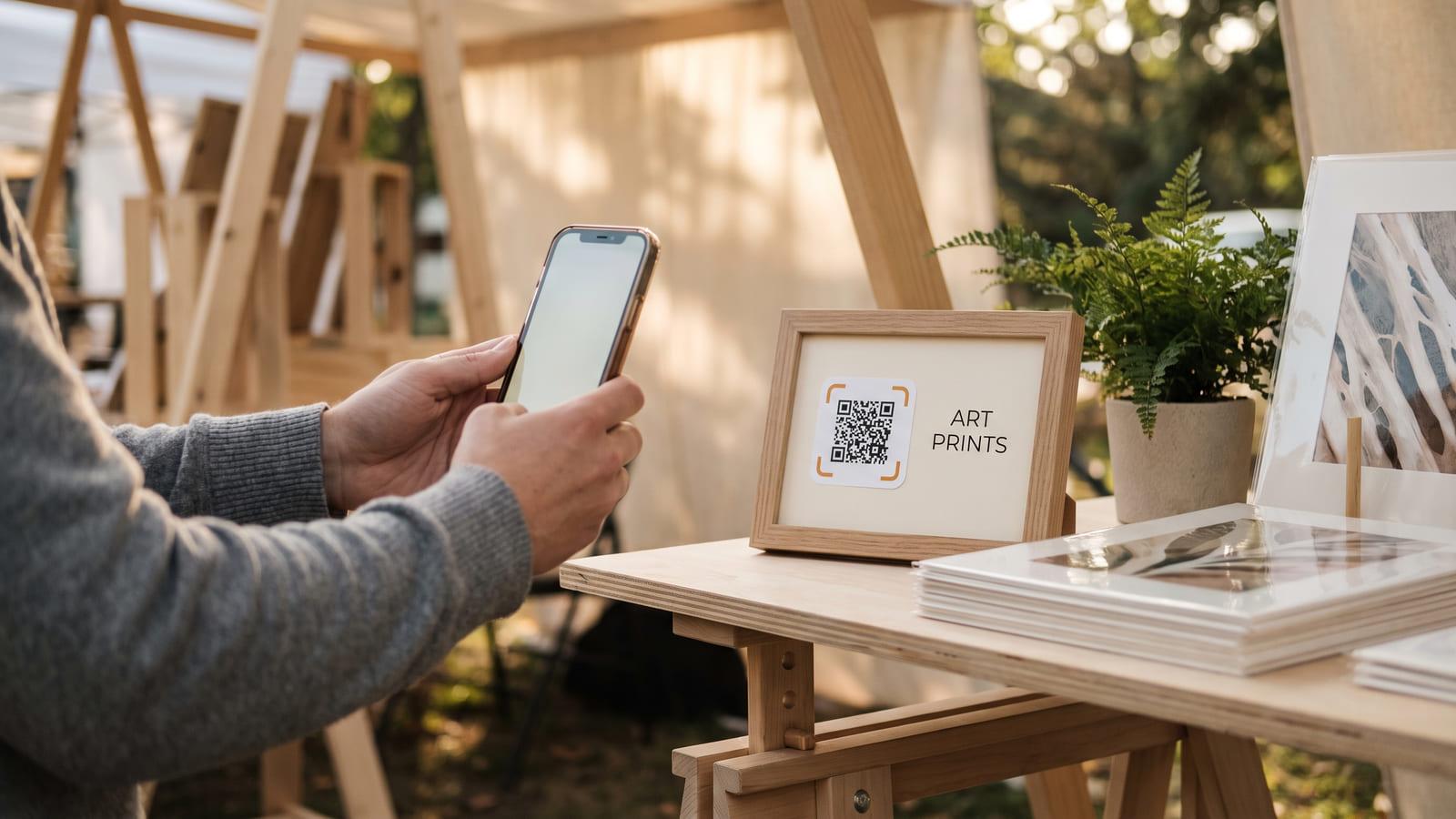
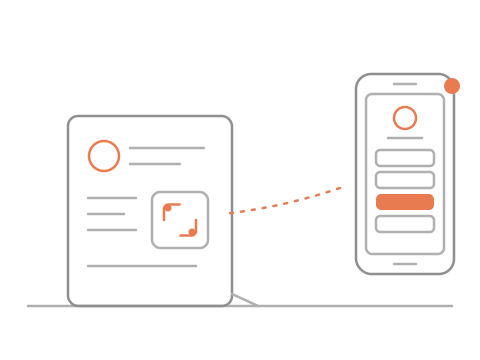
Put the code on your poster, card or profile photo.
They scan it with the phone camera, no app needed.
They pick a profile, and you see which ones get tapped.
A QR code for multiple social media accounts
- Creators
- Real estate agents
- Online shops
- Musicians and bands
What you get, free
- Reorder or hide links anytime
- Taps counted per profile
- Your shop and booking links too
- PNG, SVG and a printable card
Questions about social media QR codes
Do people need an app to scan it?
No. Any phone camera opens the code in the browser. They land on your page and tap the profile they want.
Can I change the links after the code is printed?
Yes. The code stays the same and the page behind it is editable. A plain QR code for social media links would need reprinting for each new handle; this one takes an edit.
Which platforms can I list?
Anything with a link: Instagram, TikTok, YouTube, Facebook, LinkedIn, Spotify, your shop, your booking page. Set the order, hide one without deleting it, and print one code instead of four.
Is it the same as a link in bio?
It is one, with a code on top. Put the page’s short address (iqr.to/s/ and your code) in your Instagram or TikTok bio, and the link in bio QR code opens the same page from a poster or a card, where there is no bio to tap.
Do I see which links people tap?
Yes. Once you keep your code, its page in My codes shows how many visits tapped each profile and each link, over the last 7 or 30 days.
Can I try it without an account?
Yes. Make your page and its code now; it works for 48 hours. Sign in, free, to keep the same code for good and edit it any time.