A QR code sign-up sheet in action
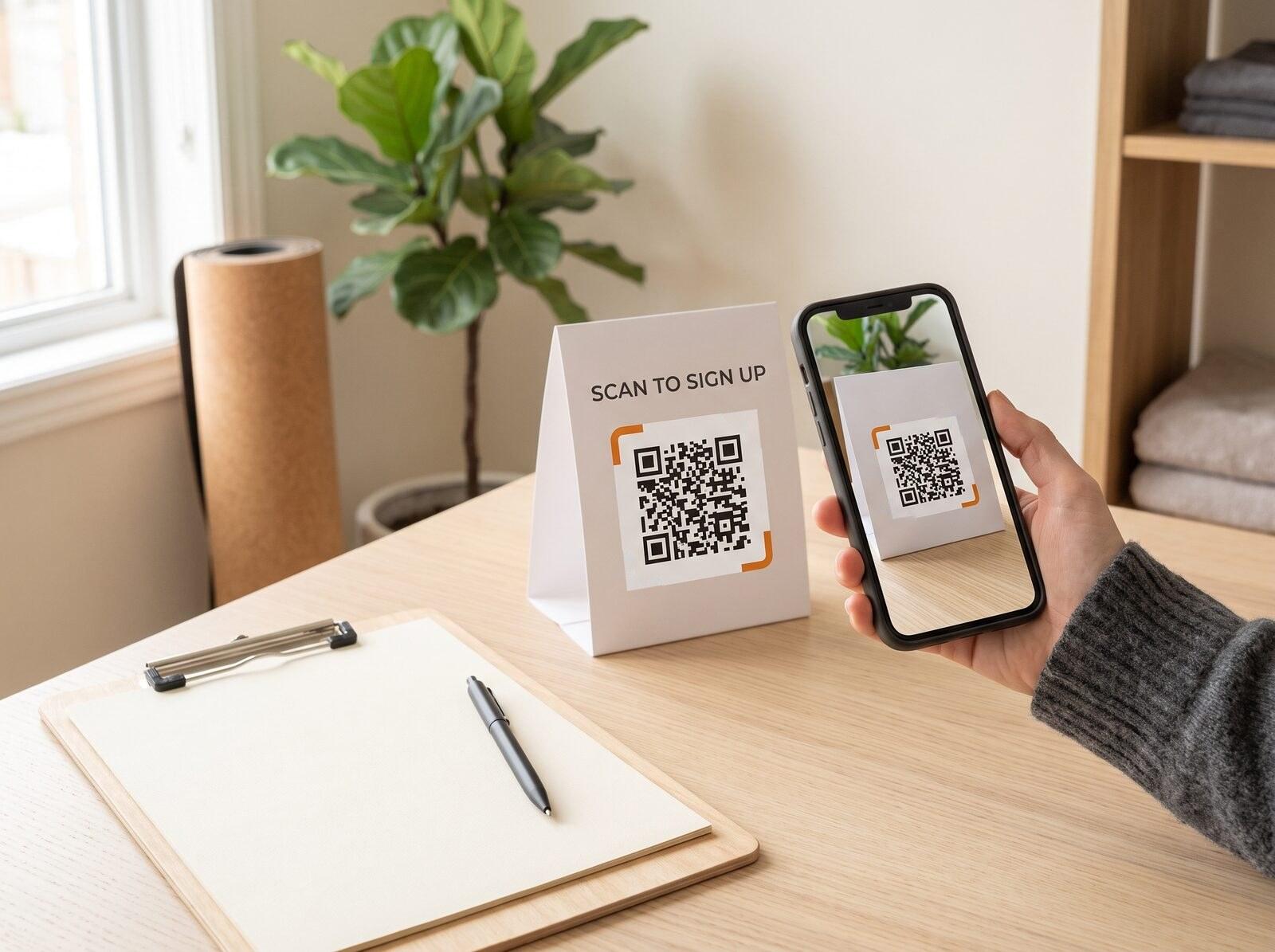 Class sign-ups
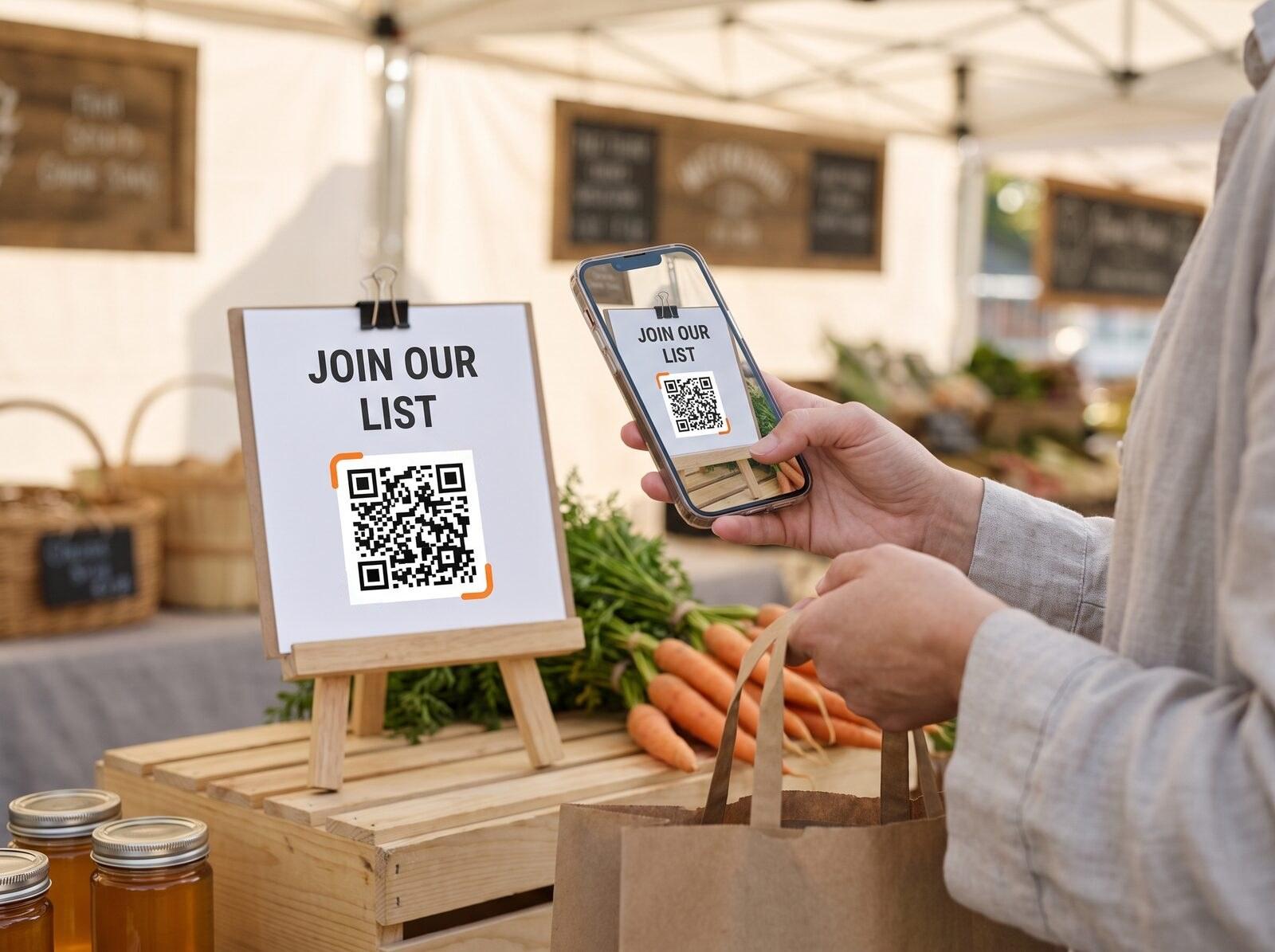 Mailing lists
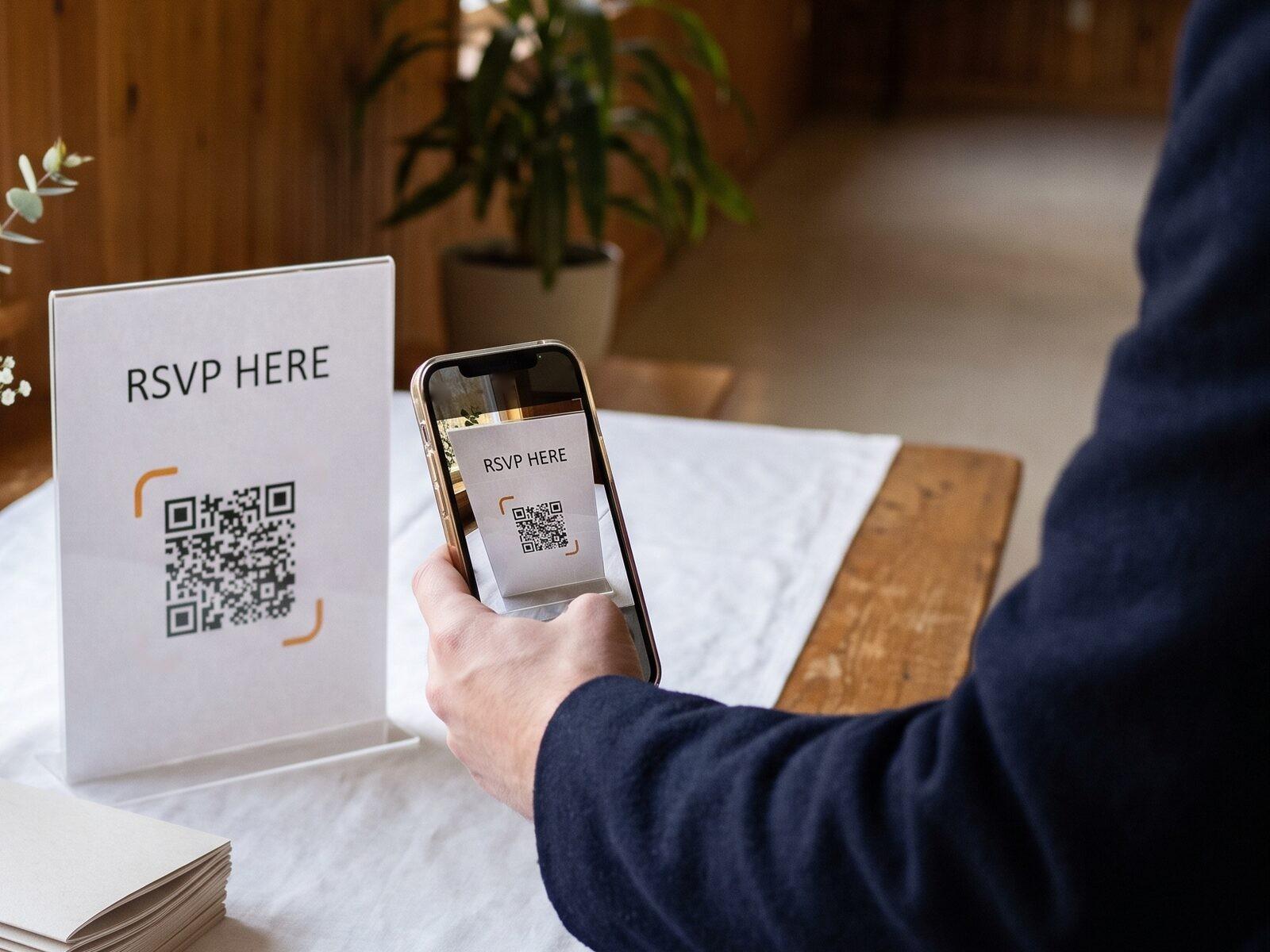 Event RSVPs
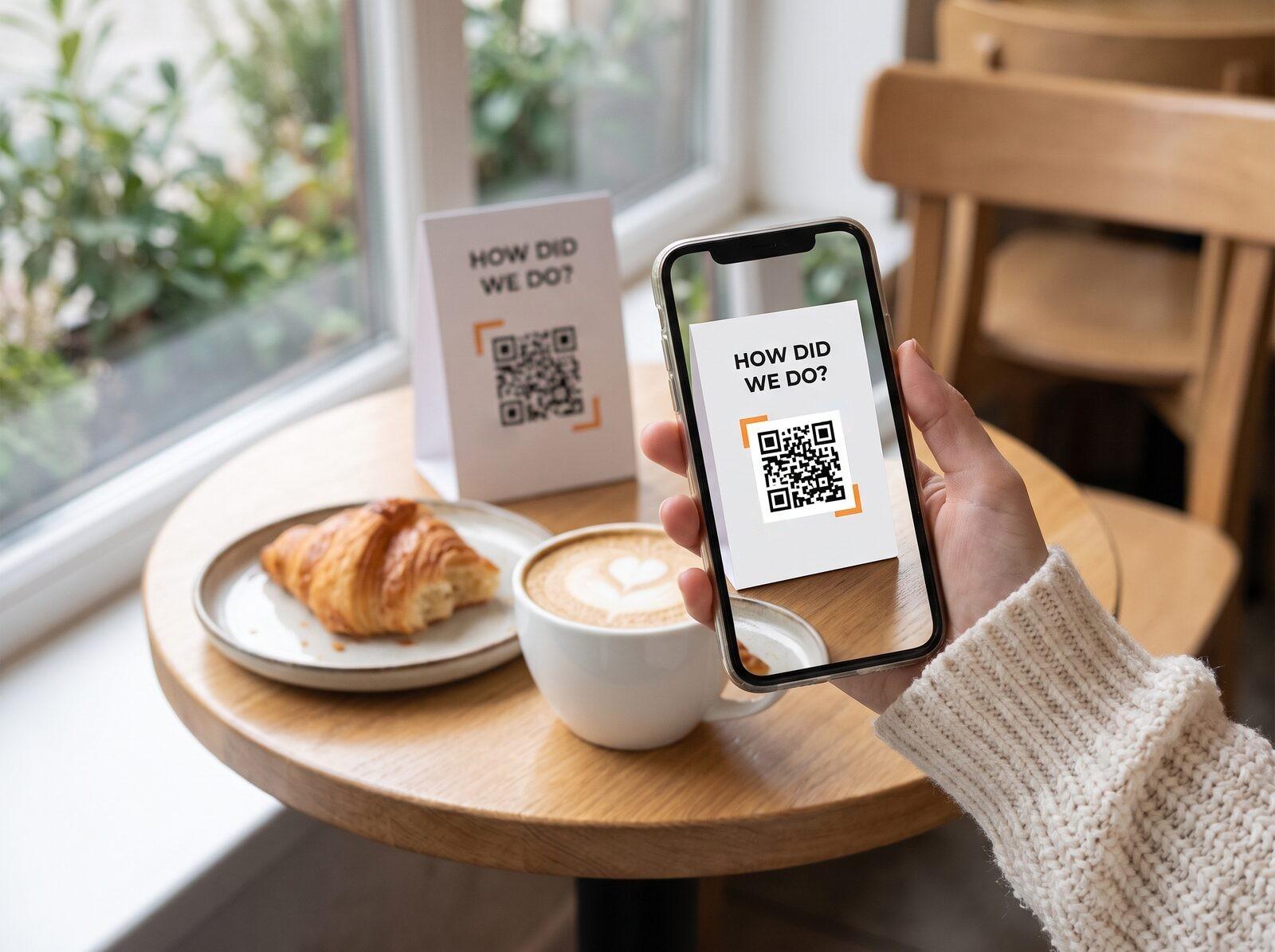 Feedback
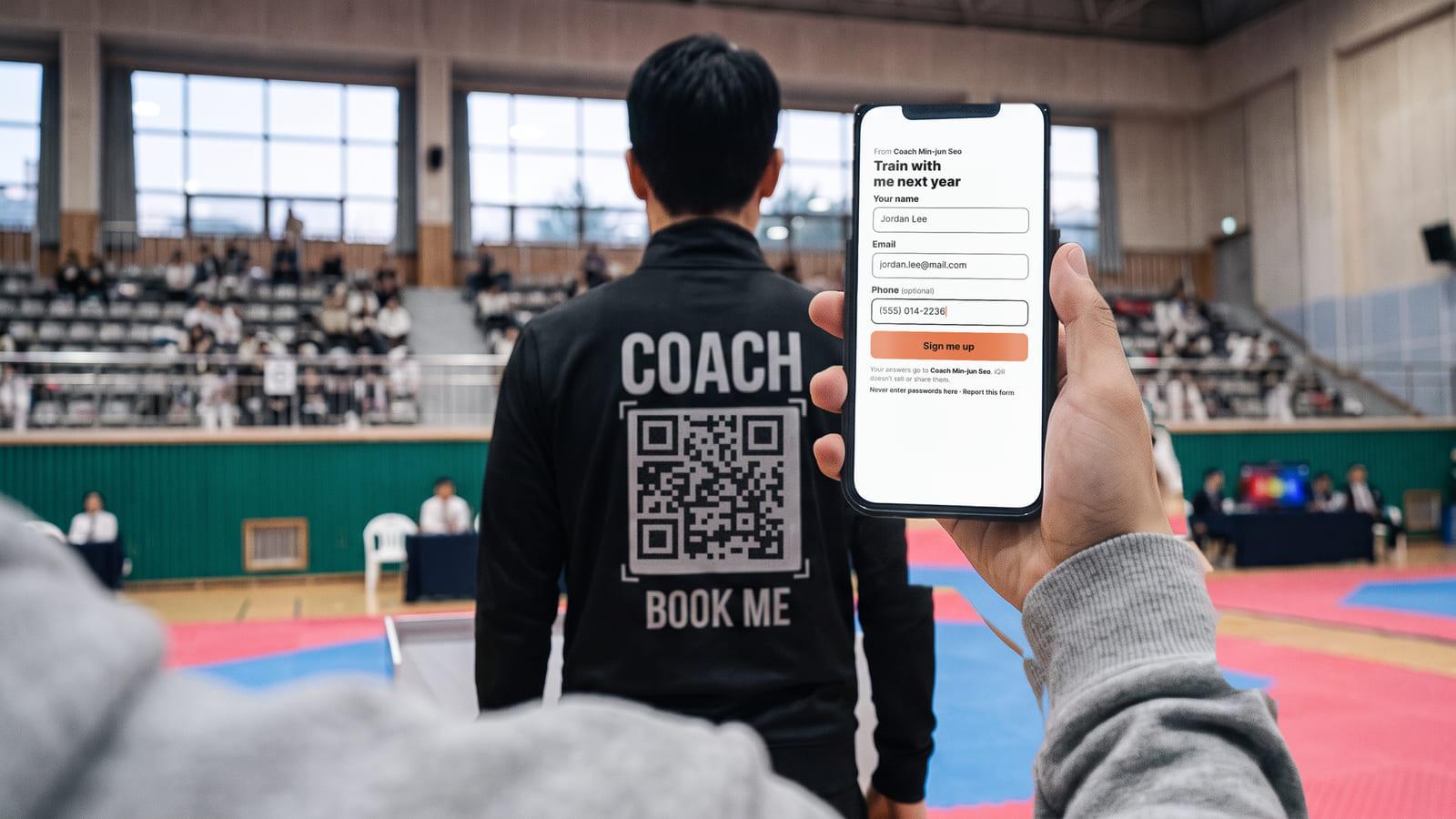
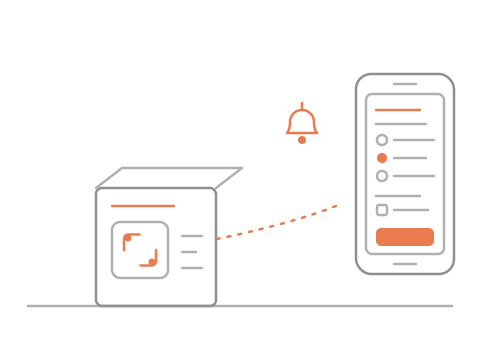
Print one code. Every answer lands in one tidy list, and an email to you for each one.
No sign-up needed · Free
Class sign-upsMailing listsEvent RSVPsFeedbackFrom Maple Yoga
Tuesday class sign-up
Your name
How was your last class?
Your answers go to Maple Yoga. iQR doesn’t sell or share them.
Never enter passwords here
Pick a ready-made form
Print the code
Answers come to you
Yes. Paste the link to your Google Form (or Microsoft Forms, Typeform, Jotform, SurveyMonkey or Tally) and the code opens it. Scans are counted, you can change the link any time, and the answers stay in Google. Or build the form right here in iQR.
That’s the everyday use: a class list, a volunteer list, a registration QR code at the door. Close it when it’s full and people see your note instead of the questions; reopen it next time with the same sticker. It can also close by itself after a number of answers or at a set time.
No app and no account: they scan and answer in their phone’s browser. You decide which questions are required, so an anonymous questionnaire QR code on the counter works for honest feedback. iQR doesn’t sell or share what you collect.
Every form says who gets the answers and “Never enter passwords here”. Card numbers in answers are never kept — any spacing, any digit style, even split over boxes in a row. Forms asking for passwords, PINs, sign-in codes or card details are refused when iQR spots them. Anyone can report a form; several reports pause it until iQR checks.
Yes. The Mailing list form comes with an unticked “Yes, send me emails from …” box, as Canada’s anti-spam law asks, and keeps what each person agreed to and when.
Yes. Once the form is in your account, add a code for each place: the front desk, the door, each table (up to 5 per form on a free account). They all open the same questions, every answer lands in one list marked with its place, and each place gets its own table tent to print.