See QR storage labels in action
- 1Label every bin
- 2Snap what’s inside
- 3Search “tent”
- 4Bin 4, shelf 2
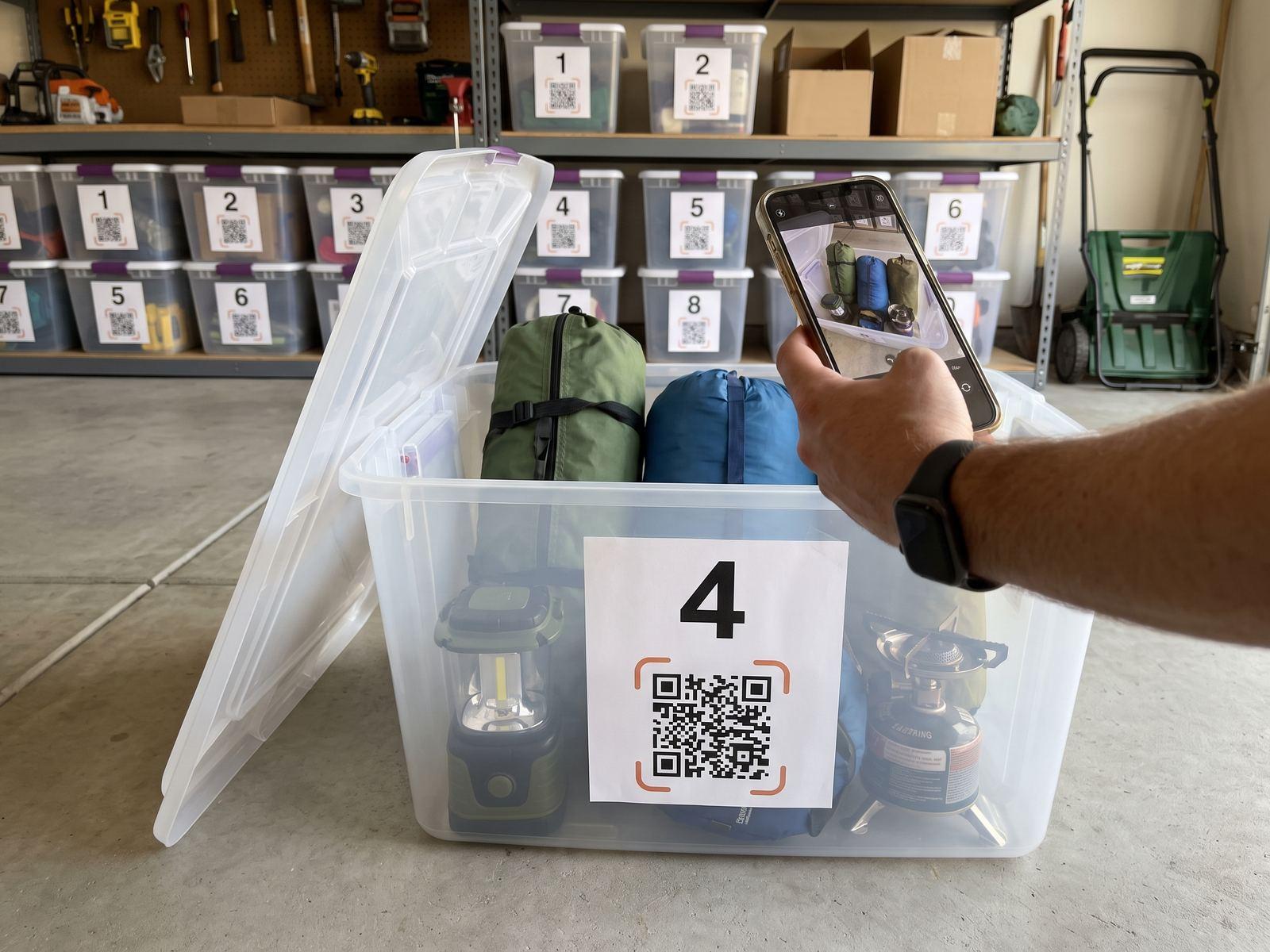 Snap the open bin
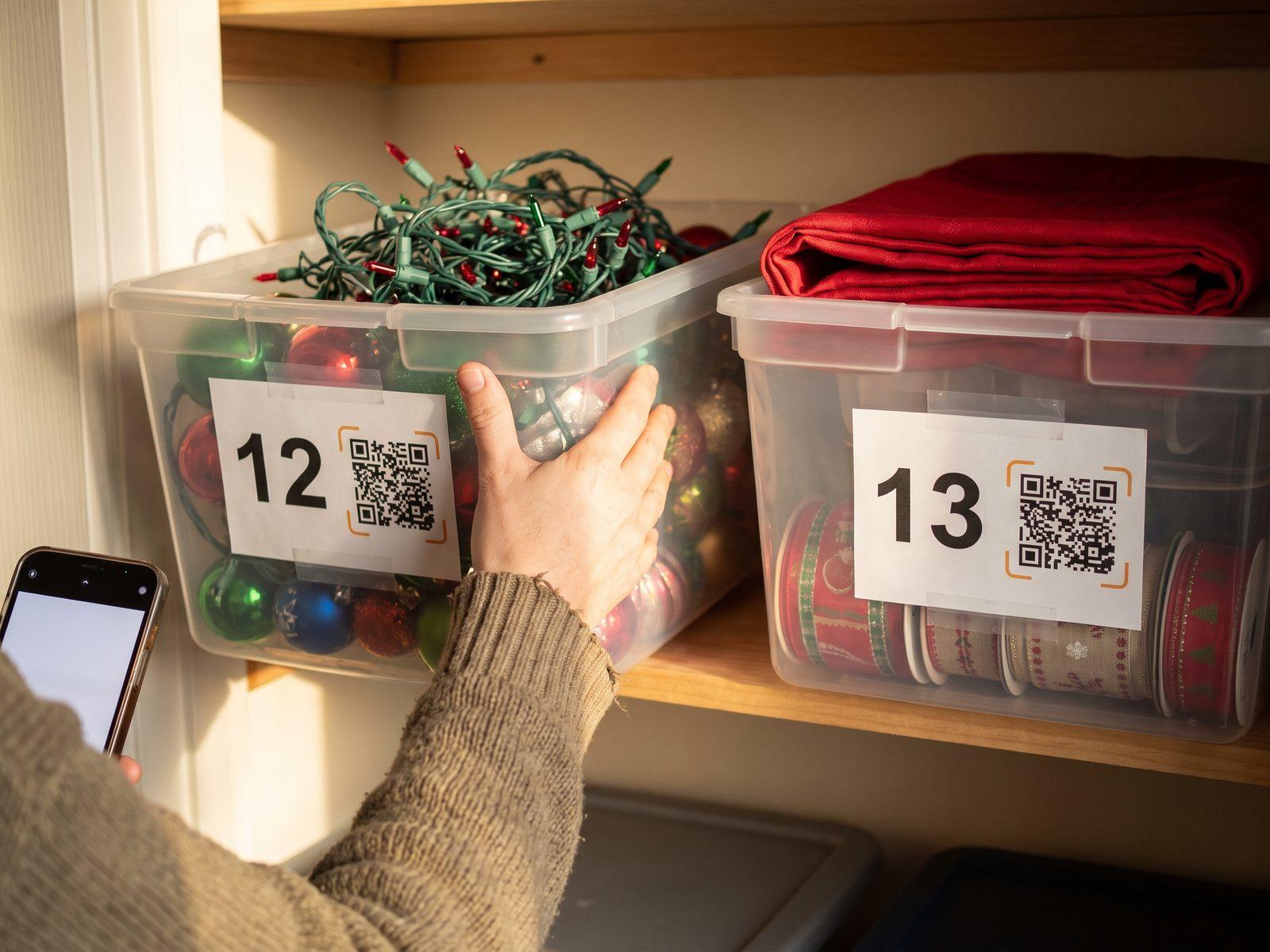 The holiday bins
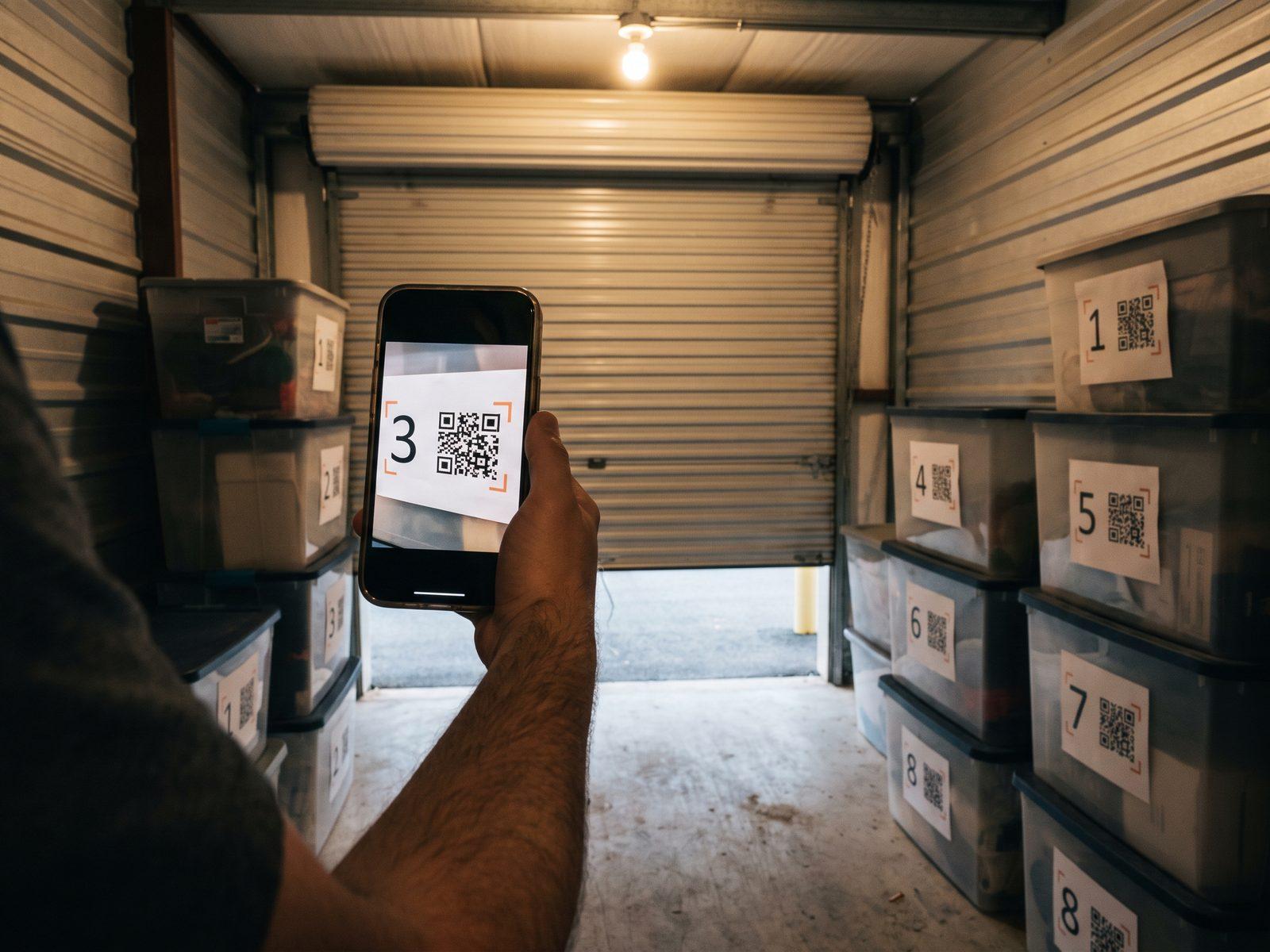 In the storage unit
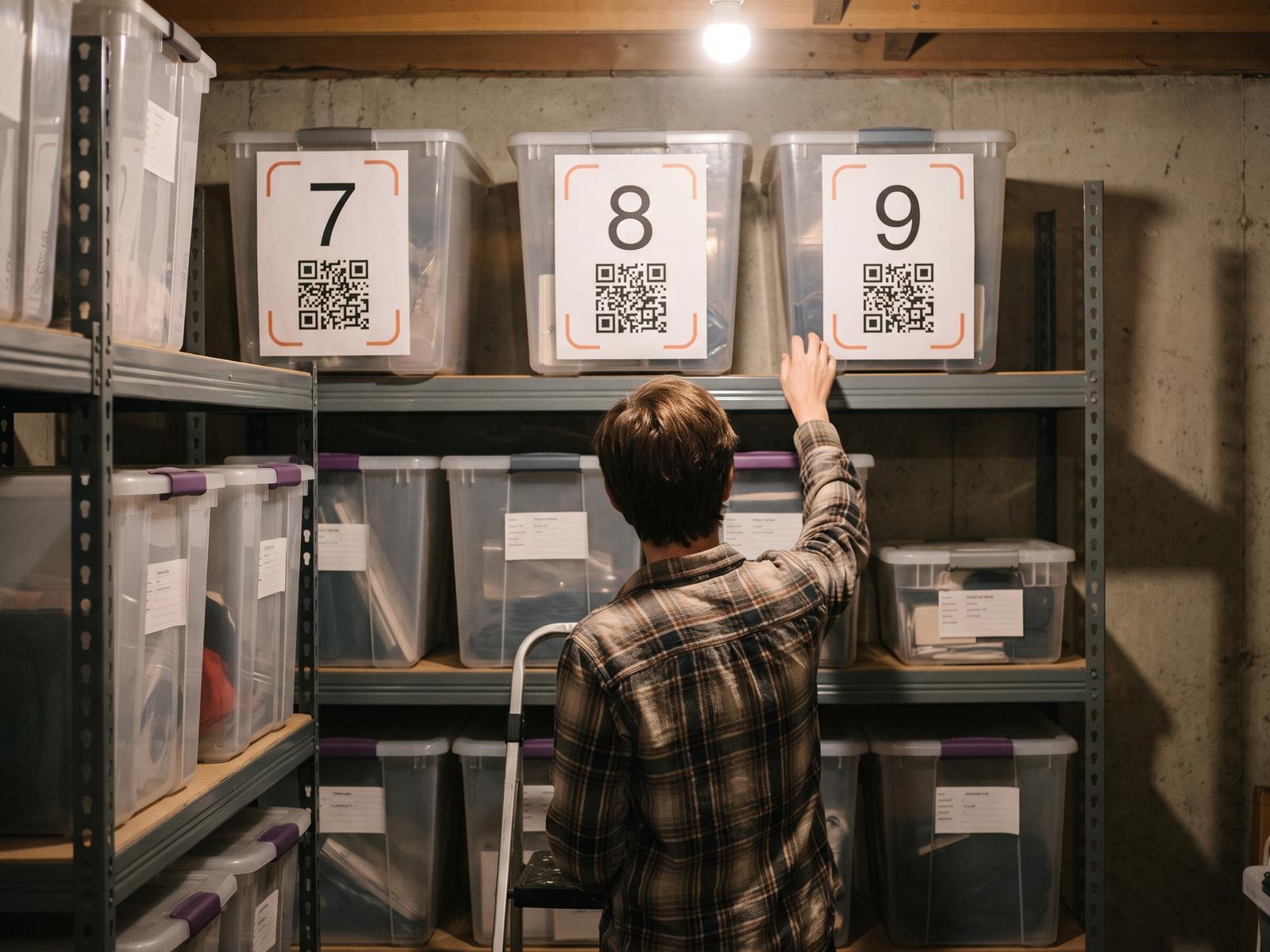 Big labels, top shelf
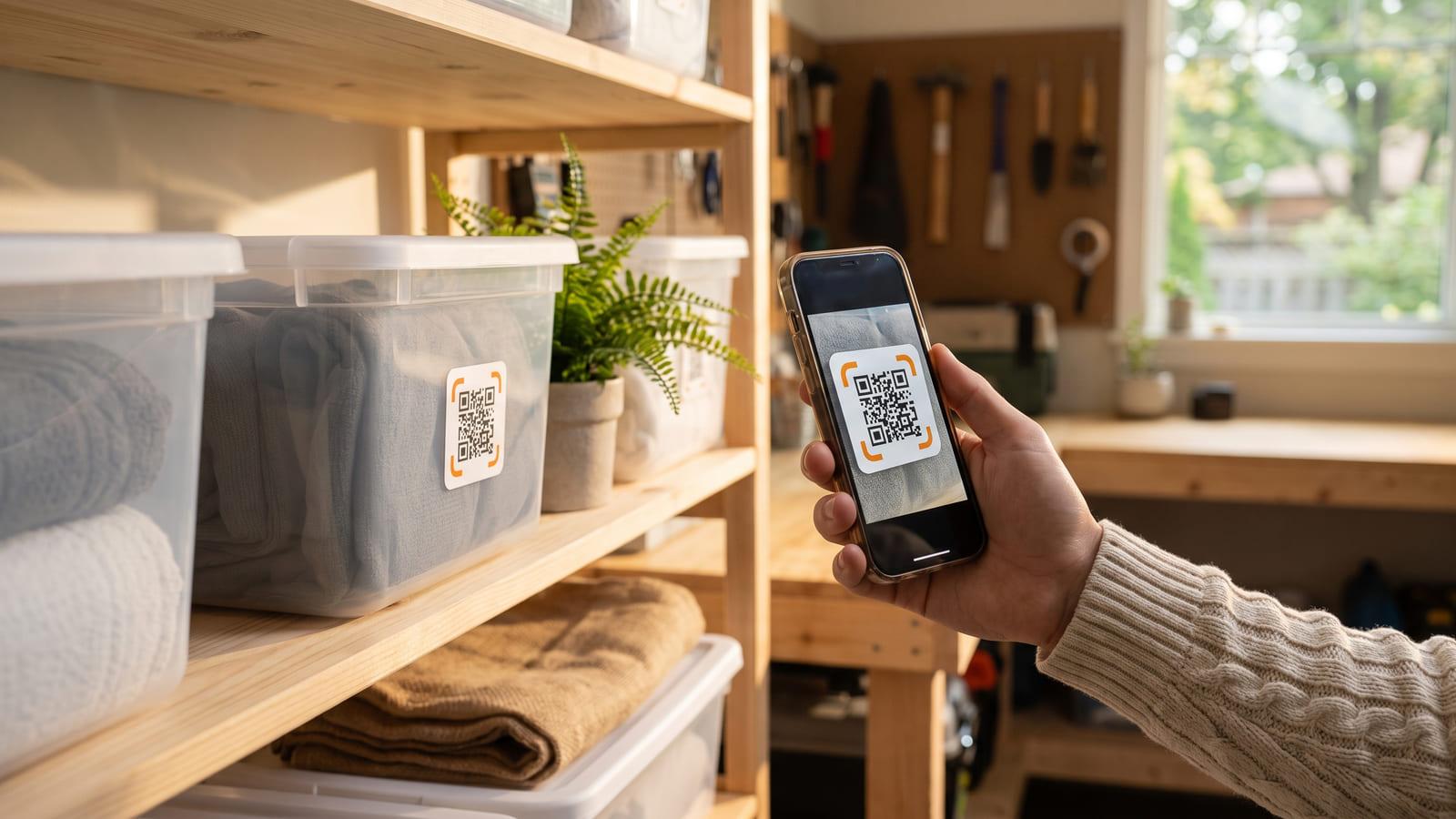
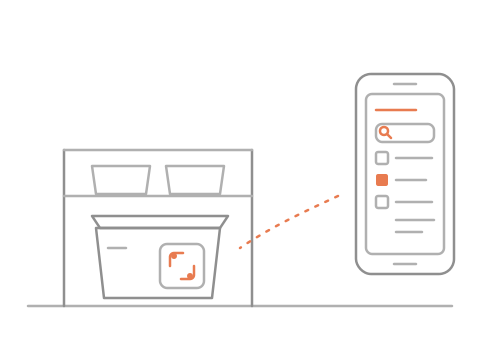
Print a label for each bin, snap what went in, and your phone finds the bin you want.
No sign-up needed · Free
Snap the open binThe holiday binsIn the storage unitBig labels, top shelfBin 4
4 thingsGarage · Shelf 2
Print and stick labels
Scan, snap what’s inside
Search finds the bin
No. You print your storage bin labels at home on standard label sheets: six to a page, or one big label per page for the top shelf. There is nothing to buy, and a label you keep does not stop working after a trial.
No. Any phone camera opens the bin’s page in the browser. You see the photo and the list. Anyone else who scans it sees only that the bin is private.
Search a word, say “tent” or “size 6”, and your phone names the bin and where it is: Bin 4, Garage, shelf 2, with its photo. You can also look through one place at a time, or a tag like Holidays.
Change the list or take a new photo, and the same label carries the new contents. Nothing is reprinted. Taking something out is two taps.
Yes. Send the people you live with one private link, and they can look things up and take things out. Turn the link off any time and it stops working.
Not to try it. Make your bins and print the labels right away; sign in, free, to keep them and search them later.