QR code for PDFs: Swap the file, keep the printed code
One code on the poster, the handout or the manual, opening whichever version of the file is current.
How a document QR code works
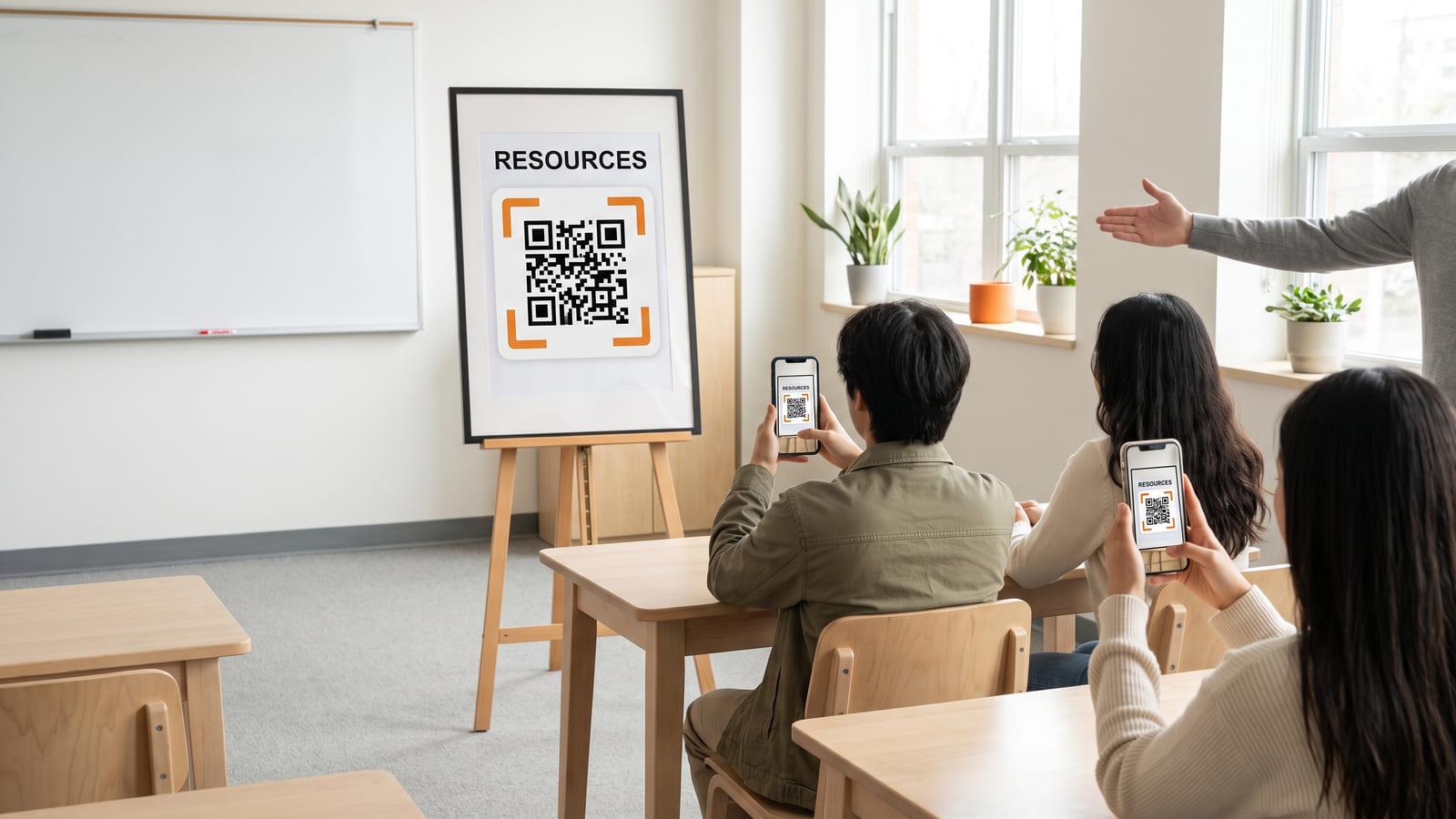
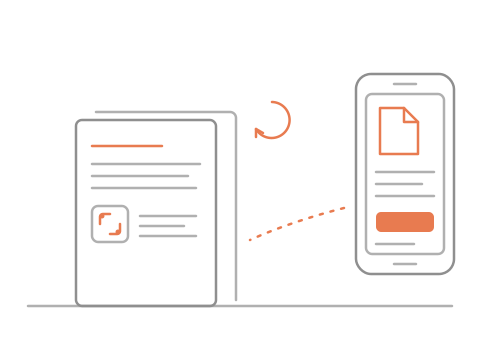
Put the code on the poster, the slide or the manual.
They scan it and open the file in their browser.
You upload a new version, and the same code opens it.
A QR code for teachers, trainers and teams
- Teachers and trainers
- Schools and colleges
- Speakers
- Brochures and manuals
What you get, free
- A new version anytime
- Your last five files kept
- PDFs and pictures
- Scans and opens by day
Questions about QR codes for PDFs
What kind of files can sit behind the code?
A PDF or a picture (JPG, PNG or WebP), up to 25 MB with a free account and 10 MB before you sign in. Word files and slide decks work once you save them as a PDF. The file opens in the phone’s own viewer, so nobody installs anything.
Can I replace the file after the poster is printed?
Yes. Upload a new file and the same printed code opens it from that moment, so a poster printed in September can carry January’s reading list. Your last five files are kept, and you can bring an older one back.
My handouts live in Google Drive. Will that work?
Download the file as a PDF and upload it here. A plain QR code for Google Drive breaks when the file moves or its sharing changes. This one keeps the file with the code, and you swap it whenever the handout changes.
Can I put it on a slide?
Yes. A QR code for presentation slides goes on the title or the closing slide. Export the deck or the reading as a PDF and the code opens it. Print it large enough to read from the back row.
Do I find out how often it is opened?
Yes. Every scan is counted by day, with how often the file was opened or downloaded. Nobody who scans is asked for a name or contact details.
Does the code stop working?
Not while it is in your account. One file code is free with a free account, with no trial that runs out and no monthly scan quota. Without an account you get a 48-hour preview to try it; sign in, free, and that same code is yours to keep.