QR code moving labels at work
- 1Pack it, list it
- 2Helpers see the room
- 3Search “kettle”
- 4Straight to box 7
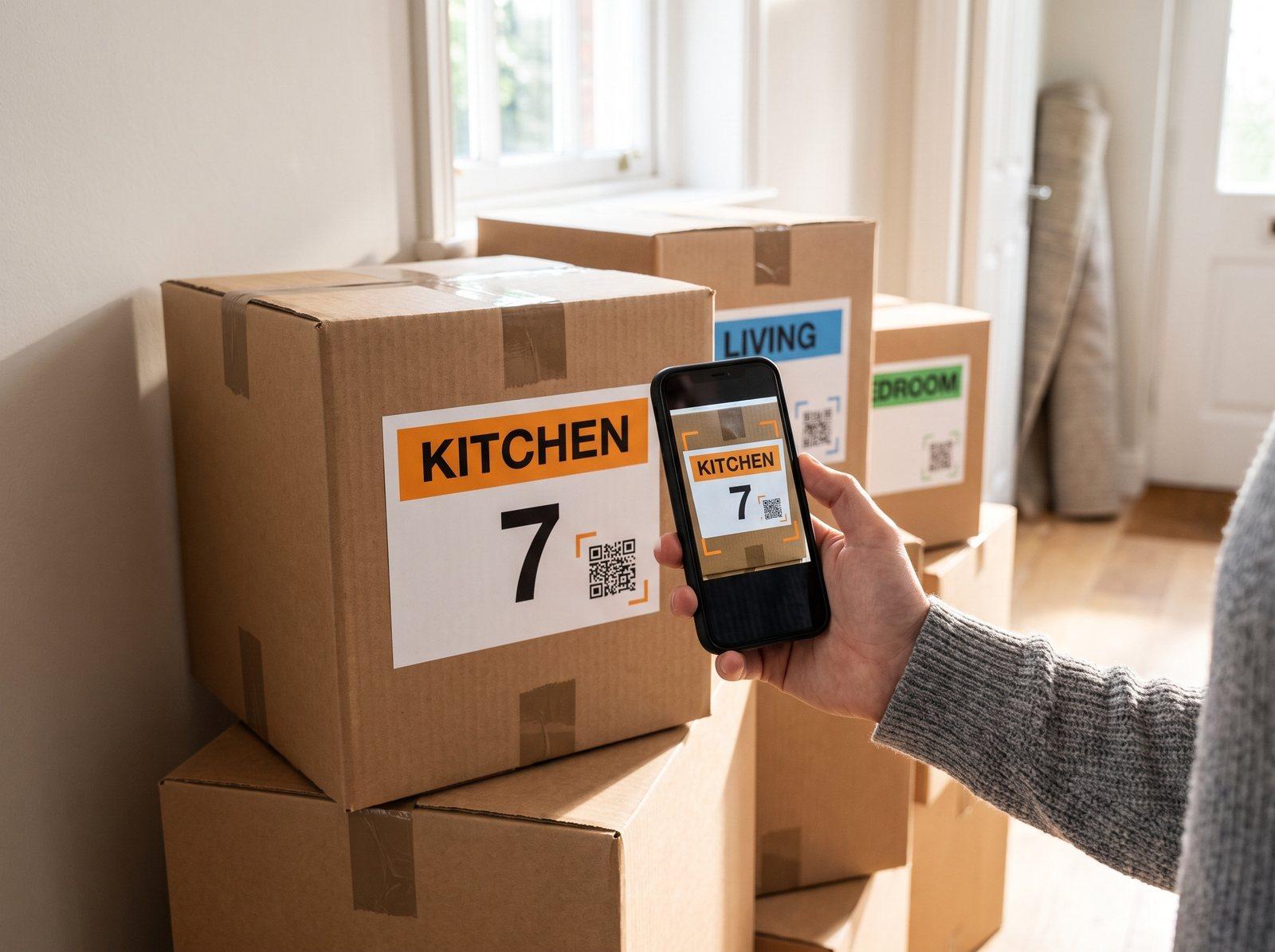 While you pack
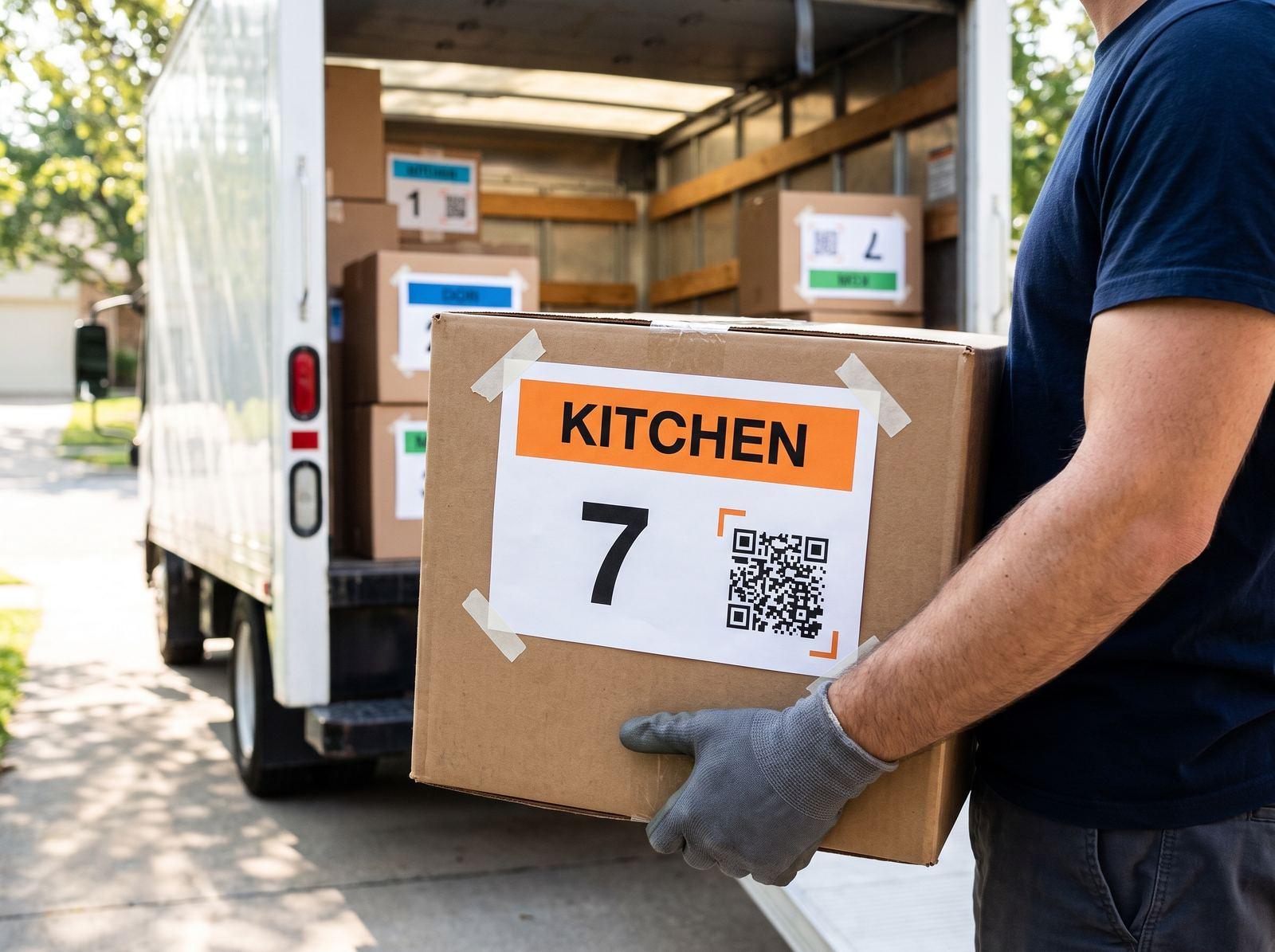 On moving day
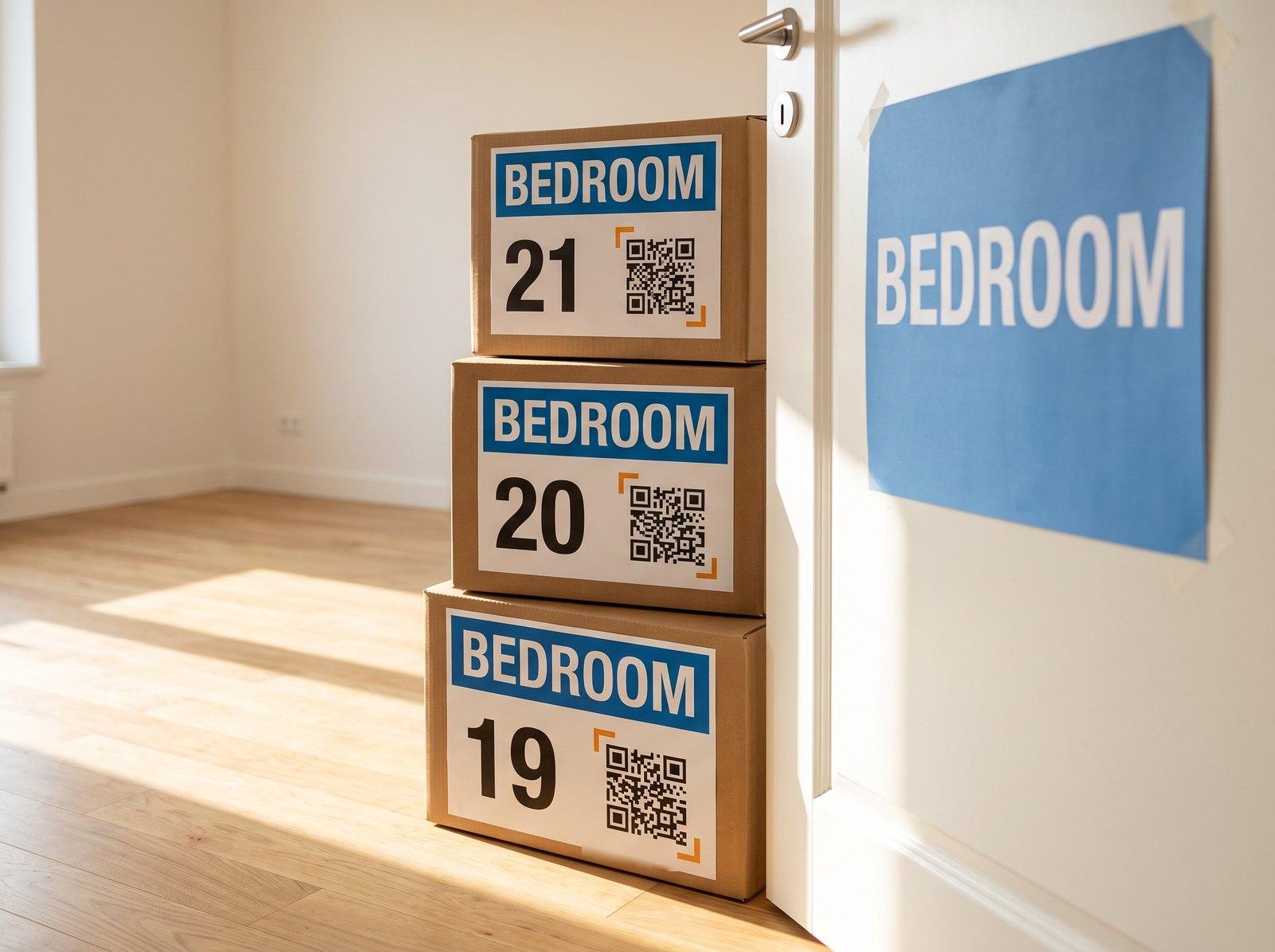 At the new place
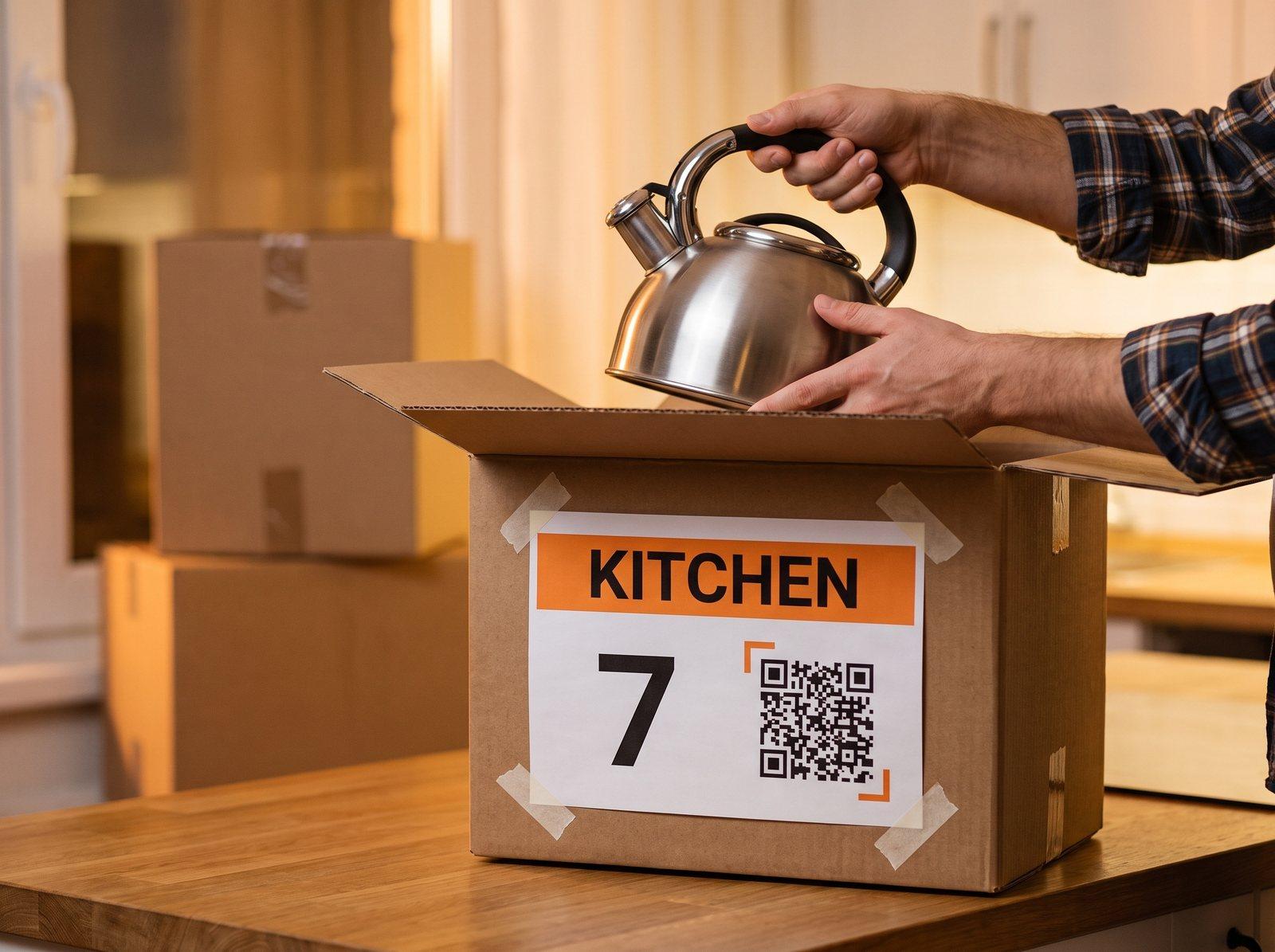 The first night
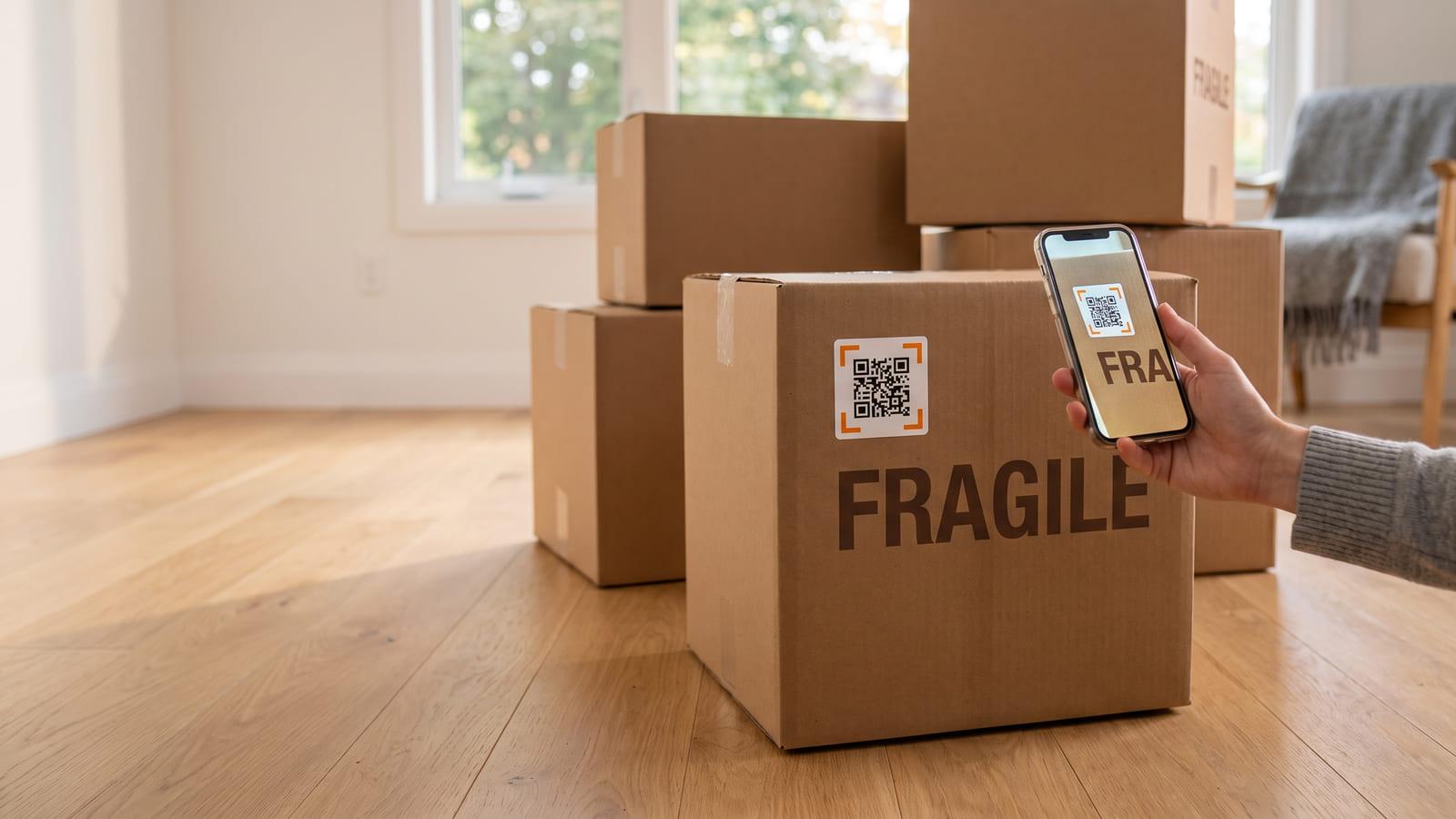
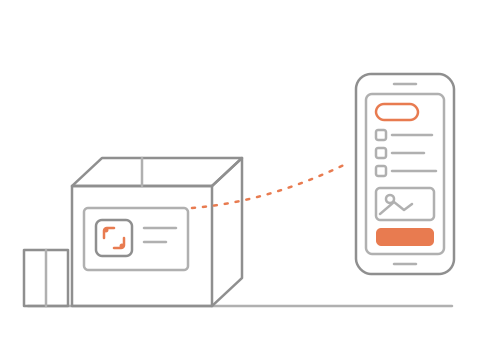
List what goes in as you pack. At the new place, search “kettle” and get the box number.
No sign-up needed · Free
While you packOn moving dayAt the new placeThe first nightKITCHEN
Box 7 of 45
28 of 45 delivered
What’s inside: only the ownerPrint numbered room labels
List what goes in
Search, find the box
No. You print them at home: on standard label sheets, or on plain paper and tape. Each label has the room’s colour, the box number and its own code.
Do both. A marker is right for the room name, which movers read at a glance. A QR code moving label holds what a marker runs out of room for: every item, whether it is fragile, and a photo of what went in.
No. Any phone camera opens the box in the browser and shows the room, the box number and whether it is fragile. Packing works the same way: this moving box QR code app runs in the browser, so nobody installs anything.
Only you, and the people you share a link with. A movers’ link shows the room, the box number and the warnings; a family & friends link also shows what is inside. Someone else who finds a box sees only that it belongs to a move, plus the note you wrote for finders if you wrote one. Never your address.
On two sides, so one always shows in a stack. That is why each box gets two labels with the same code. QR codes for moving boxes get scanned from whichever face shows, and the printed number still matches the list if a label tears.
Now. Make your move, list your boxes and print your first sheet of labels. It is free.