From lost to found in four steps
1Keys slip off the bench
2A stranger scans, taps Send
3You and Sam, both alerted
4Chat, then pick them up
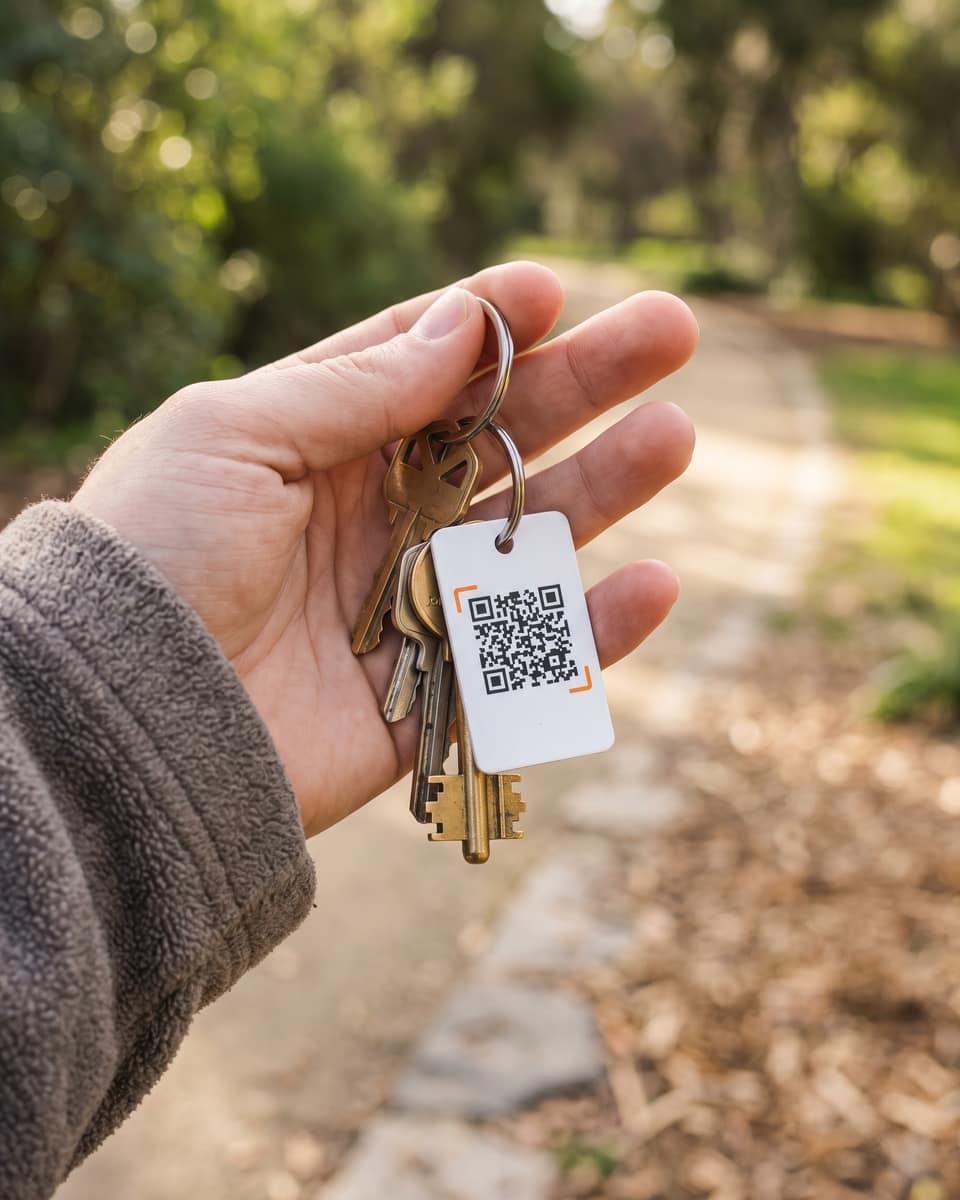 On your keys
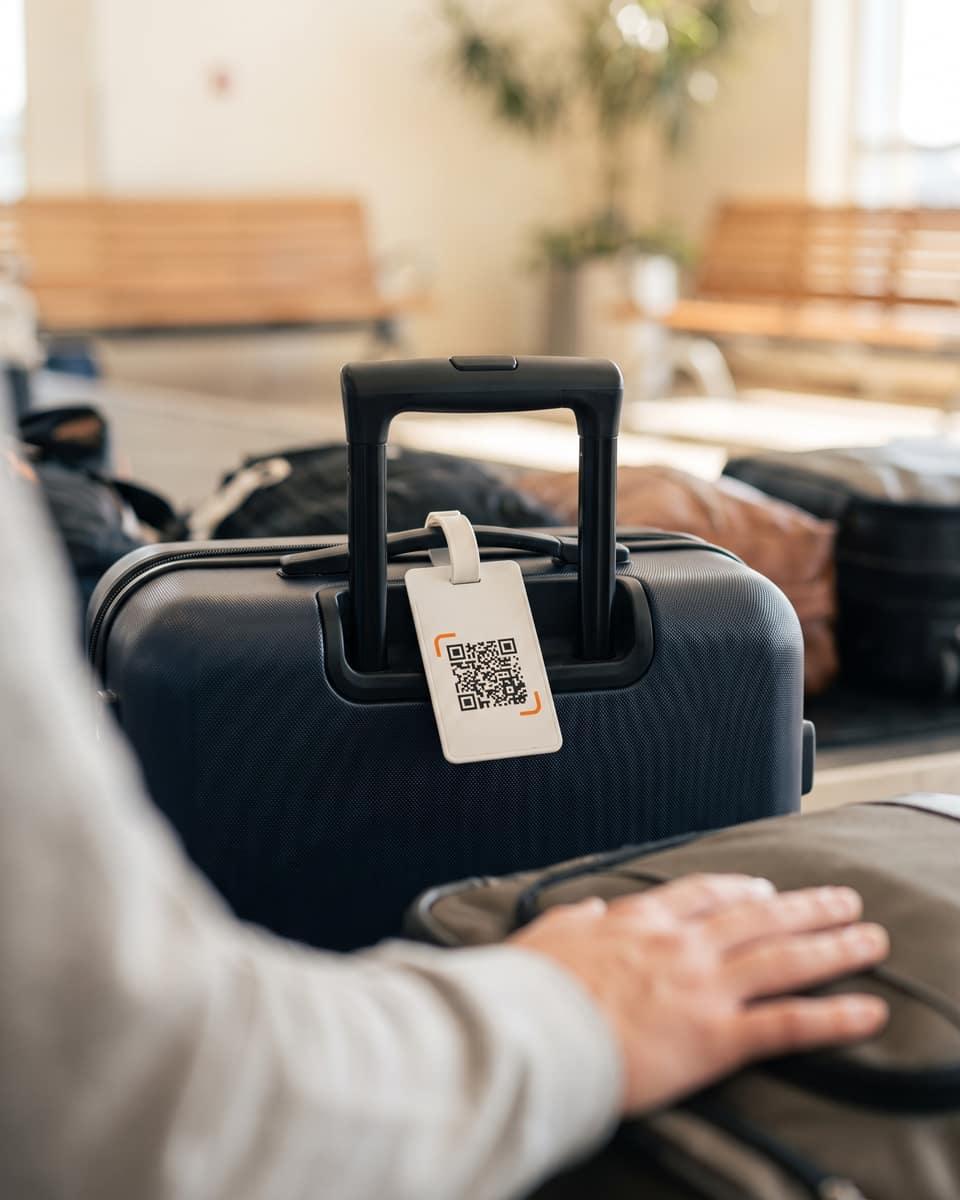 On a suitcase
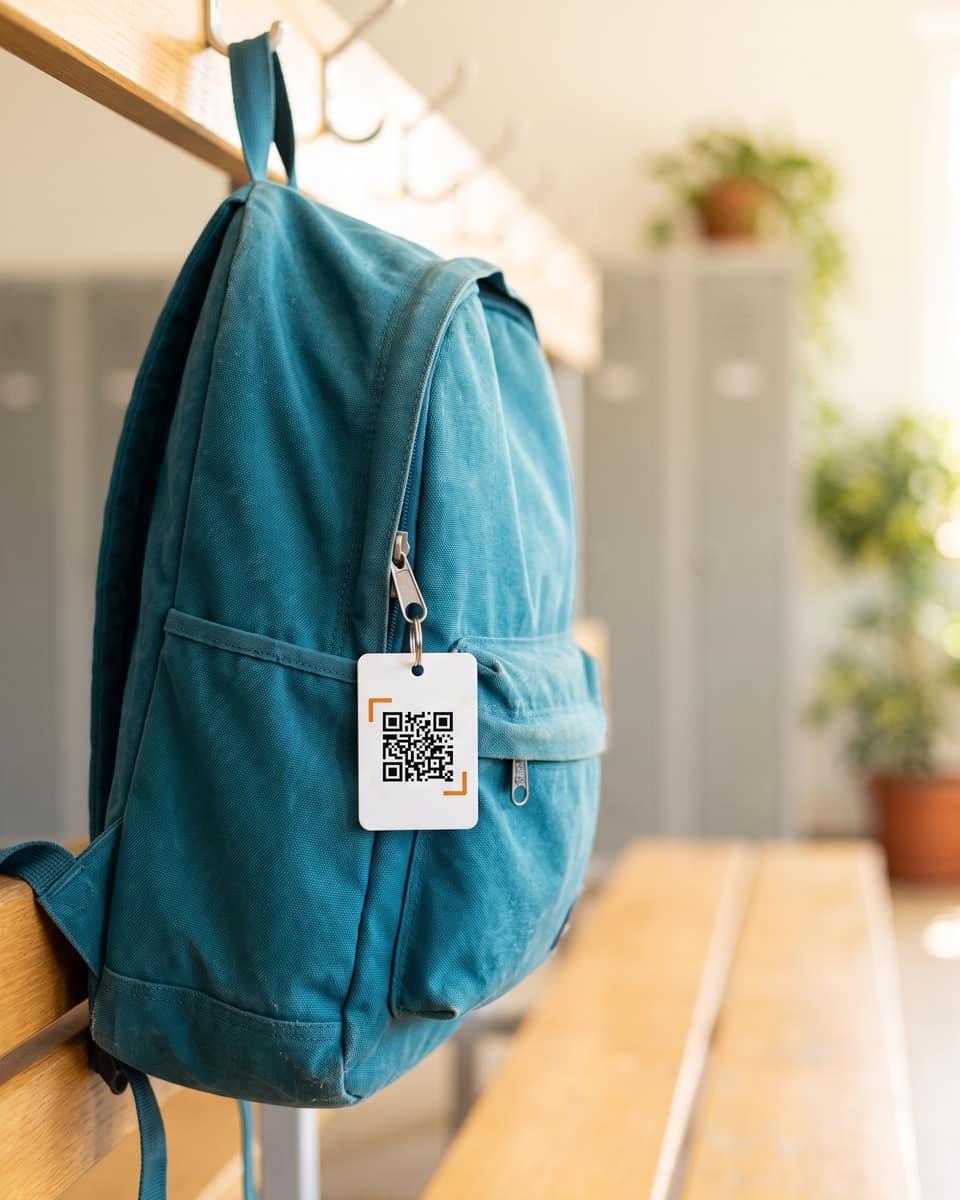 On a backpack
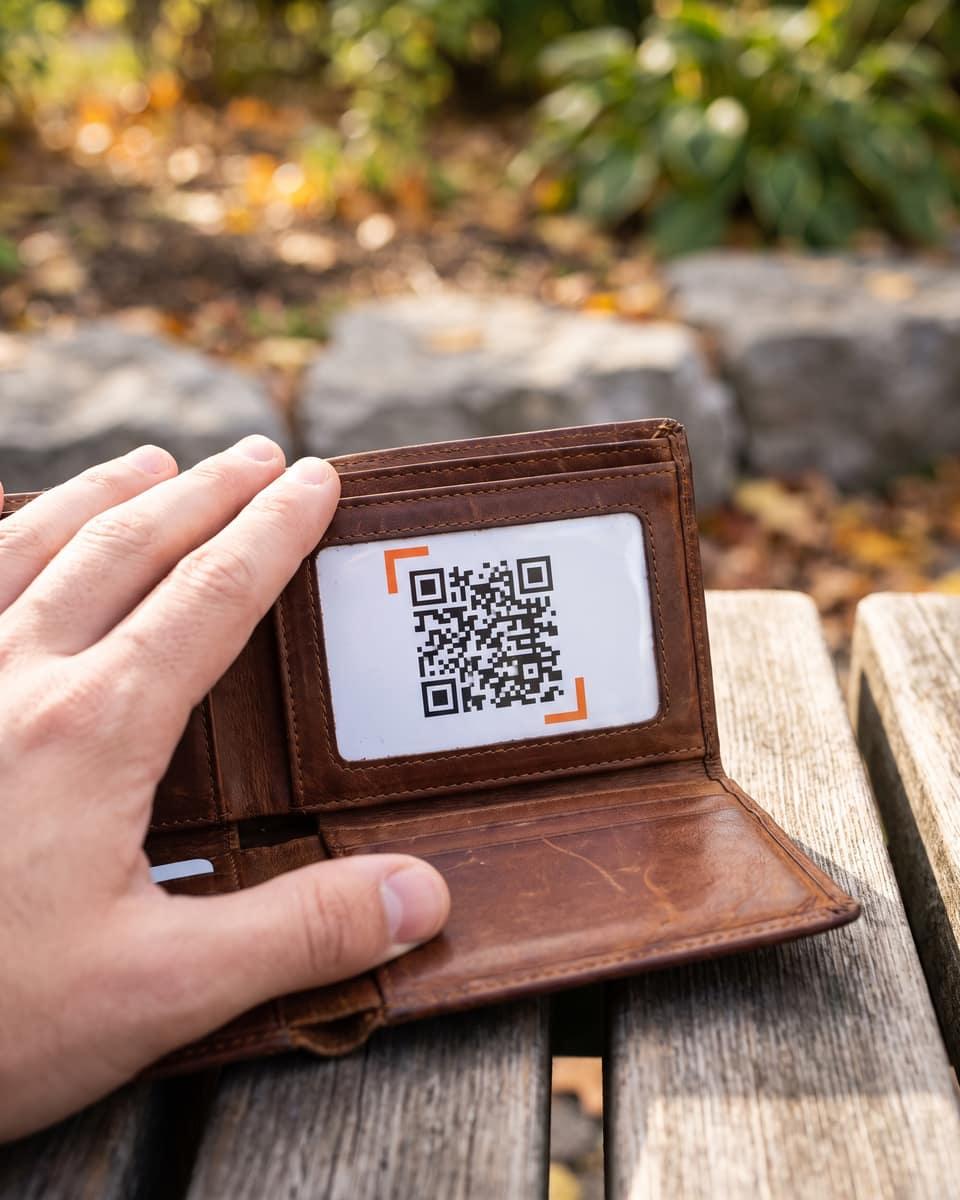 In a wallet
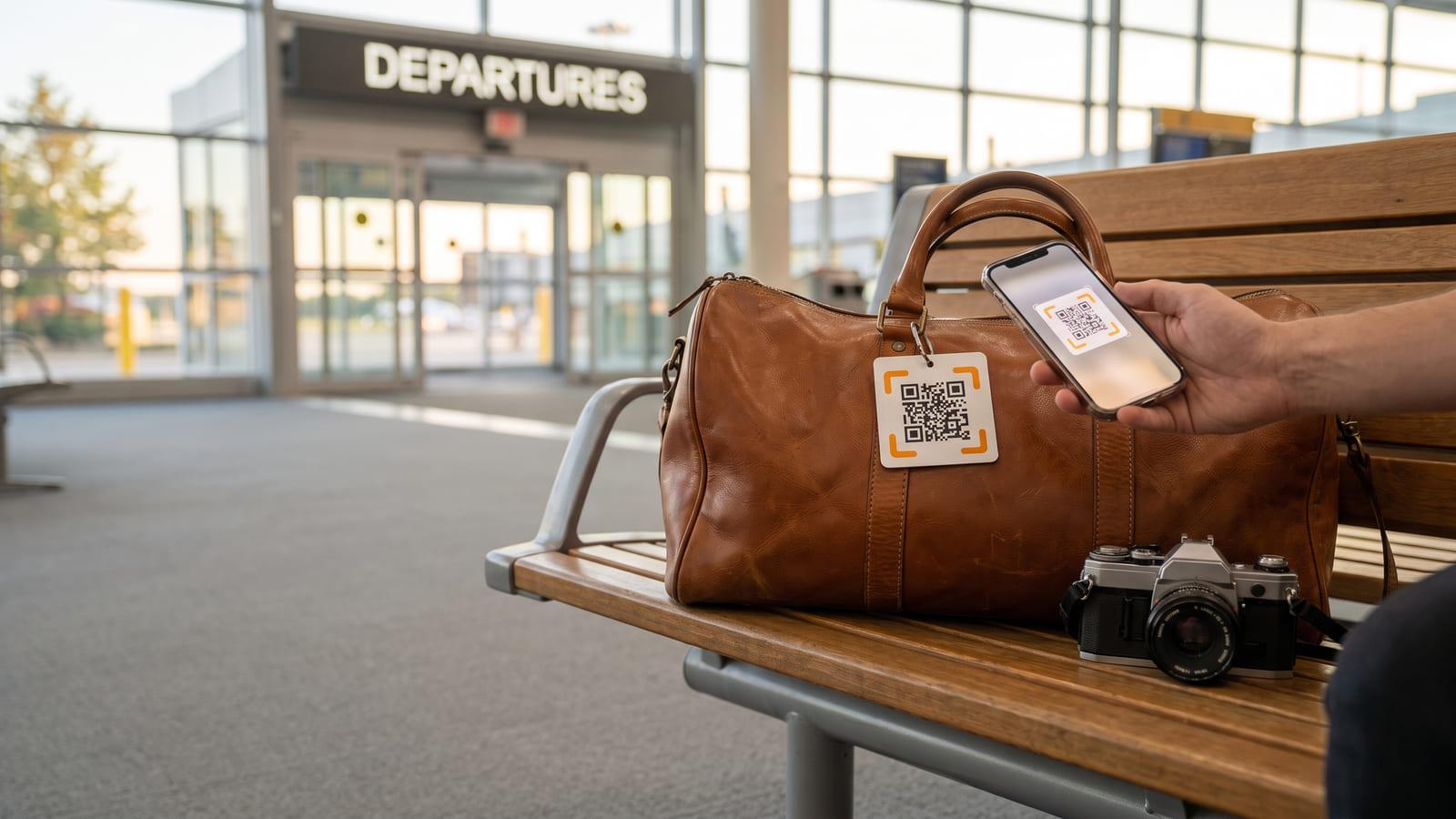
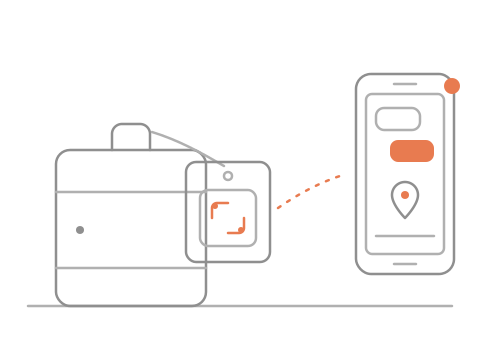
Tag your keys, bag or wallet. One tap from the finder alerts you and everyone who joins your list.


Alerts arrive in the free iQR Alerts app
1Keys slip off the bench
2A stranger scans, taps Send
3You and Sam, both alerted
4Chat, then pick them up
On your keysOn a suitcaseOn a backpackIn a walletWhen the finder taps, everyone who has accepted your invite is alerted at the same moment.
 On a computer?
Tag what you carry
A finder scans it
Your phones buzz together
No. The finder sees what you choose: the item’s name, a photo and a short note. Your number, email and address never show. They chat or ring you from the page, and you answer in the iQR Alerts app.
You, and the people you add: a partner, a parent, a friend. Each gets an invite to the free iQR Alerts app, and their alerts start once they accept it there. Then you all get the alert at the same moment. Anyone on the list with the app can reply.
No. Their phone camera opens the page; it needs mobile data or Wi-Fi to load. No account, no download, no fee for them.
No. There is no battery and no tracking. You hear about it when someone scans the tag and gets in touch. If they share their location, you see the city it was found in.
Stickers suit flat things like a laptop, a camera or a case. QR code key tags hang from a keyring. A QR code bag tag loops through a handle. Print them on sticker paper or card at home: lost and found labels with a private way back to you.
Pick what you are tagging, name it and choose a look. Add the people to alert, then print stickers, key tags or bag tags at home. It takes about a minute.