A QR code scavenger hunt in four steps
- 1Hide the numbered codes
- 2Players scan each find
- 3The next clue appears
- 4See who finished first
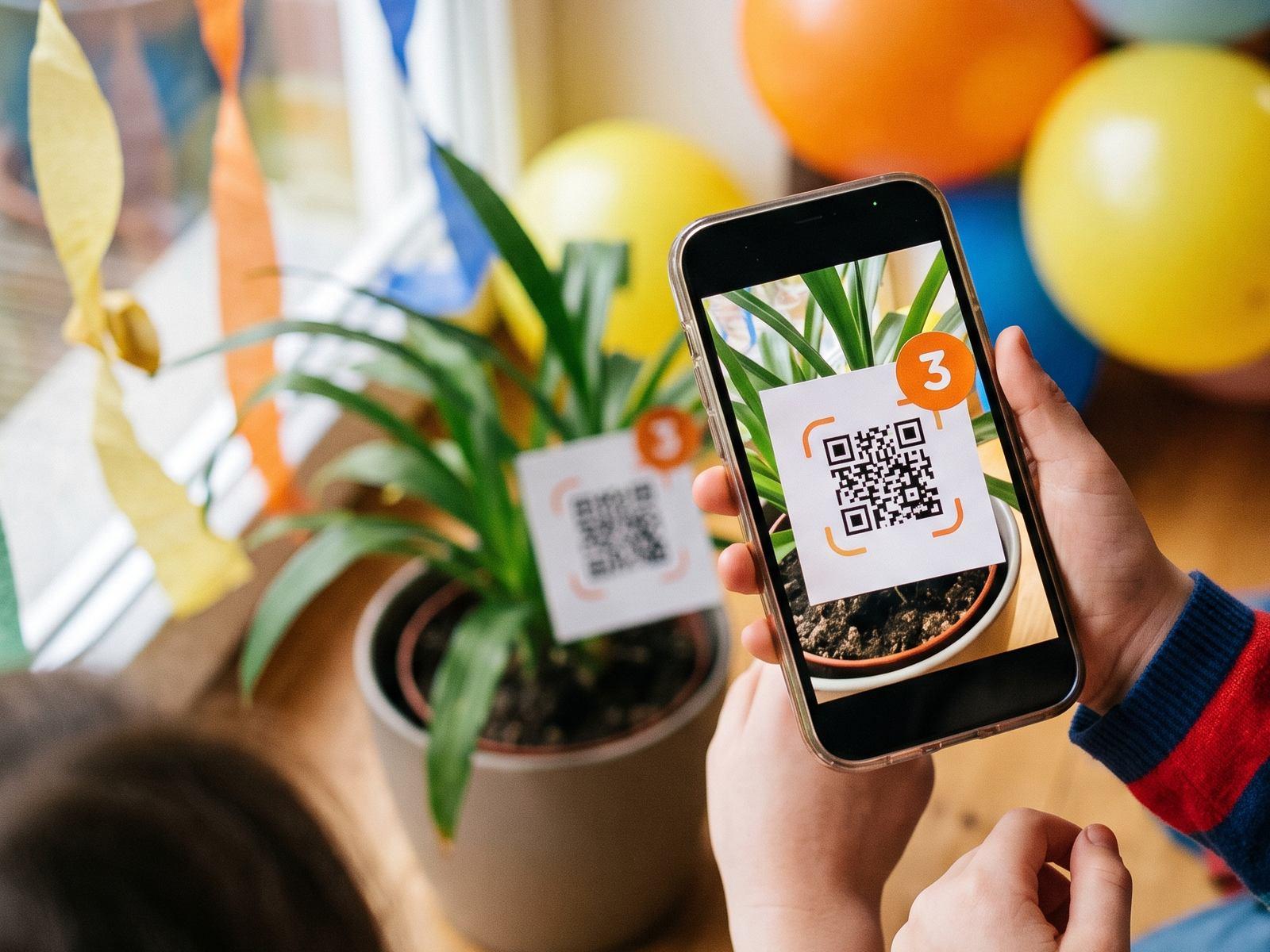 At a birthday party
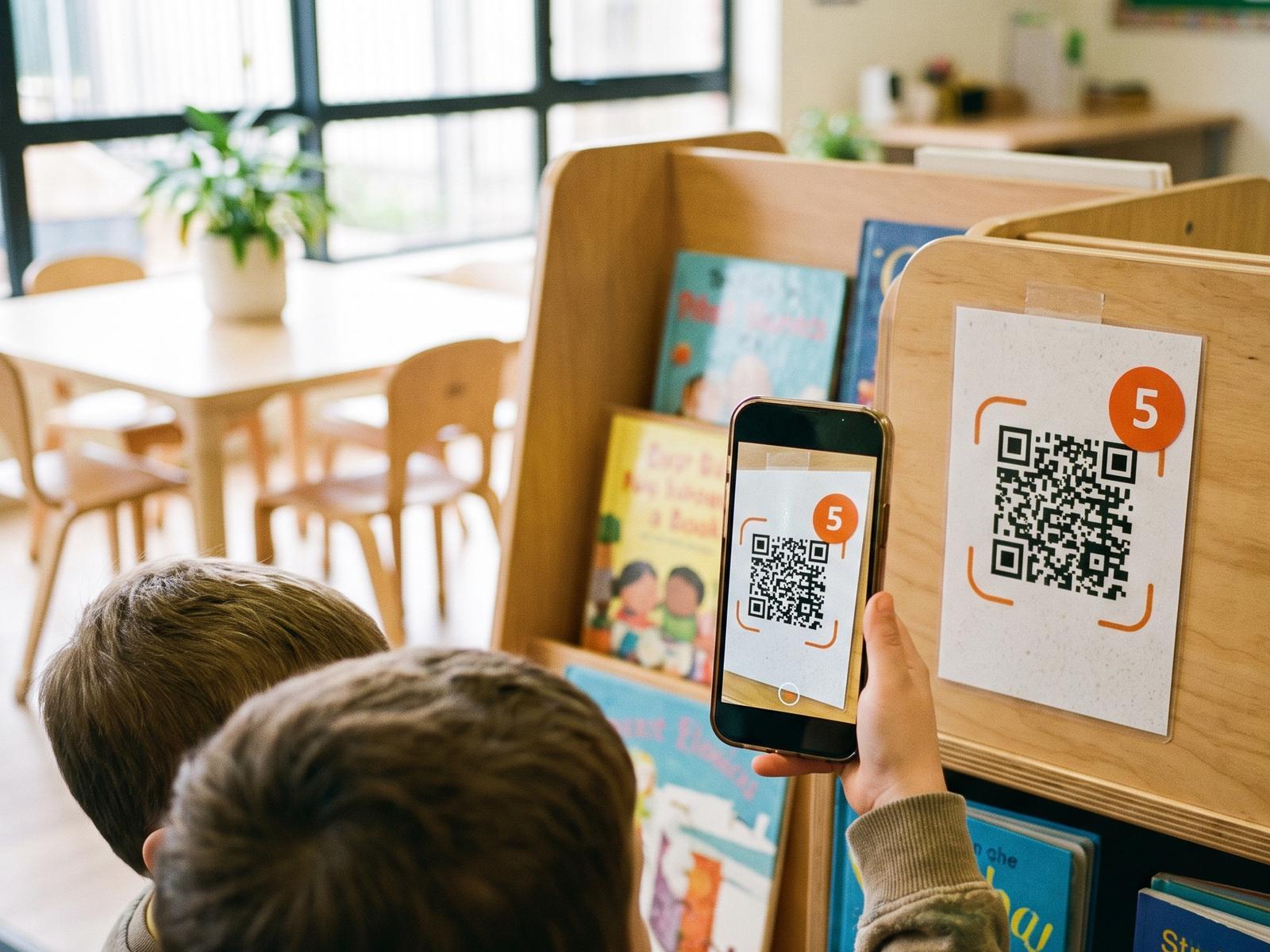 In the classroom
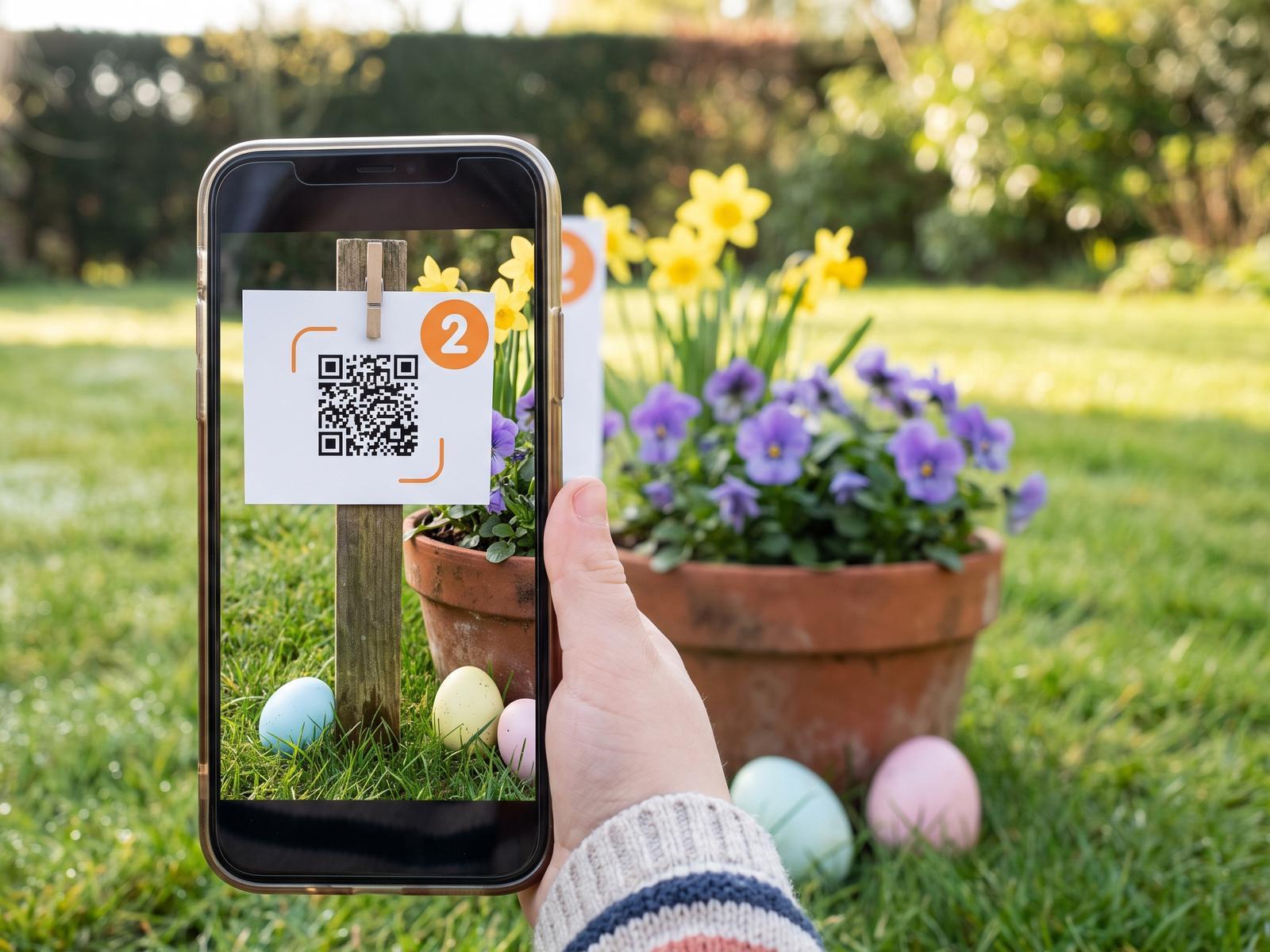 On Easter morning
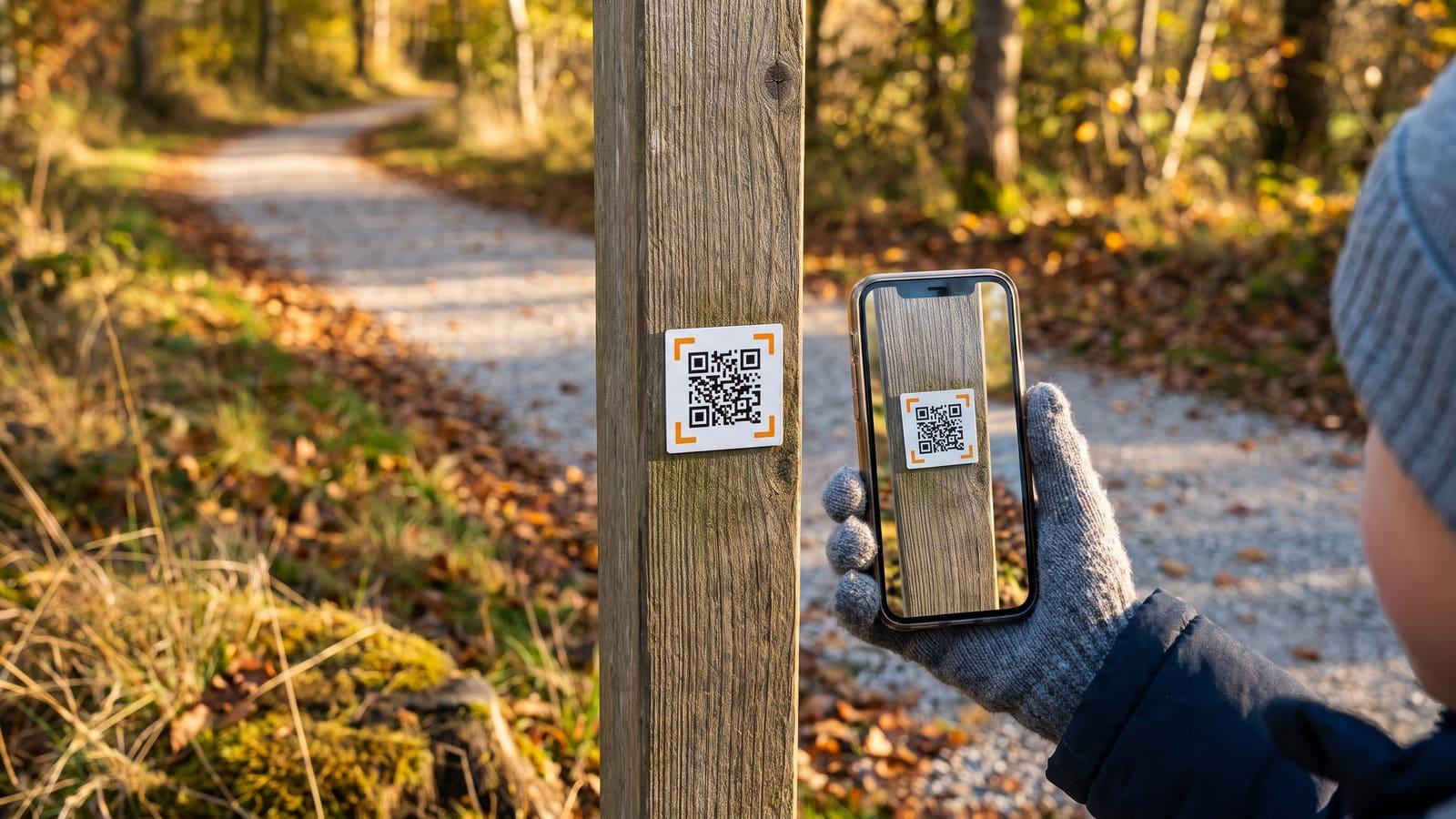
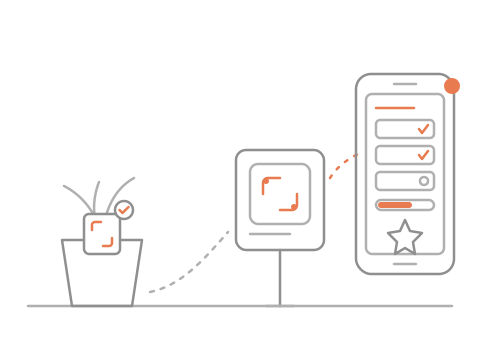
Each code gives the next clue. Players scan with their phone camera, and you see who finished first.
At a birthday partyIn the classroomOn Easter morningMia’s birthday hunt
Checkpoint 3 found
3 of 5 found
Next clue
Socks go in dirty and come out clean. Check the side of the spinning machine.
Hide numbered codes
Players scan each one
See who finished first
No. Players scan with the phone camera they already have, and each code opens a page in the browser: no scavenger hunt app, no account. One phone per team is enough. It is a real hunt, not a digital scavenger hunt on a screen: everyone walks, looks and finds.
Each code shows the clue to the next one. Scan a code too early and the phone says to come back later, and it does not count. You can also let players collect the codes in any order.
When a team finds the last code, its phone shows a short finish code. Your live board lists every team with its finish time. Type the code a team shows you to check it’s real before handing out a prize. The prize is yours to choose.
A photo of a code scans anywhere, so someone with photos of every code could finish without walking around. It is a game, not an exam: the finish times on your board make a too-quick finish easy to spot.
Players give no email, photo or account. Each team gets a fun name like Brave Otters (you can let teams type their own), and only you see it unless you turn on a leaderboard. There is no chat and no location tracking, and team names are deleted 30 days after the hunt ends.
Yes. A classroom template comes with riddles, and groups can share one phone or tablet. It opens soon: leave your email and we will write to you when you can set up a hunt.