A Google review QR code at work
- 1After the meal
- 2They scan the tent
- 3The review box opens
- 4Table 4 gets most scans
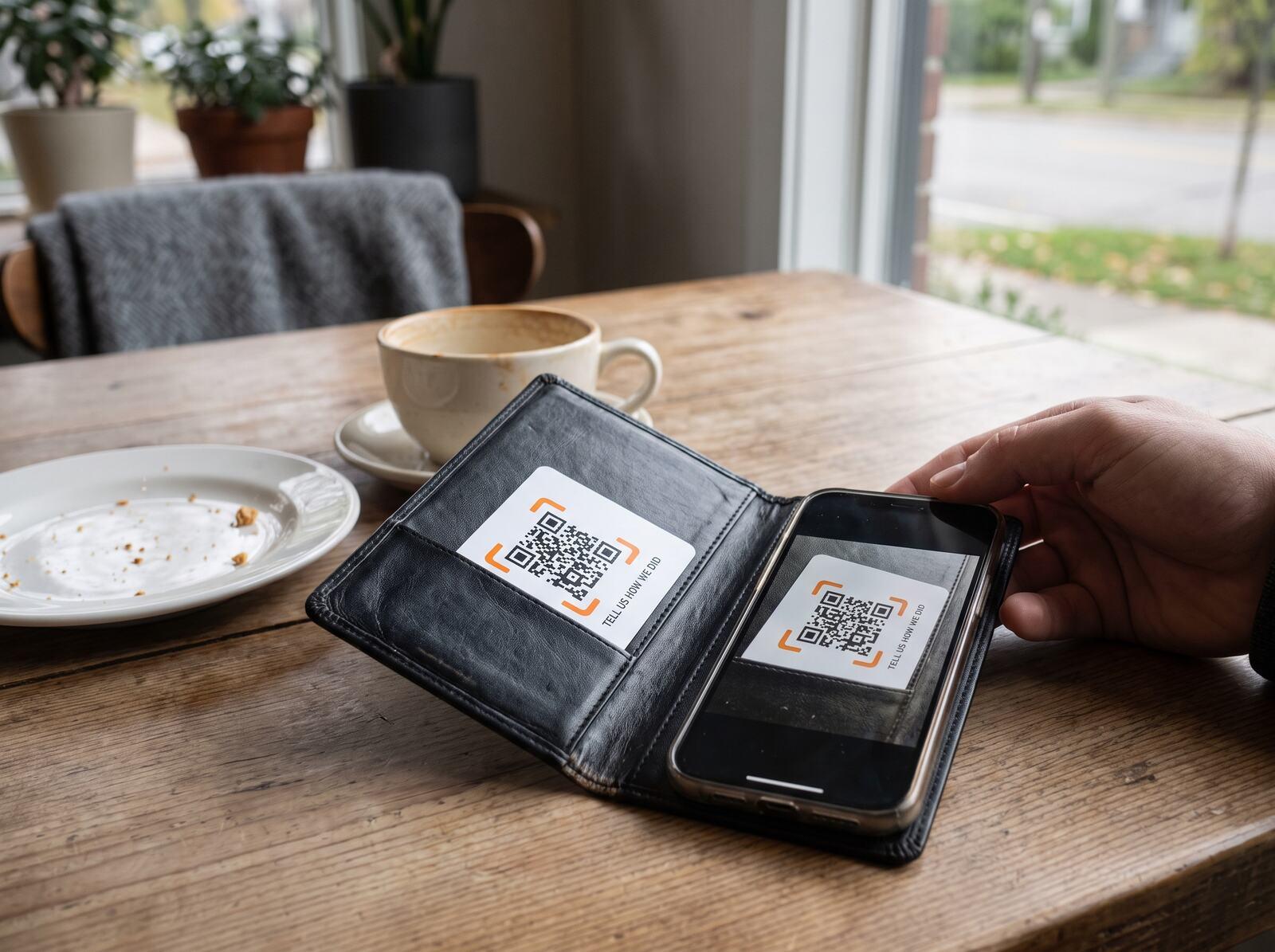 In the bill folder
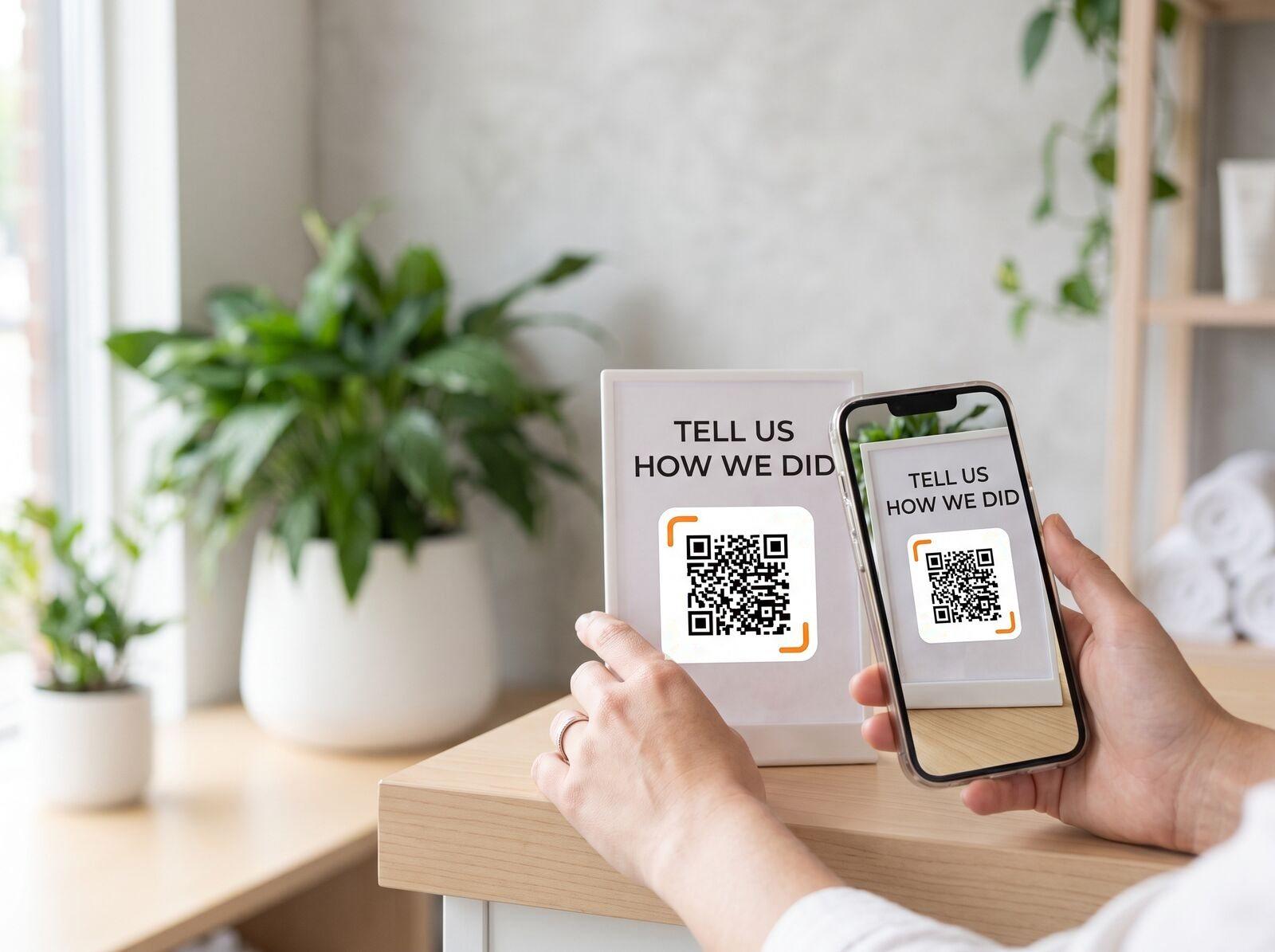 At the salon counter
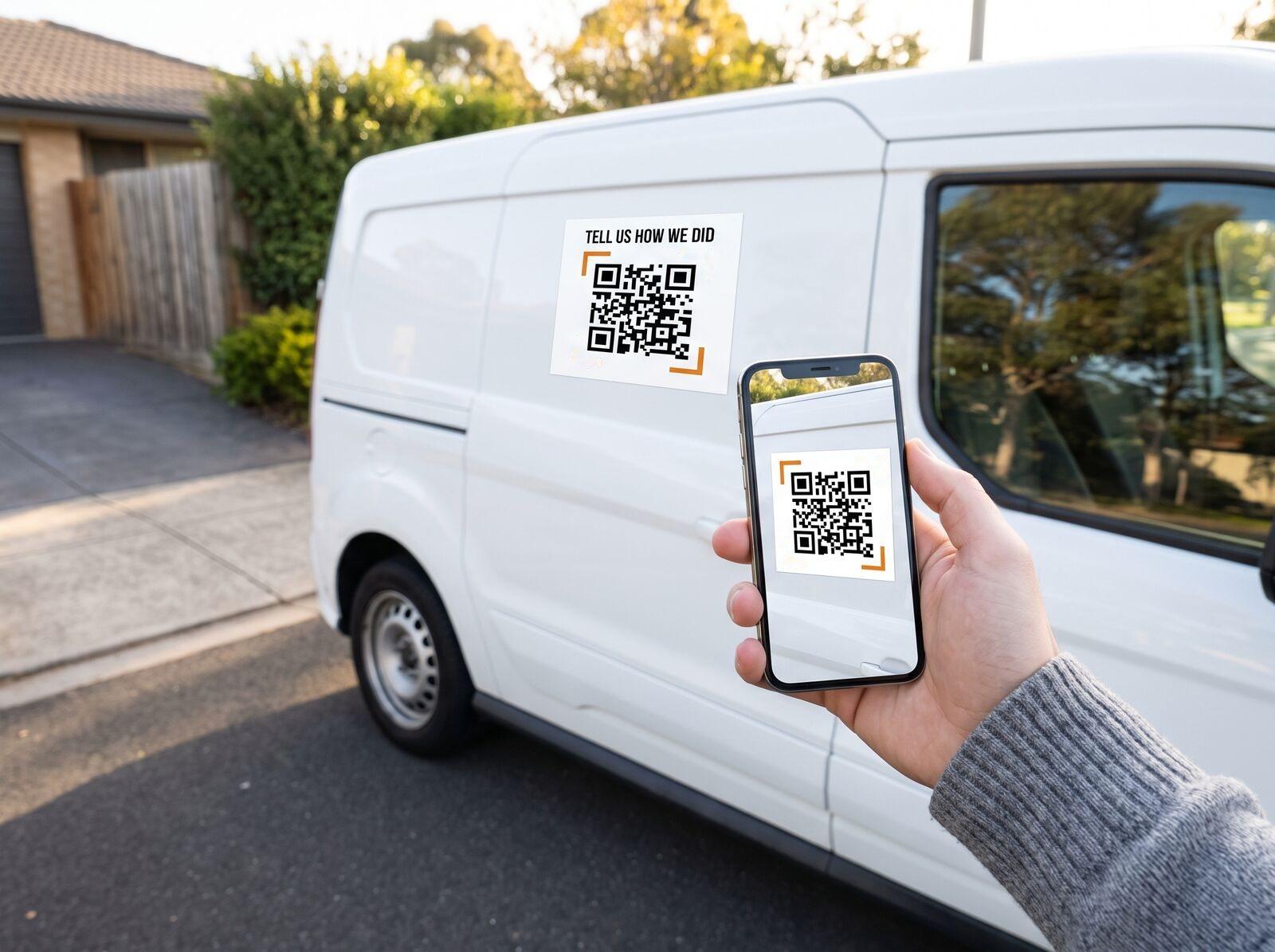 On the van door
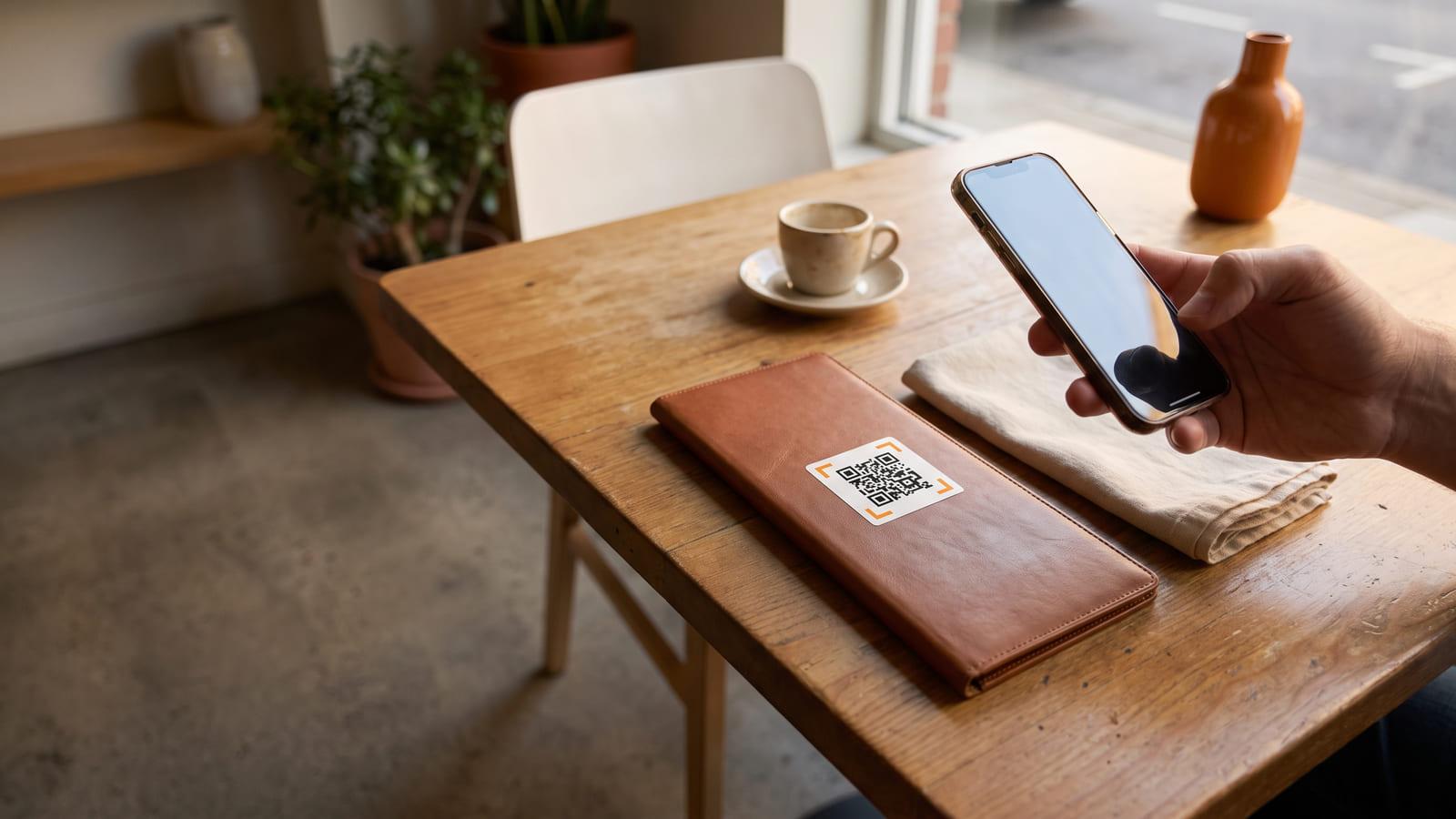
One tap opens your review page while the customer is still standing there, pleased with you.
No sign-up needed · Free
In the bill folderAt the salon counterOn the van doorRosa’s Kitchen
Your review
Opened by one scan of the table tent
Print a table tent
Customers scan it
Compare scans per table
Your Google review link is a fine start, and this code opens it. We find it for you from your business name, give each table, van or staff member its own code with its own count, and let you add Facebook or Tripadvisor later without reprinting.
Google, Facebook, Tripadvisor, Trustpilot or any review page you choose. Pick two or three and a scan shows a short page with one button for each. You can change them later without touching anything you have printed.
No, and we will not build that. Sending only the pleased ones to Google breaks Google’s review policy and can get reviews removed. Every scan reaches the same page. What changes is how little work it takes to get there.
It takes away the hardest step, finding your page later, but nobody can promise the reviews themselves. We count scans, not reviews: you see how many people scanned, when, and which code they used, so you know which table or van asks best.
Where the visit ends: the table, the receipt, the van door, the counter. One per table or staff member lets you compare them. It should invite, never insist, and never offer a reward; Google and the other sites do not allow paid-for reviews.
Yes. Make your review code here without an account and scan it with your phone; that preview works for 48 hours. Sign in, free, to keep the same code for good. A free account keeps one set of review codes: up to 20, one for each table, van or staff member.