See a digital business card in action
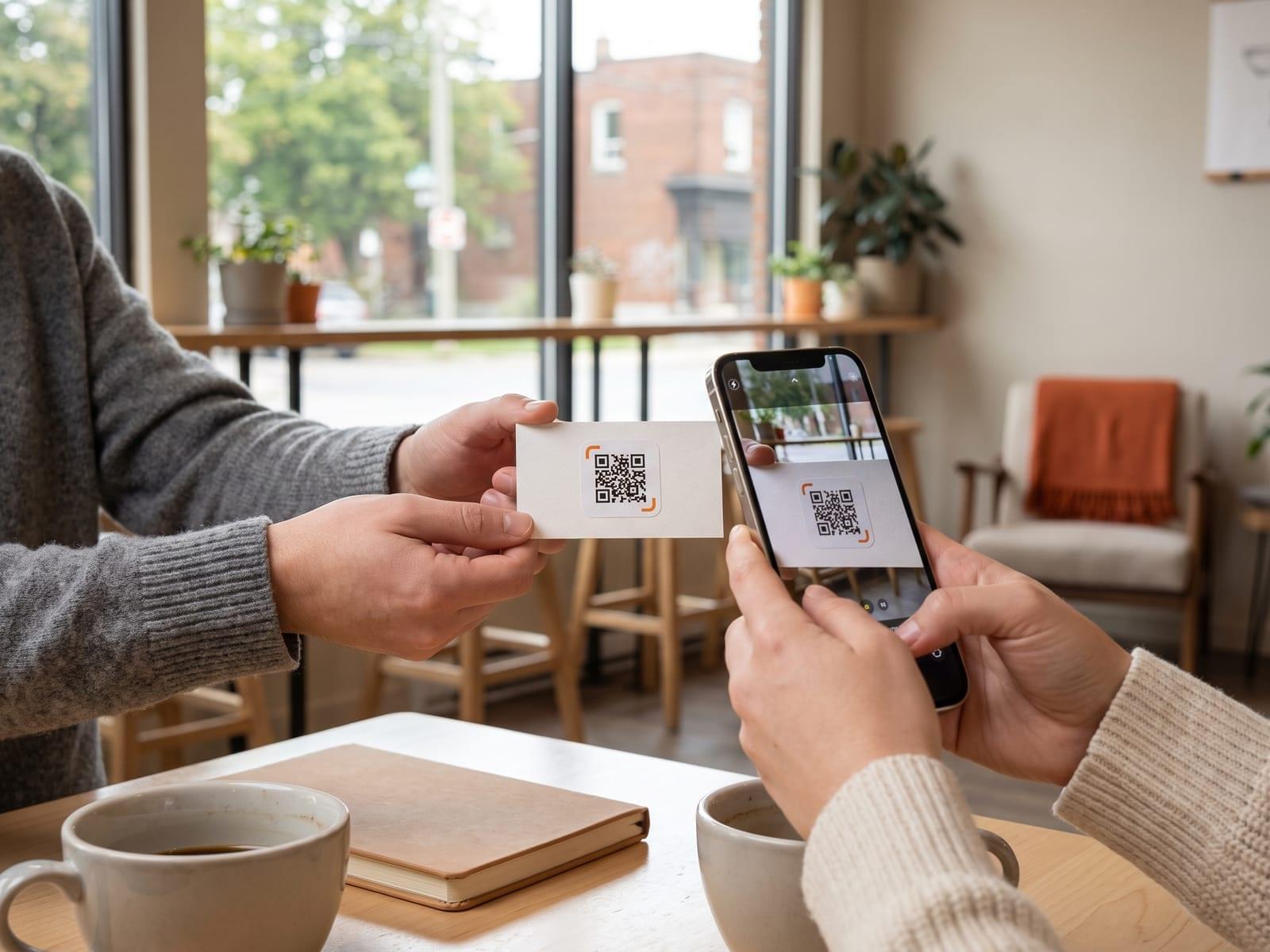 Handed over coffee
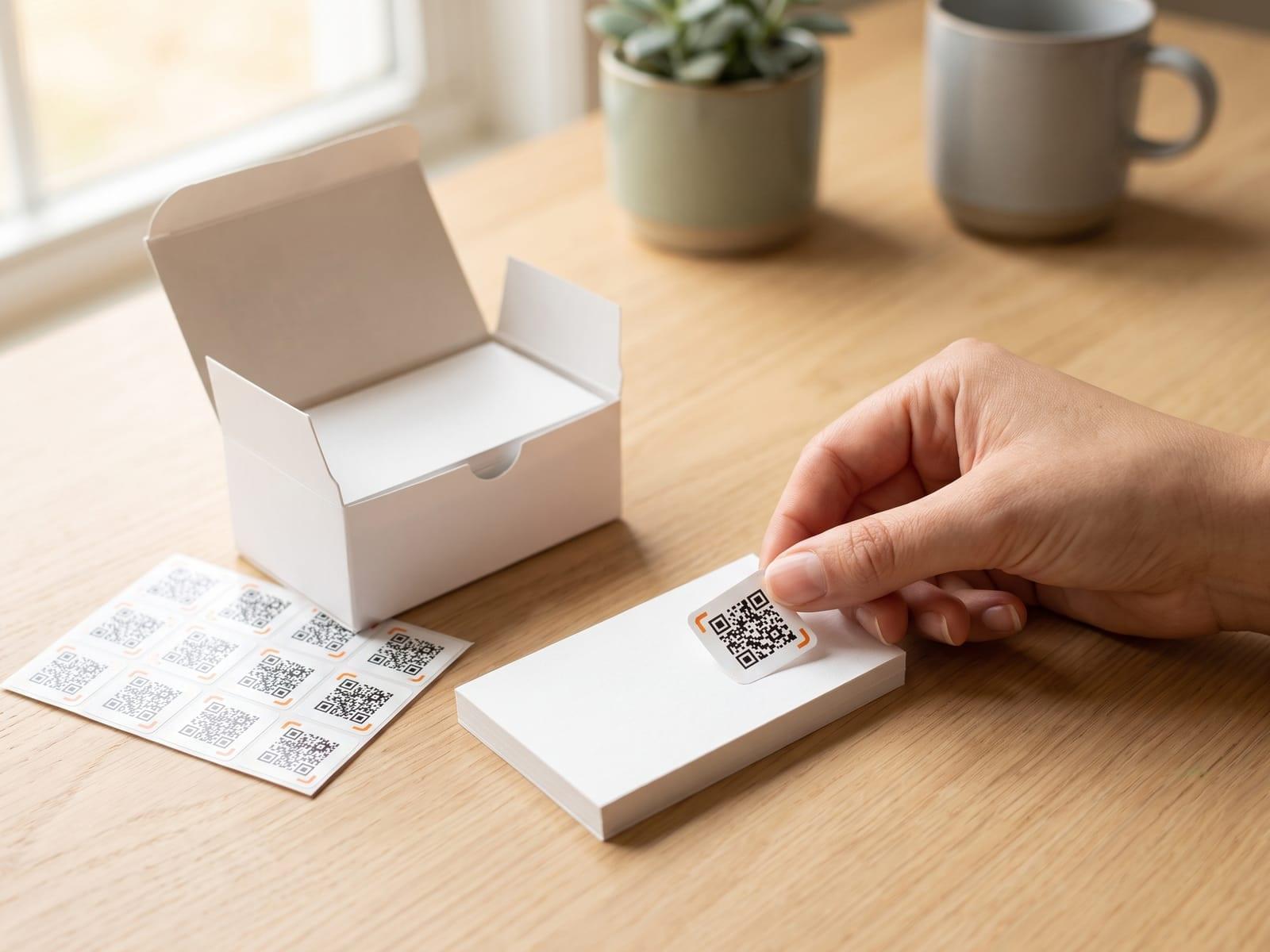 On your business cards
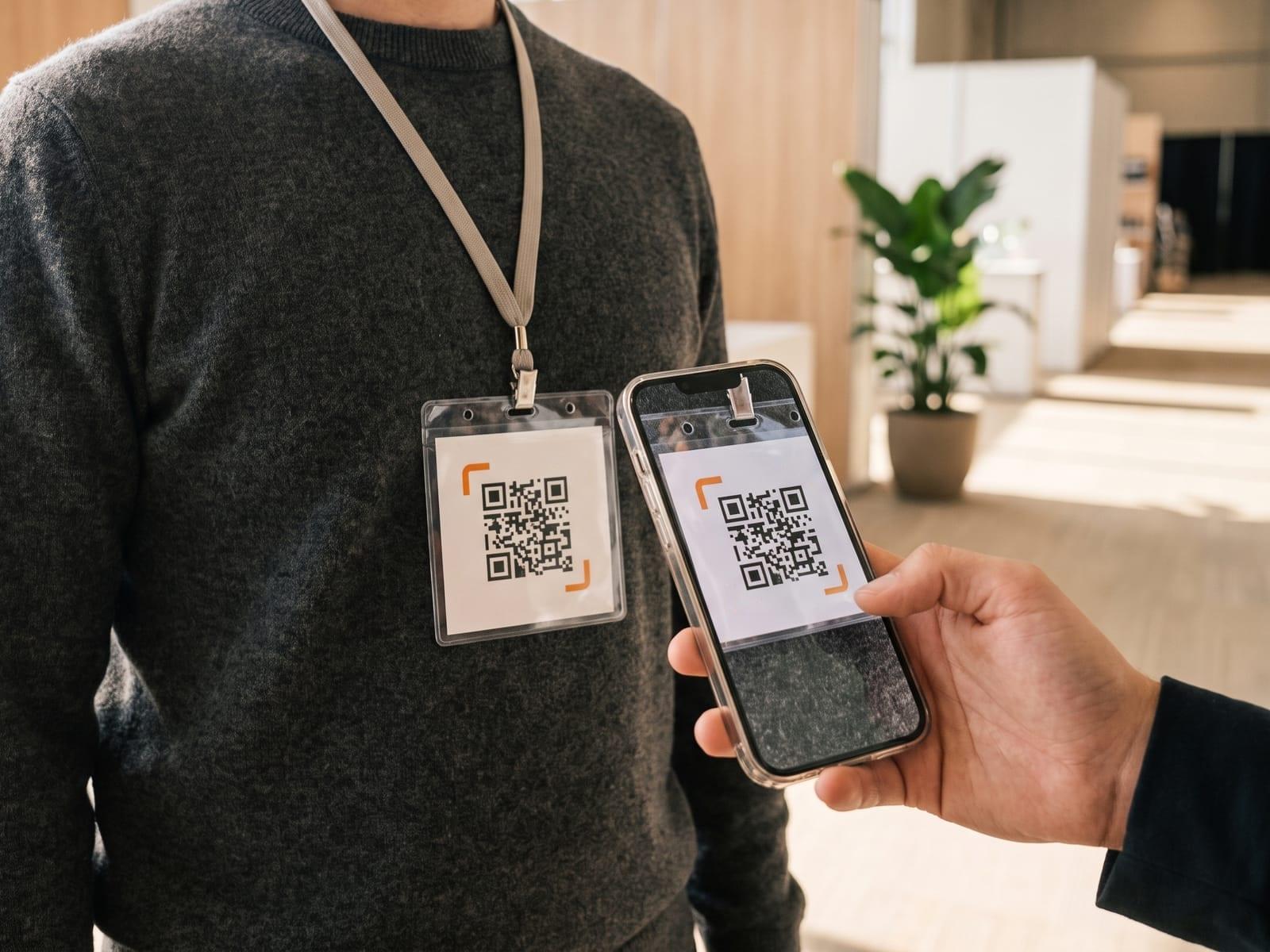 On your event badge
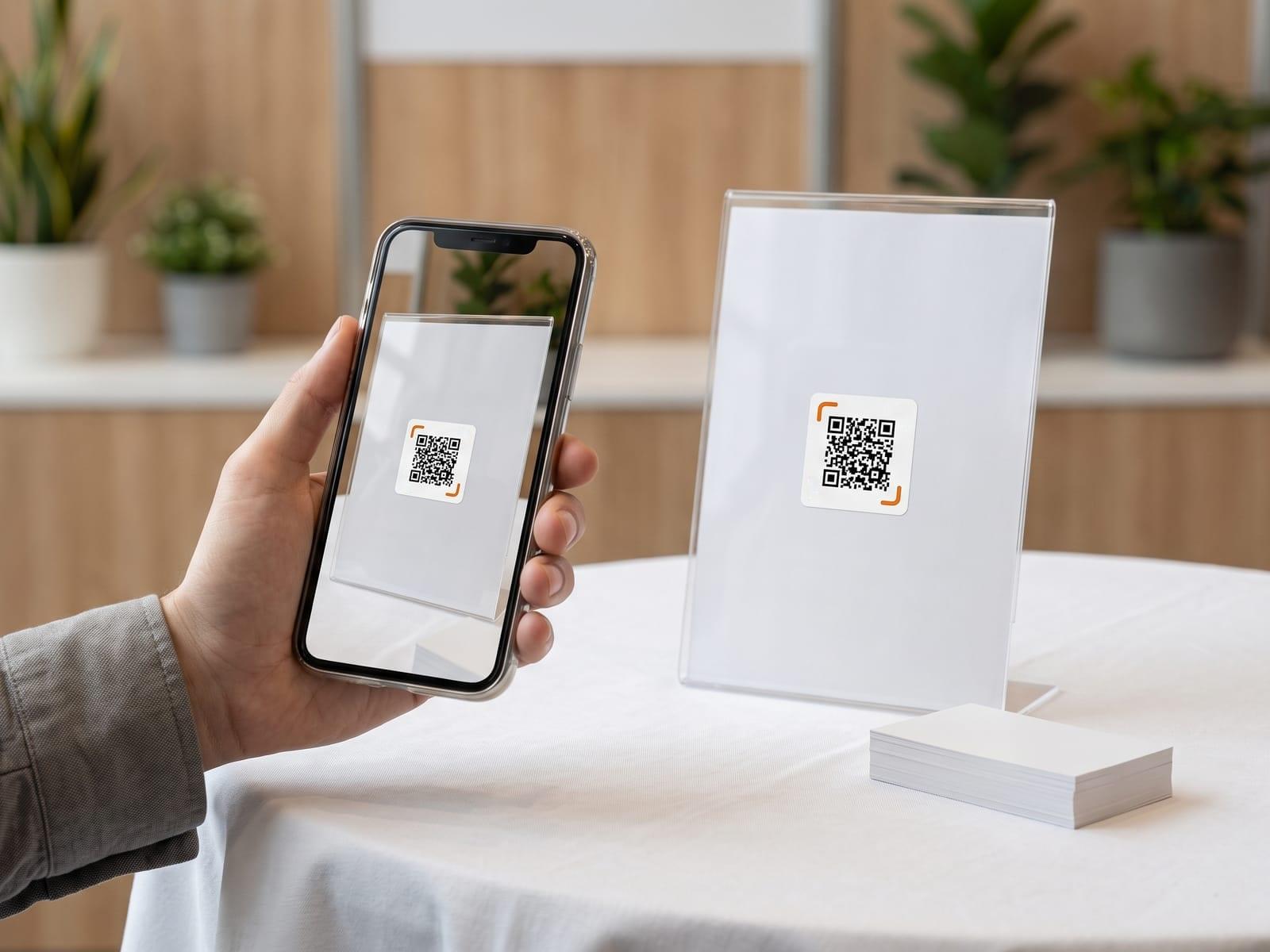 On your table
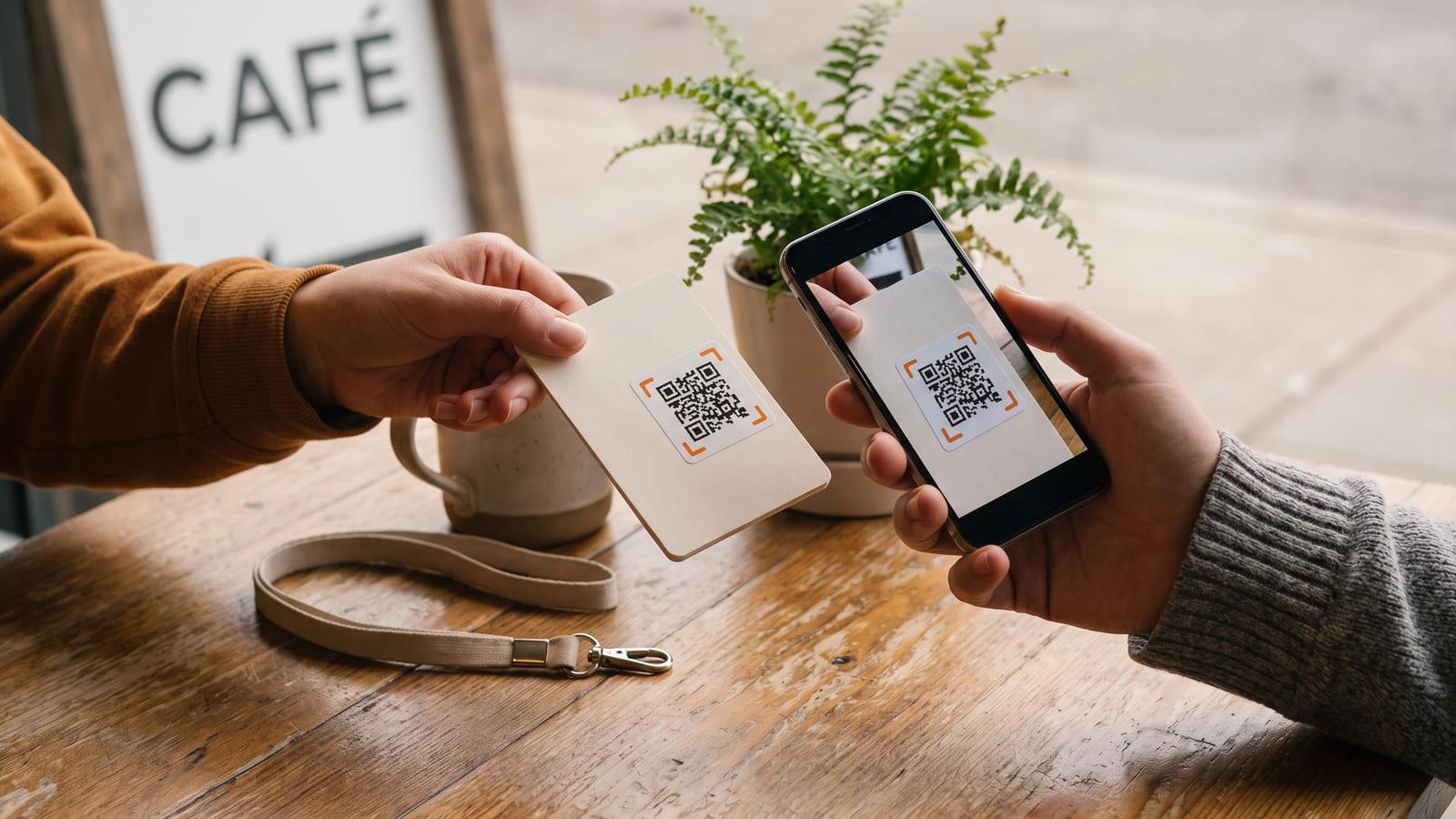
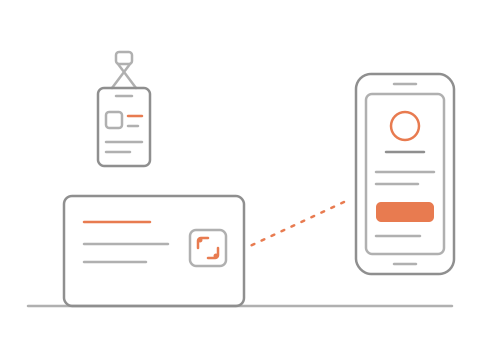
Give each event its own code. Everyone who sends you their details arrives with that event attached.
No sign-up needed · Free
Handed over coffeeOn your business cardsOn your event badgeOn your tableSam Rivera
Realtor · Rivera Homes
Make and print it
They scan and save
Their details reach you
A vCard QR code packs your name, phone and email into the pattern itself, so it cannot change after printing and cannot tell you it was scanned. This code opens your virtual business card instead: edit it any time and the printed code follows, and each scan counts against the event it came from.
Your card opens in the browser with your name, title, phone and email, and a button that adds you to their contacts. Nothing gets installed, and what they save stays on their phone. They send their own details back only if they choose to.
Yes. It hands their phone a standard contact file (a vCard) with the details on your card, your photo included, and the phone offers to add it to Contacts. Nothing to install on either.
Yes, if you keep your card (free). Under your card there is a short form: their name, an email or phone number, and a note. Everyone is listed with where you met, and we email you about each one (up to 20 a day). Only you see the list, and you can download it or delete anyone.
Yes. Print the sticker sheet and put one on the back of the cards already in the box, or add the code to the next print run. Keep it about 2 cm wide or more, with a little white space around it, somewhere a thumb will not cover it.
Yes. Make your card here without an account and scan it with your phone; that preview works for 48 hours. Sign in, free, to keep the same code for good. A free account keeps one card with up to 5 codes: your card’s own and one per event, badge or batch of cards, each named and counted apart.