How the How’s My Driving QR code works
A driver gives way
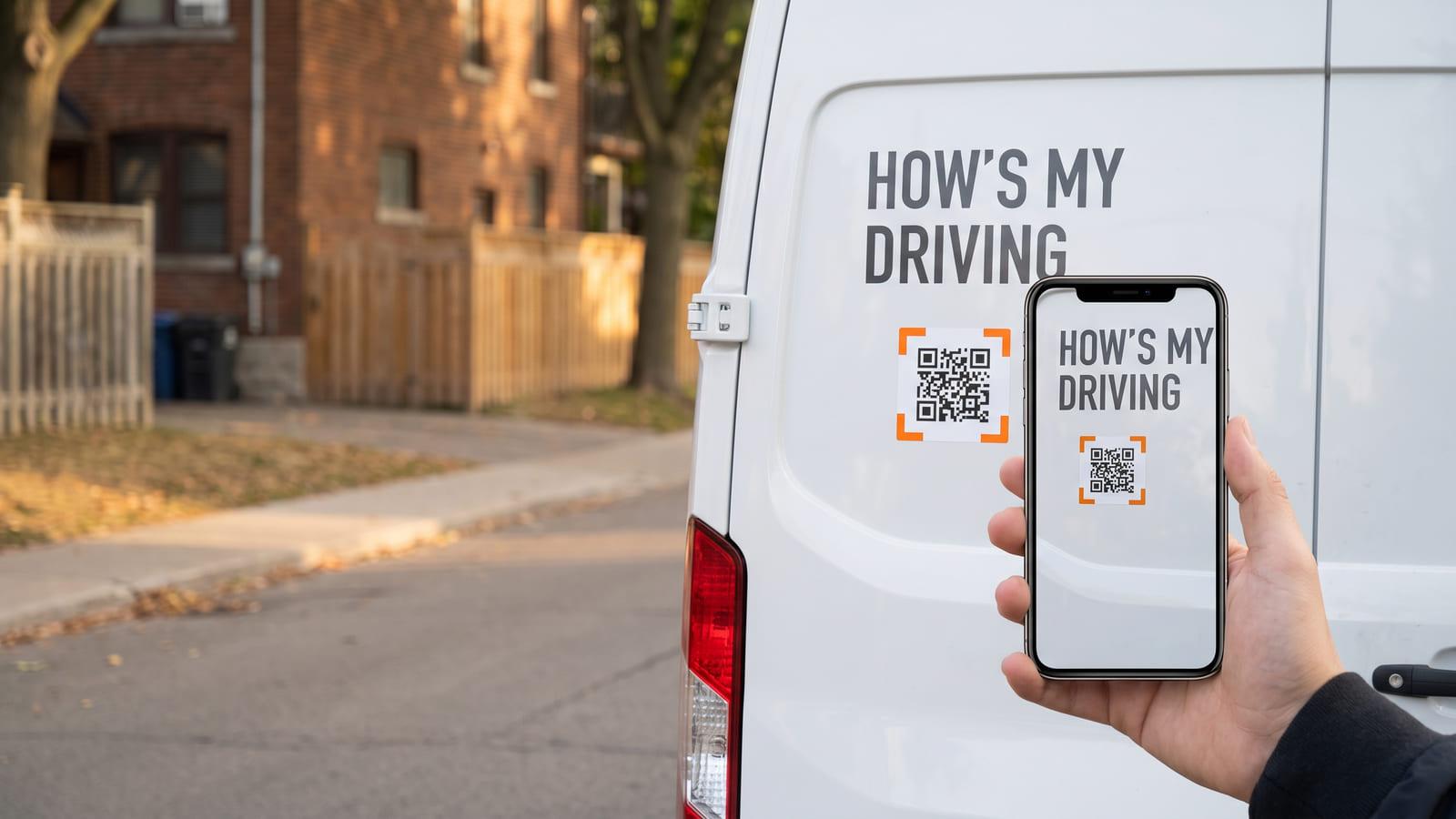
Parked? Scan the sticker
Two taps: great driving
Your fleet hears it
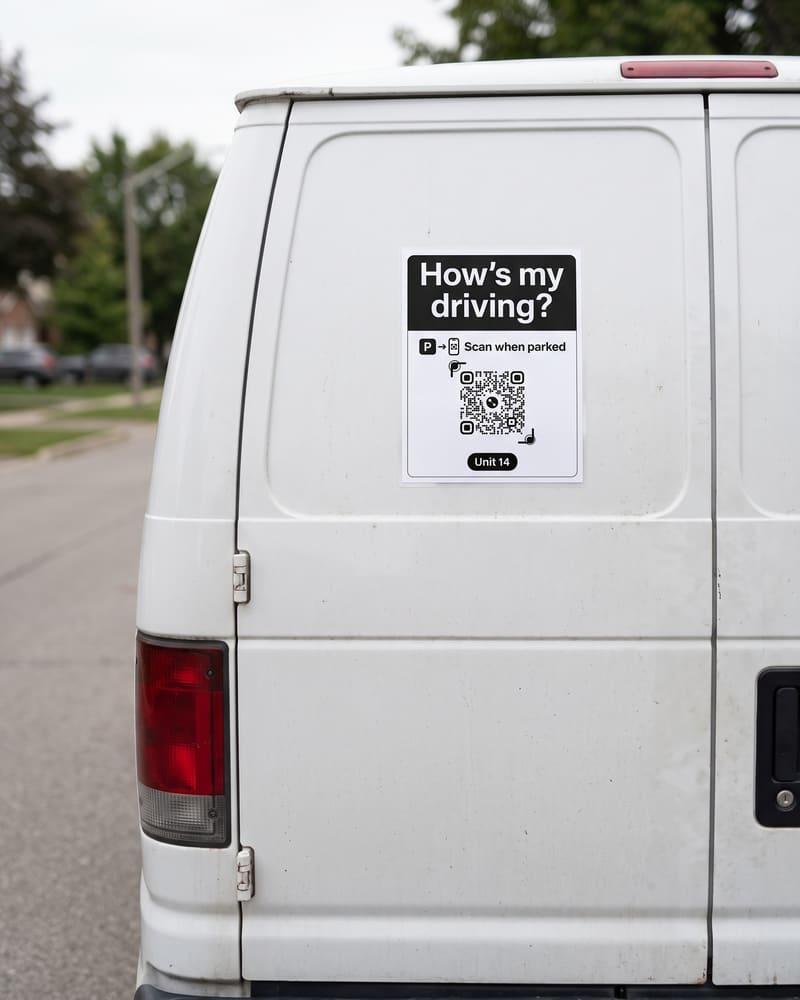 On the back doors
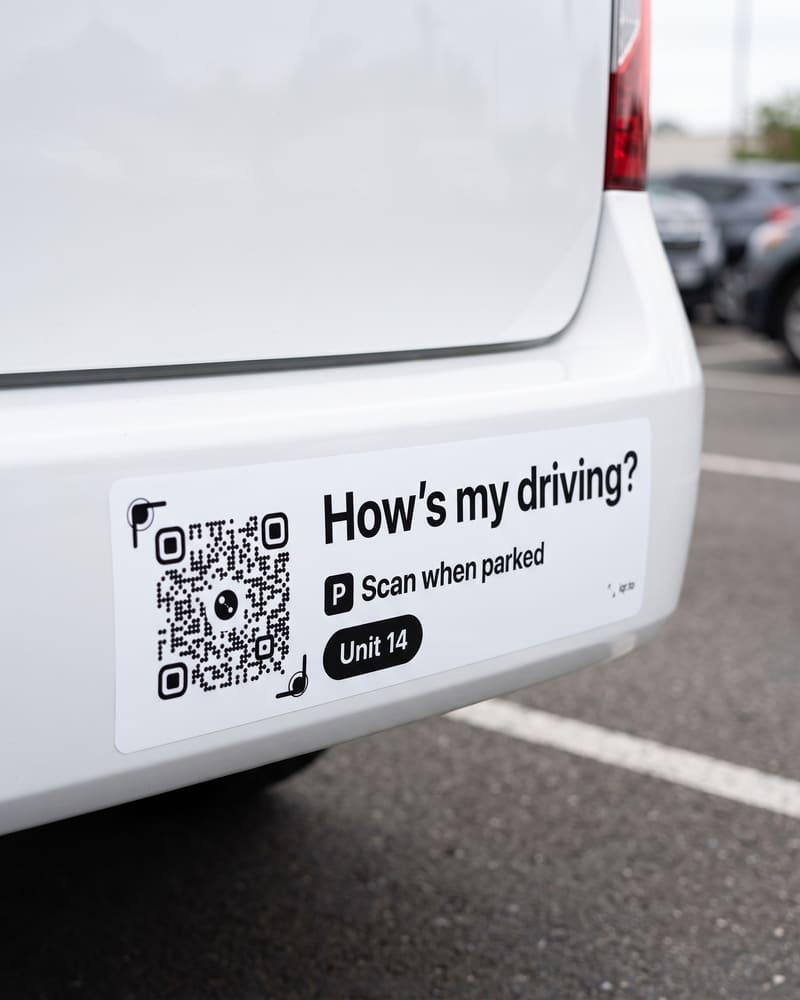 On the bumper
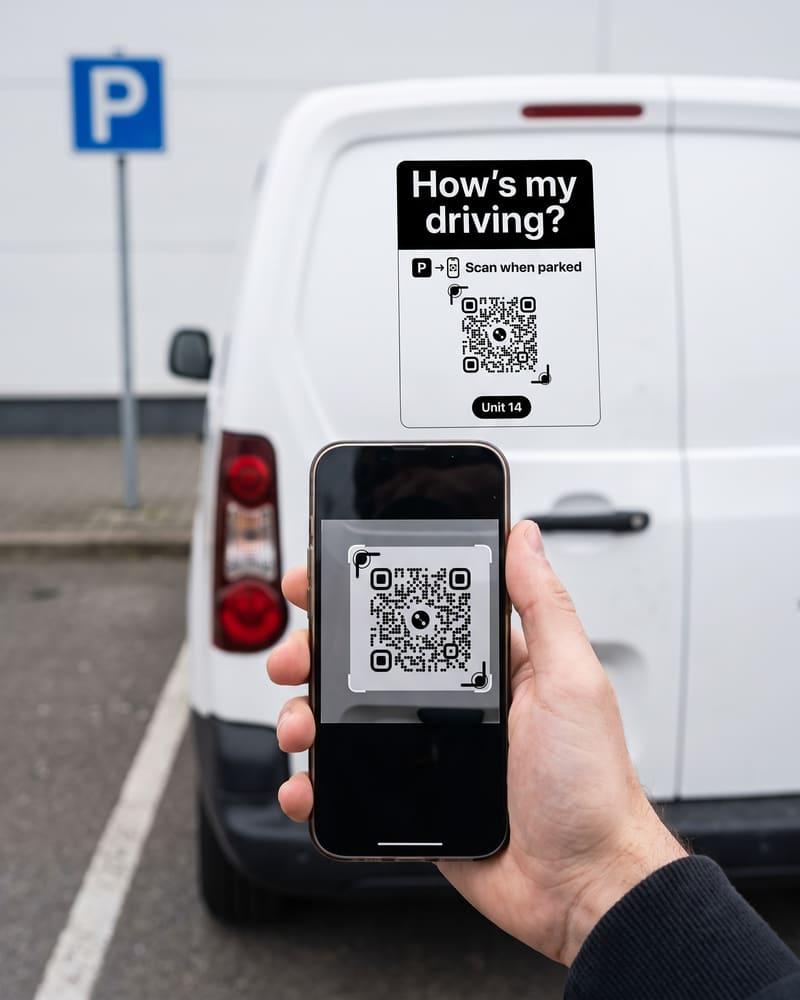 Scanned once parked
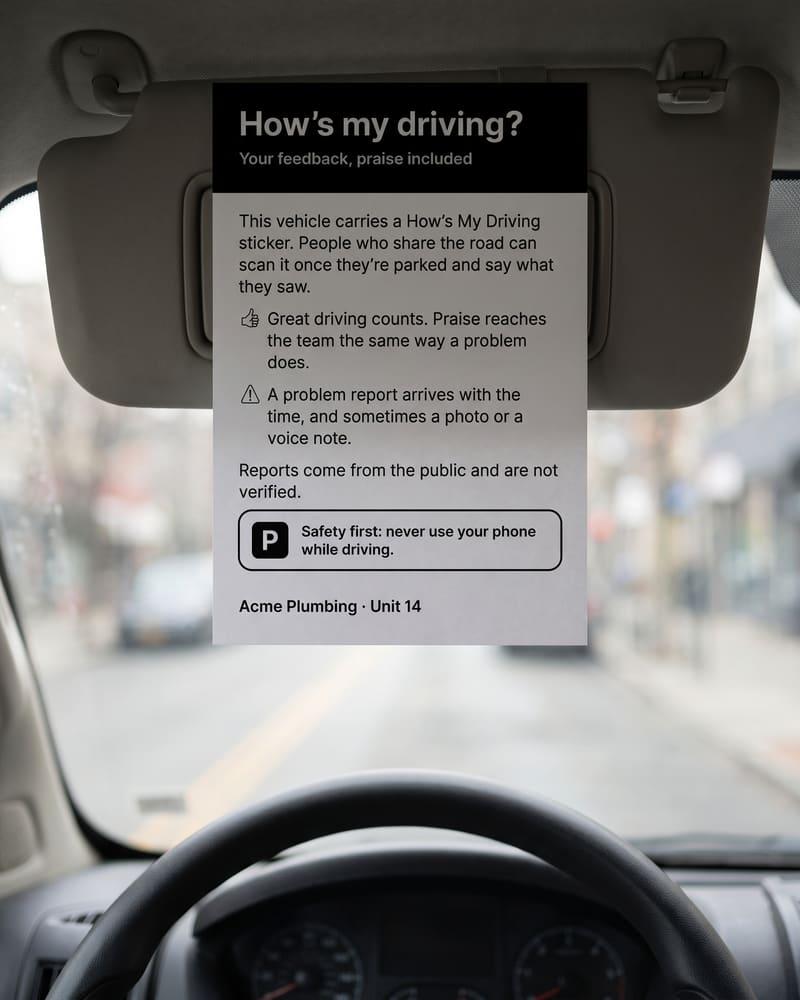 A card for the driver
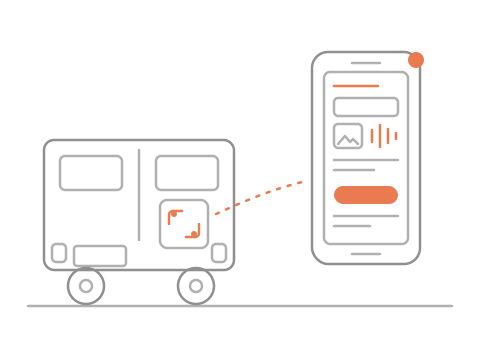
Your fleet team’s phones get the unit, what happened and when. Photos and voice notes wait in your reports.


Alerts arrive in the free iQR Alerts app
A driver gives way
Parked? Scan the sticker
Two taps: great driving
Your fleet hears it
On the back doorsOn the bumperScanned once parkedA card for the driverOne report alerts everyone on your fleet team at the same time.
 On a computer?
One code per vehicle
Parked? Scan and tap
Your team hears it
A phone line needs a call from someone still behind the wheel, describing the truck from memory. Here the code already knows the vehicle, the time is taken when the report is sent, and a photo or voice note can come with it. Reports go to your own team, not a call centre.
Someone who is parked or safely stopped, a passenger or a person on foot points a phone camera at the code and taps Great driving or Report a problem. Never while driving: the page says so first. Picking what they saw takes seconds. A photo, a voice note and a reply address are optional. No app, no account.
On the back: the long sticker on the rear bumper, and the letter-size sign on a van’s back doors. Both say “Scan when parked”. Each carries that vehicle’s own code, so every report already names the unit. You print them from your account.
Your fleet team gets each alert in the iQR Alerts app: which unit, what happened, when, and anything the person typed. Photos and voice notes stay in your reports, which only you, the account owner, can open. Reports come from the public and are not verified: treat each one as a lead, not proof.
One browser can send up to 3 problem reports a day to your fleet, and a repeat within the hour is turned away. Your dashboard counts each browser’s reports; one tap blocks it fleet-wide. Clearing cookies or switching browser gets past that, and each network and browser has a limit too. Every report stays in your list.
Not yet. Add your email and we will come back to you as soon as fleets can start.