Video QR code: Your video, one scan away
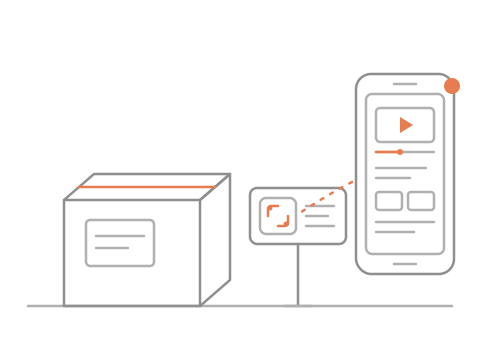
Put the code on the sign, the box or the label, and the video opens on their phone.
How to make a QR code for a video
Paste the video’s link and download the code it gives you.
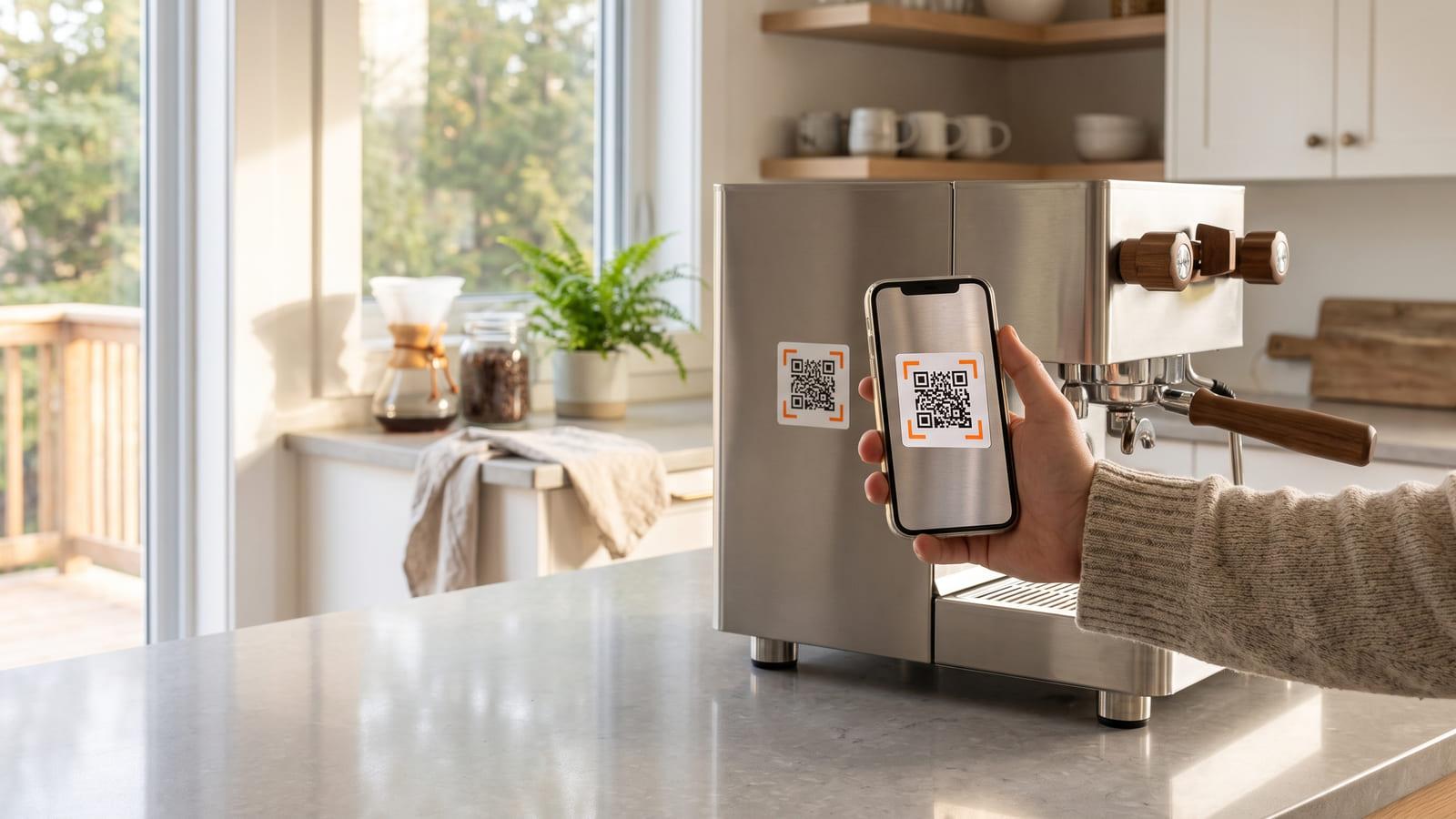
Stick it on the machine, the manual or the shelf.
They scan it, tap Play, and you see the count.
Who it is for
- Realtors
- Product packaging
- Instructors and coaches
- Makers and manufacturers
What a video QR code gets you, free
- Swap the video anytime
- Scans by day and place
- YouTube, TikTok, Vimeo and more
- A print-ready sticker sheet
Questions about QR codes for YouTube videos
Do people need an app to watch?
No. The video plays on a light page in the phone’s browser, with nothing to install. If you choose “go straight to the video”, it opens in the YouTube or TikTok app when they have it.
Can I change the video after the label is printed?
Yes, with a free account. Unlike a plain QR code for video links, this one can be re-pointed, so the sticker on last season’s box can open this season’s walkthrough. No account yet? Make the code anyway: it works for 48 hours, and signing in, free, keeps the same code for good (one video code per free account).
YouTube already makes QR codes. Why this one?
YouTube’s own code shares a channel. A YouTube QR code from iQR will open one video, count the scans, and move to a newer video when you record one.
Where does the video have to live?
On YouTube (public or unlisted), Vimeo, TikTok, Instagram, Facebook, Loom, Wistia, Google Drive or Dropbox. Paste the link the site’s Share button gives you, or a link straight to an MP4 on your own site. iQR doesn’t host videos.
Can I see how many people watched?
You see how many scans the code got, when and roughly where, and how many people tapped Play or your button. Watch time stays with your video host.
What does YouTube see before people press Play?
Only a request for the video’s picture, which the page loads from YouTube’s image server without cookies. The player loads when they tap Play, in YouTube’s privacy-enhanced mode.