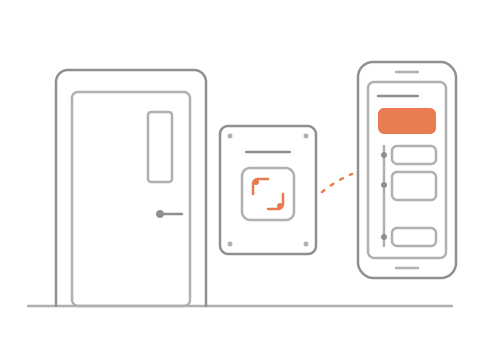
One scan at the classroom door
- 1Is the room free?
- 2Scan the door plate
- 3Busy until 10:30
- 4Free at 10:30, walk in
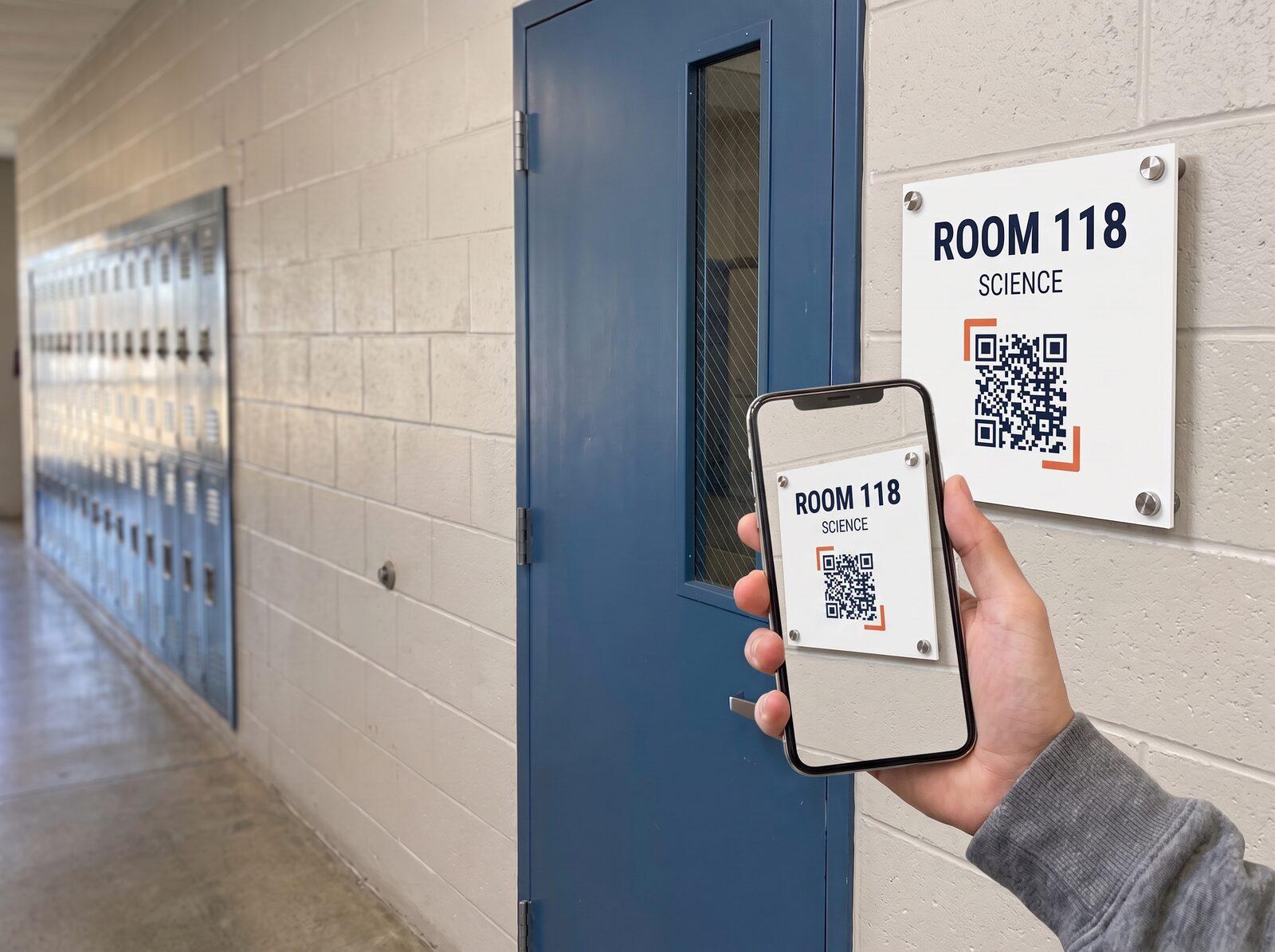 Beside a classroom door
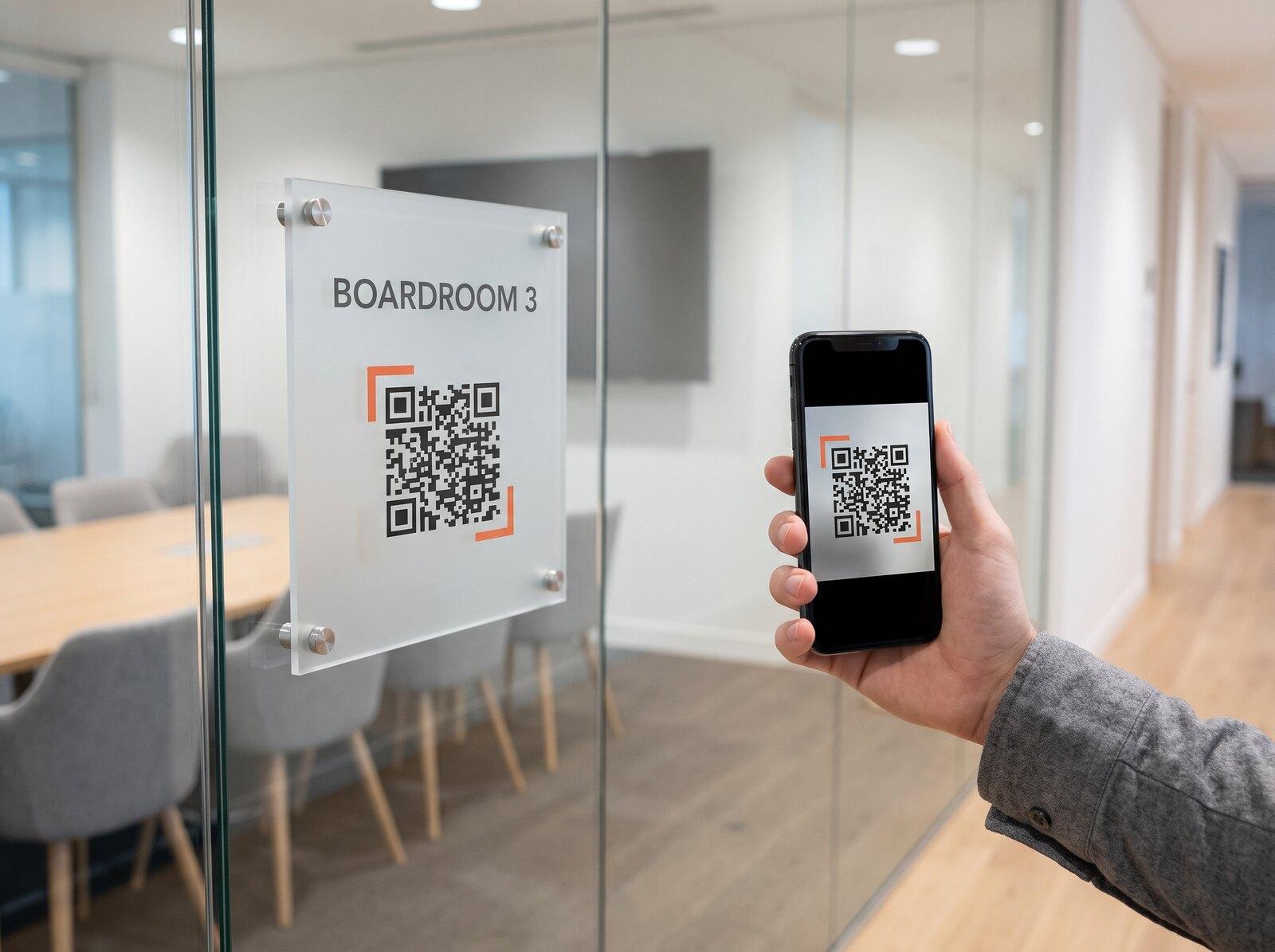 On a meeting room’s glass
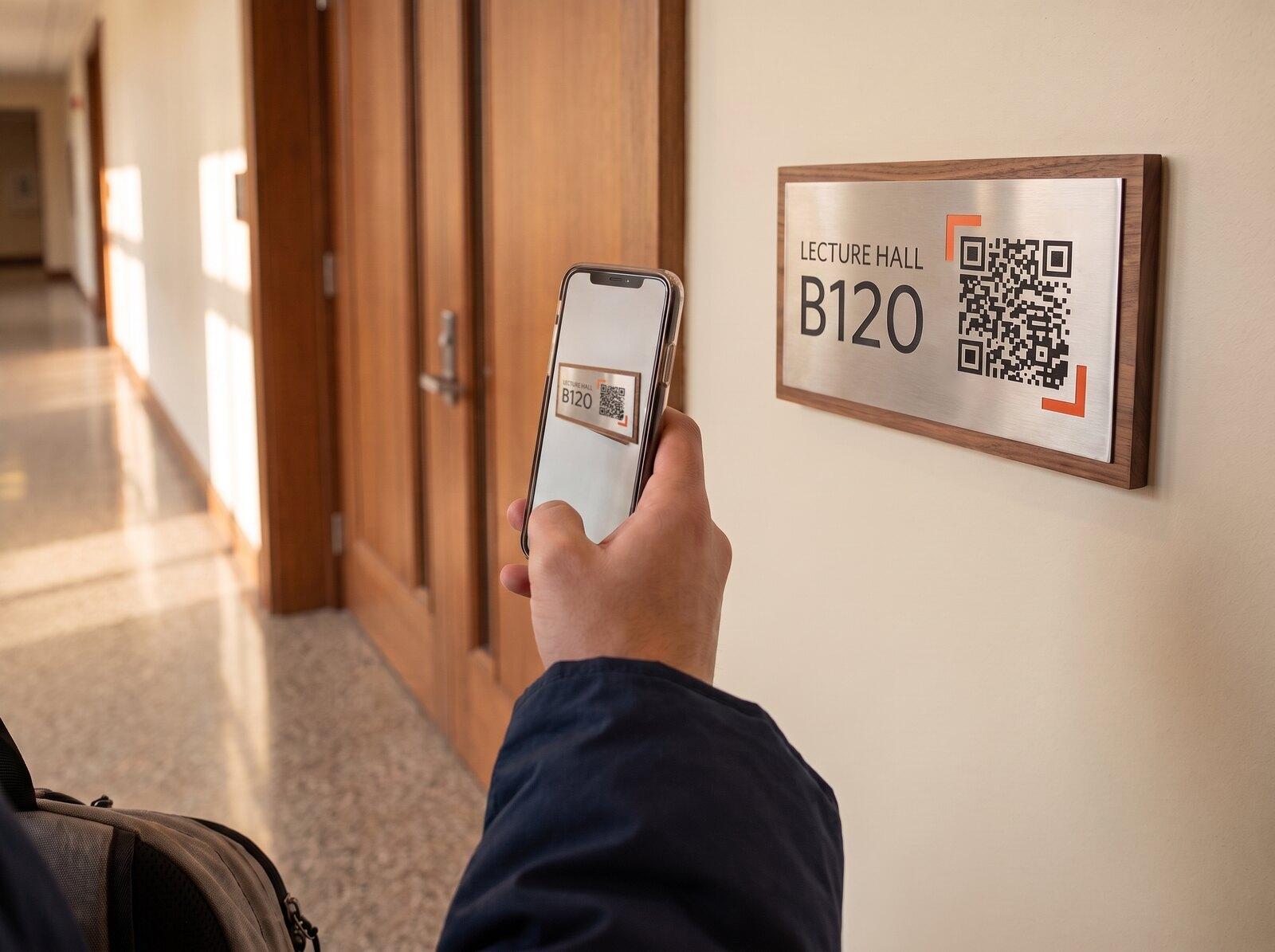 Beside a lecture hall
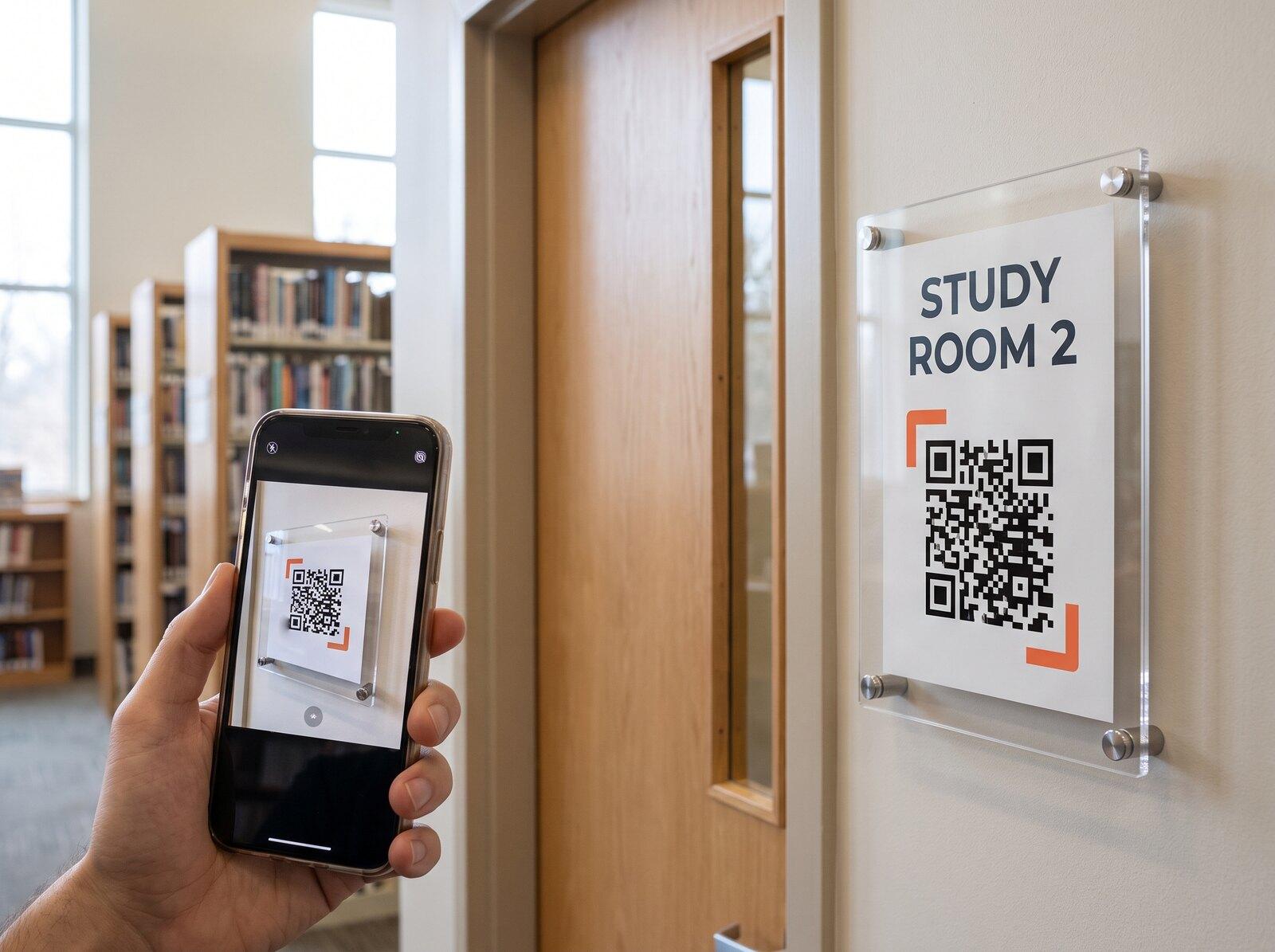 At a library study room
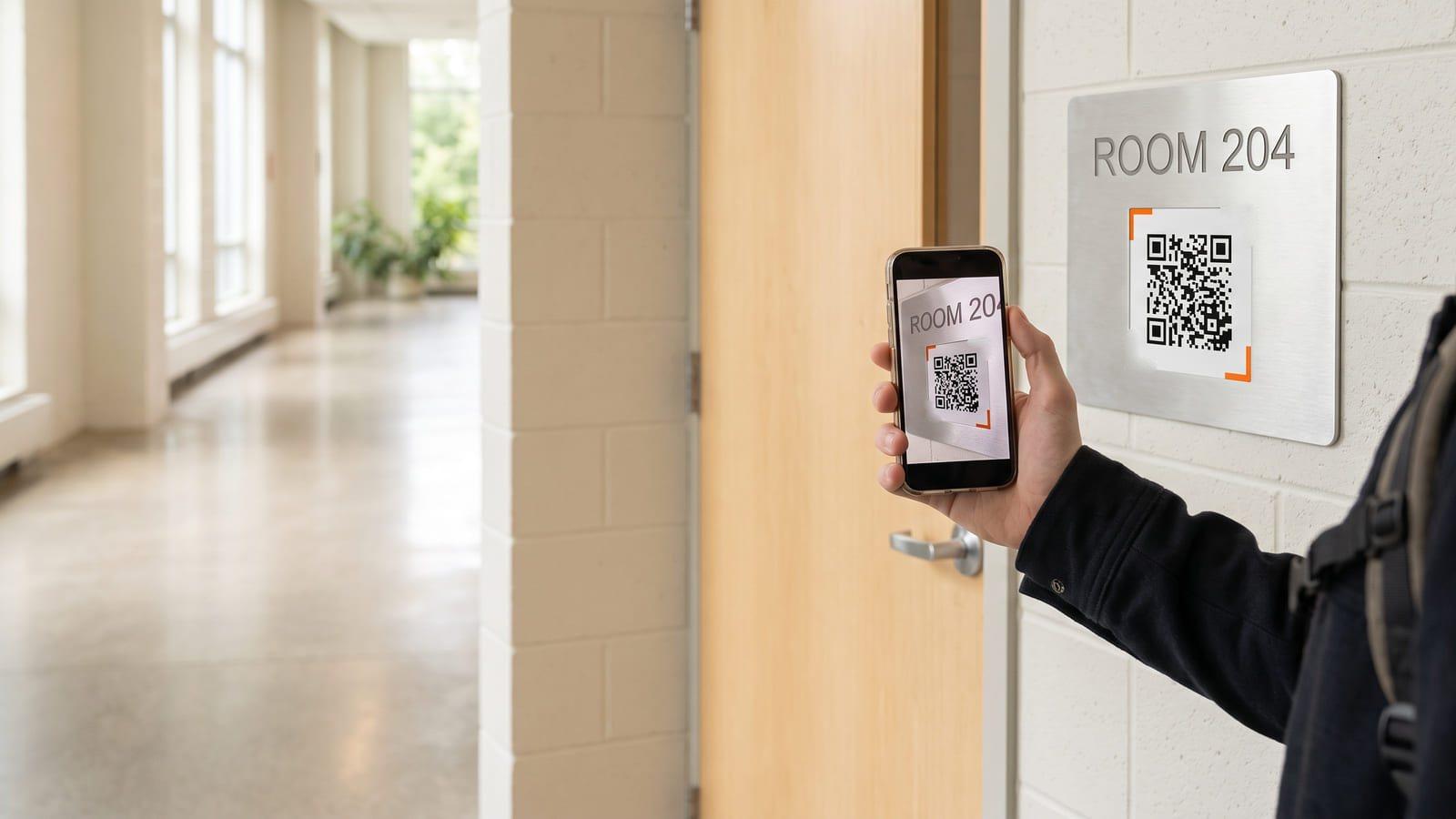
Scan the code on the room sign: the class or meeting on now, then the rest of today.
No sign-up needed · Free
Beside a classroom doorOn a meeting room’s glassBeside a lecture hallAt a library study roomNorth Hall
Room 204
Tuesday 14 October
until 10:30
Math 10 · B
Next11:00–12:00 · Science 8
Today
8:45Math 9 · A
9:55Math 10 · B
11:00Science 8
13:00Art 10
Tomorrow 4 classes, first 8:45 ▸
Updated 3 min ago
Made with iQR · Report this page
Connect your calendar
One code per room
See now and next
The class or meeting on in the room right now, with its time, and the rest of the day’s room schedule. It opens as a web page in the phone’s browser, so nobody needs an app to read it.
You can tell whether it is booked: the scan shows whether a class or meeting is on now and when the next one starts. That is room availability as the calendar knows it, so a group using the room without a booking will not appear.
Yes: a code beside each classroom door shows that room’s classes for the day, with their times, so a student can check the room before walking in and a teacher can see when no class is booked there.
No screen at all. Your organization prints or engraves each room’s code on the room’s own sign: a metal or acrylic plate beside a classroom door, or the sign on a meeting room’s glass wall. A QR code door sign has nothing to plug in, charge or update.
No. A scan shows the schedule; bookings stay in the calendar or timetable your organization already uses, made the way they are made today. There is no check-in at the door either.
You choose one of three ways for each room: a calendar link (an iCal or ICS feed your calendar publishes), a weekly timetable you type in, or a spreadsheet (CSV) of classes you import. A calendar link is read again on its own, so changes made in the calendar show up at the door.